On this page
- All 8 Microsoft Office alternatives at a glance
- Free from the big platforms
- Office for the web: Best Free Way to Keep Real Word Files
- Google Docs, Sheets and Slides: Best for Sharing and Real-Time Teamwork
- Pages, Numbers and Keynote: Best Free Office Suite on iPhone, iPad and Mac
- Free desktop suites
- LibreOffice: Best Free Desktop Office Suite
- ONLYOFFICE: Best Microsoft Office Look-Alike
- WPS Office: Best Free All-in-One App With PDF Tools
- Zoho Writer: Best Free Online Word Processor Without Google
- SoftMaker FreeOffice: Best Lightweight Free Suite for Older PCs
- Which one should you pick?
The best free Microsoft Office alternative for most people is LibreOffice if you want a full desktop suite that works offline, or Google Docs, Sheets and Slides if you work in a browser and share files a lot. And if you only need Word, Excel and PowerPoint now and then, Microsoft's own Office for the web is free with a Microsoft account.
Microsoft 365 is not cheap. In the US, Microsoft 365 Personal costs $9.99 a month or $99.99 a year, and Family is $12.99 a month or $129.99 a year. The one-time Office Home 2024 licence is $179.99. If you write a few letters, keep a budget sheet and make the odd slide deck, that is a lot to pay every year.
This list covers 8 free options. For each one we note what it costs, how well it handles Word, Excel and PowerPoint files, whether it shows ads, whether it works offline and which platforms it runs on. Every price and limit comes from the official website or the official app store listing. We have not run our own compatibility tests, so where a maker claims "full compatibility", we say that it is their claim.
All 8 Microsoft Office alternatives at a glance
Search by app, platform or feature. The first row is Microsoft 365, for comparison.
Tap any name in the table to jump to its full entry below.
| App | Price | Platforms | Works with Word, Excel, PowerPoint files | Offline | Ads | Account needed |
|---|---|---|---|---|---|---|
| Microsoft 365 Personal (for comparison) | $9.99 a month or $99.99 a year | Windows, Mac, web, Android, iPhone | Native | Yes | No | Microsoft account |
| Office for the web | Free | Any browser, Android, iPhone | Native | No, browser only | No | Microsoft account |
| Google Docs, Sheets, Slides | Free, 15 GB shared storage | Any browser, Android, iPhone | Opens, edits and exports them | Yes, in Chrome or Edge with an extension | No | Google account |
| LibreOffice | Free and open source | Windows, Mac, Linux | Opens and saves them | Yes | No | No |
| ONLYOFFICE | Free | Windows, Mac, Linux, Android, iPhone | DOCX, XLSX, PPTX are its main formats | Yes | No | Only for cloud features |
| Pages, Numbers, Keynote | Free | Mac, iPhone, iPad, web via iCloud.com | Imports and exports them | Yes | No | Apple Account for iCloud |
| WPS Office | Free, paid upgrades | Windows, Mac, Linux, Android, iPhone, web | Opens and edits them | Yes | Yes, on Android | Optional |
| Zoho Writer | Free | Web, Windows, Mac, Linux, Android, iPhone | Imports and exports DOCX | Yes, per the app listing | No | Zoho account |
| SoftMaker FreeOffice | Free | Windows, Mac, Linux, Android, iPhone | Maker claims Microsoft compatibility | Yes | Not stated | Not stated |
Free from the big platforms
1. Office for the web: Best Free Way to Keep Real Word Files
- Android
- iPhone and iPad
Microsoft's own free Office
The cheapest way to keep using Microsoft Office is to stop paying for it. Microsoft gives anyone with a free Microsoft account Word, Excel and PowerPoint in the browser, plus 5 GB of OneDrive storage.
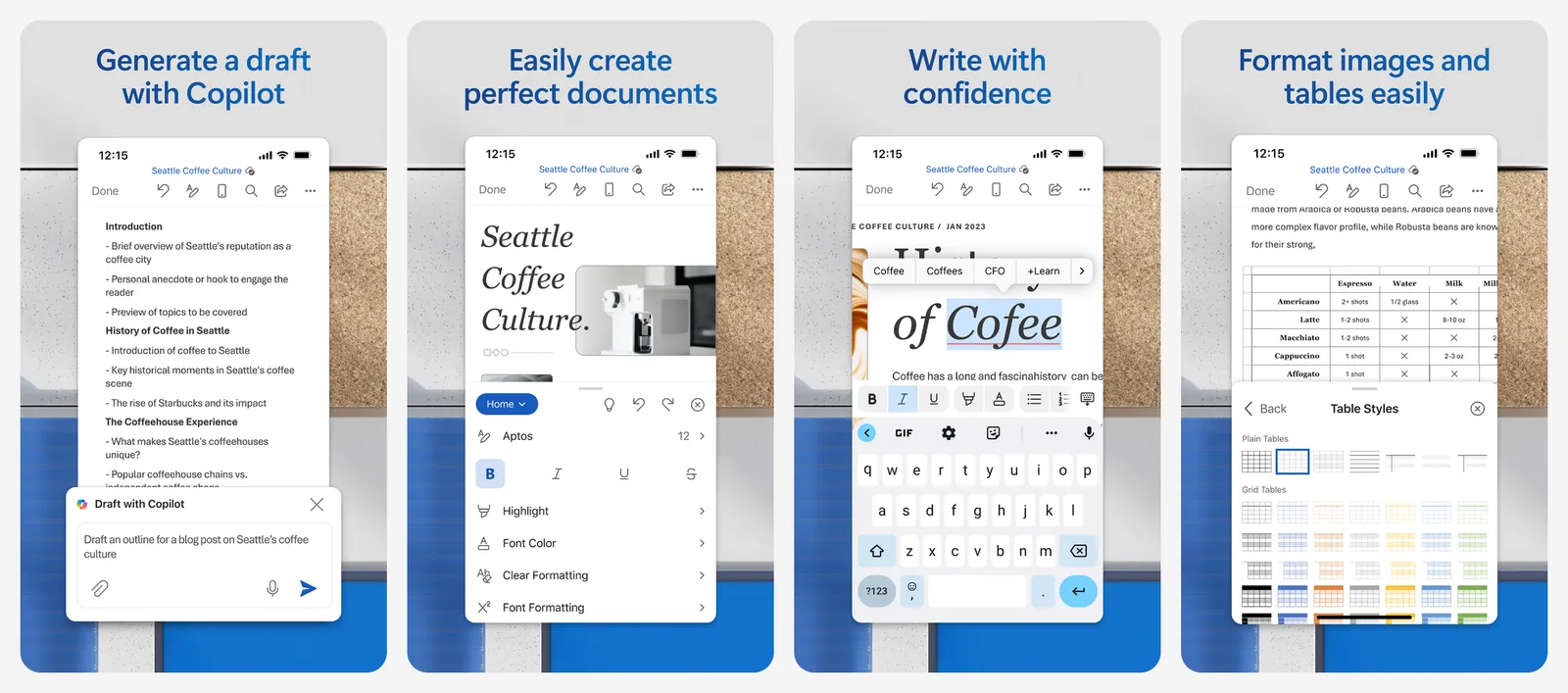
Because it is Microsoft's own code, Word and Excel files open exactly as they were made. That is the big advantage over every other pick on this list. Microsoft's fine print says files must be saved in and shared from OneDrive. The Word, Excel and PowerPoint phone apps are also free to download, and a Microsoft 365 subscription unlocks extra features and Copilot AI on top.
The catch is that the web apps are lighter than the desktop versions and need an internet connection. If you only edit a few files a month, that rarely matters. Microsoft also sells Microsoft 365 Basic ($1.99 a month or $19.99 a year) for 100 GB of storage, but it does not add the desktop apps.
What you lose vs Microsoft 365: the desktop apps, offline work, 1 TB of OneDrive and most Copilot features.
- Replaces
- Desktop Word, Excel and PowerPoint for light use
- Runs on
- Any modern browser; Word, Excel and PowerPoint apps on Android and iPhone
- Licence
- Free with a Microsoft account
- Skip if
- You work offline a lot or need Excel macros and Power Query
- Price
- Free (5 GB OneDrive)
2. Google Docs, Sheets and Slides: Best for Sharing and Real-Time Teamwork
- Android
- iPhone and iPad
Free browser office suite
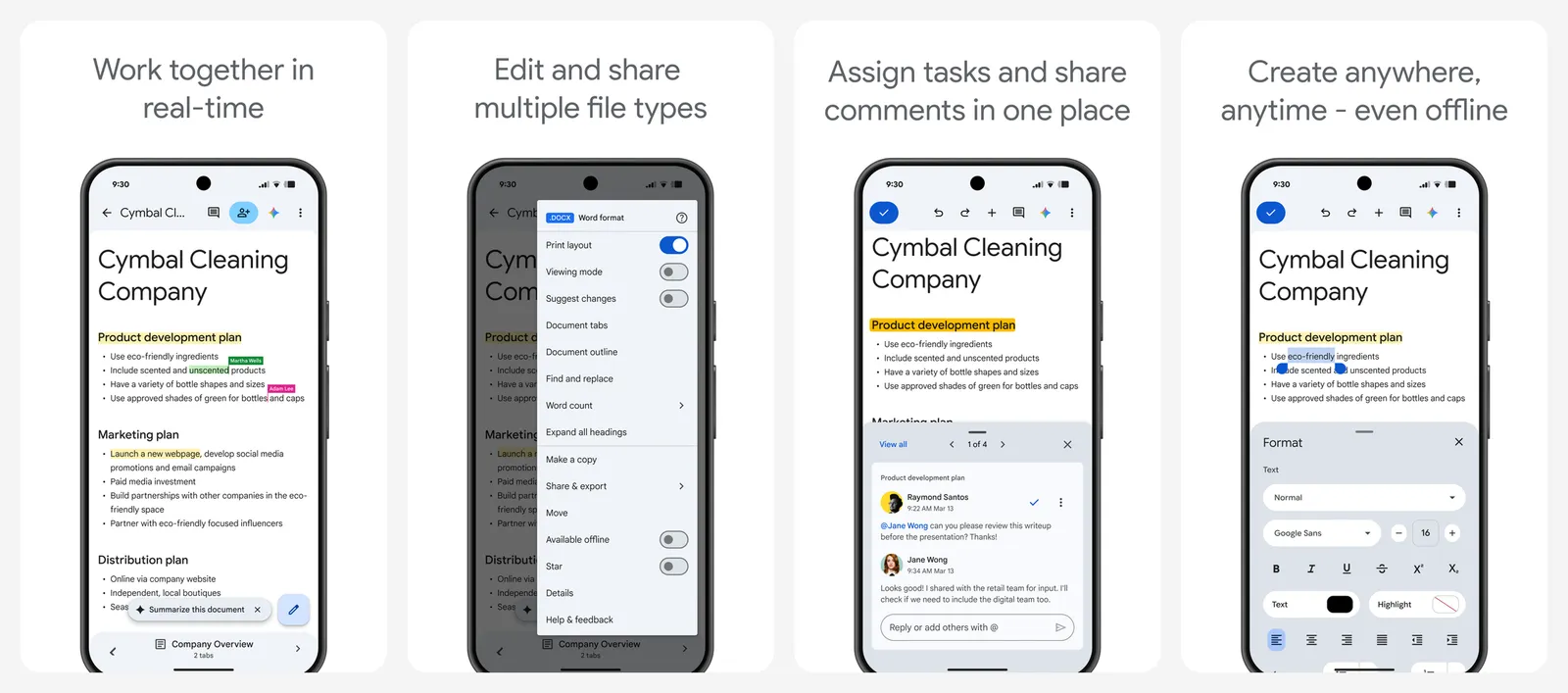
Google's office apps are what most students and small teams already use. They are free with a Google account, they run in any browser, and several people can type in the same document at once with comments and suggestions.
Storage is shared. Every Google account gets 15 GB across Gmail, Google Drive and Google Photos. After that, Google One starts at $1.99 a month for 100 GB in the US.
You can open a Word, Excel or PowerPoint file, edit it and download it back as DOCX, XLSX or PPTX. Simple documents come through fine. Heavily formatted ones may shift, so keep the original if the layout matters.
Offline mode works, but only in Chrome or Microsoft Edge. Google's help page says you need the Google Docs Offline extension, you must turn on offline access in Drive settings while you are online, and you cannot use private browsing.
What you lose vs Microsoft 365: advanced Excel features and exact layout fidelity on complex Word files.
- Replaces
- Word, Excel and PowerPoint for everyday documents
- Runs on
- Any browser, Android, iPhone, iPad
- Licence
- Free with a Google account, no ads
- Skip if
- Your files use complex Word layouts or Excel macros
- Price
- Free (15 GB shared with Gmail and Photos)
3. Pages, Numbers and Keynote: Best Free Office Suite on iPhone, iPad and Mac
- iPhone and iPad
Apple's free office apps
If you own a Mac, iPhone or iPad, you already have a free office suite. Pages is the word processor, Numbers the spreadsheet and Keynote the presentation app.
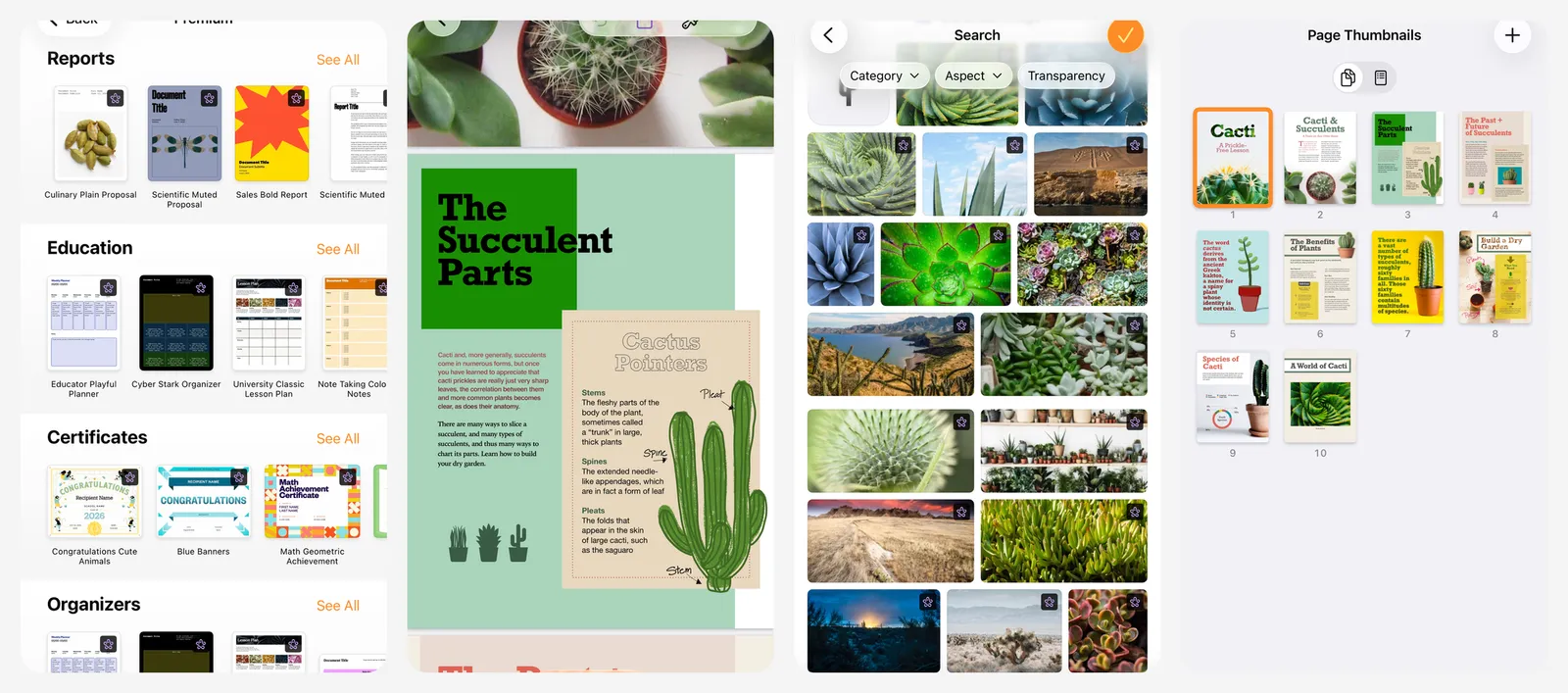
Apple's App Store listing says Pages can import and edit Microsoft Word files, and export documents as Word, PDF, EPUB, RTF and TXT. You can also work from a Windows PC at iCloud.com, and collaborate with others in real time.
In 2026 Apple folded premium templates and AI features for these apps into Apple Creator Studio ($12.99 a month or $129 a year). The listing is clear that creating, viewing, editing and collaborating does not need a subscription.
What you lose vs Microsoft 365: Windows and Android apps, and some Word layout details after a round trip.
- Replaces
- Word, Excel and PowerPoint on Apple devices
- Runs on
- Mac, iPhone, iPad; web on any PC via iCloud.com
- Licence
- Free, made by Apple
- Skip if
- Your team works on Windows and needs pixel-perfect Word files
- Price
- Free (optional Apple Creator Studio $12.99 a month)
Free desktop suites
4. LibreOffice: Best Free Desktop Office Suite
Open source, offline, no account
LibreOffice is the classic free replacement for Microsoft Office. It is free and open source, it needs no account, it shows no ads and it works fully offline. The current stable release is LibreOffice 26.8.
You get six apps: Writer (documents), Calc (spreadsheets), Impress (presentations), Draw (diagrams), Base (databases) and Math (formulas). That is more than Microsoft 365 Personal gives you on the desktop.
LibreOffice's own format is OpenDocument (ODT, ODS, ODP), but it opens Word, Excel and PowerPoint files and saves back to them. If you mostly swap files with Office users, go to Tools, Options, Load/Save, General and set Always save as to the Word and Excel formats. Simple files round-trip well. Complex layouts, tracked changes from big teams and Excel macros are where you may see differences.
There is no official LibreOffice phone app. Collabora Office, an open source mobile office app, fills that gap on Android, iPhone and Chromebooks.
What you lose vs Microsoft 365: a modern ribbon look by default, cloud storage and perfect fidelity on complex Office files.
- Replaces
- Microsoft Office desktop apps
- Runs on
- Windows, Mac, Linux (x86-64 and ARM64)
- Licence
- Free and open source
- Skip if
- You share complex Word files with colleagues every day
- Price
- Free
5. ONLYOFFICE: Best Microsoft Office Look-Alike
- Android
- iPhone and iPad
DOCX-first free suite
ONLYOFFICE is the pick for people who find LibreOffice old-fashioned. Its tabbed interface feels close to Microsoft Office, and it treats Microsoft formats as its own: DOCX, XLSX and PPTX are its main file types.
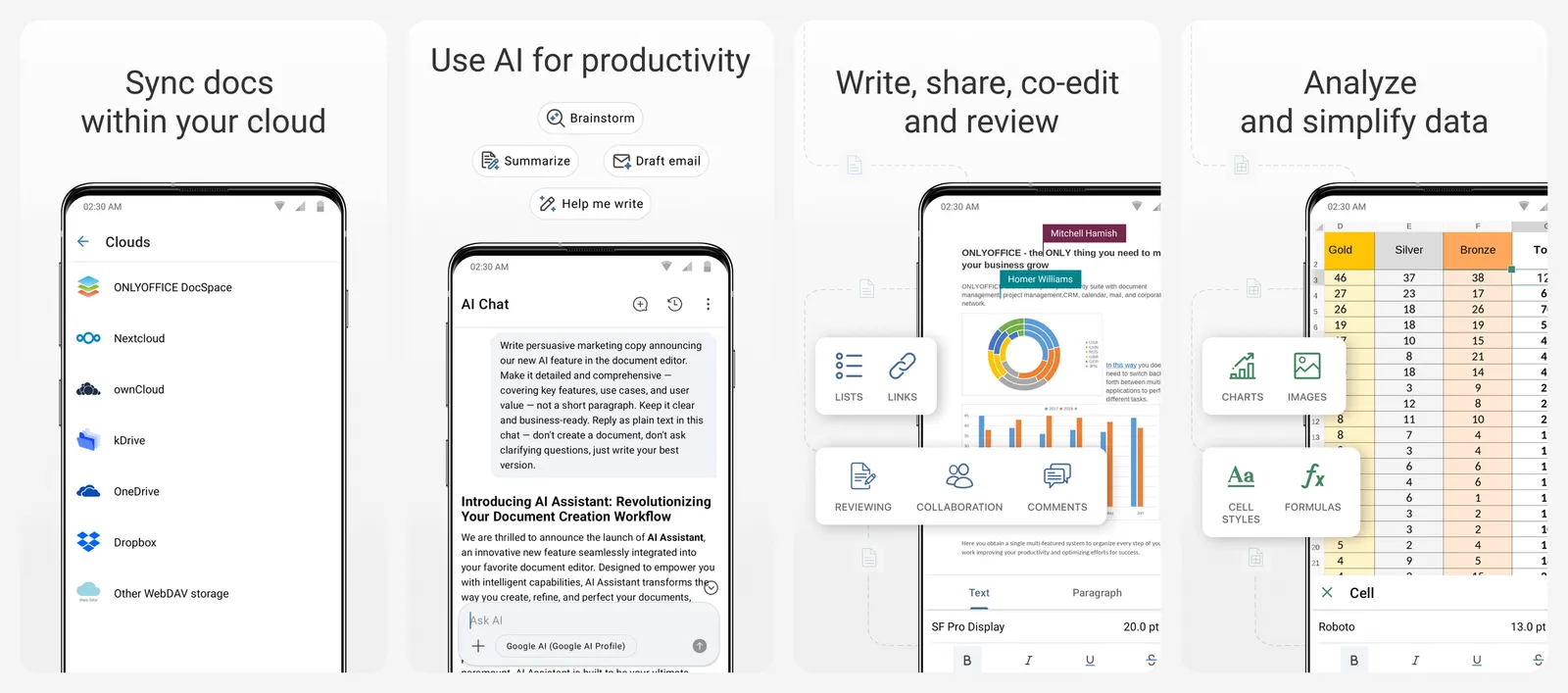
The desktop editors are free for personal and professional use on Windows, Mac and Linux. They also open ODT, ODS, ODP and CSV files and include PDF editing. The free ONLYOFFICE Documents app on Android and iPhone edits text, spreadsheets, presentations and PDFs, fills in forms and works offline.
What you lose vs Microsoft 365: OneDrive integration, Outlook and some advanced Excel features.
- Replaces
- Word, Excel and PowerPoint
- Runs on
- Windows, Mac, Linux, Android, iPhone
- Licence
- Free for personal and professional use
- Skip if
- You need a database app or prefer OpenDocument files
- Price
- Free
6. WPS Office: Best Free All-in-One App With PDF Tools
- Android
- iPhone and iPad
Polished, but ad-supported
WPS Office puts documents, spreadsheets, presentations and PDF tools into one app. It runs on more platforms than almost anything else here, including Linux, and opens files made in Word, Excel and PowerPoint.
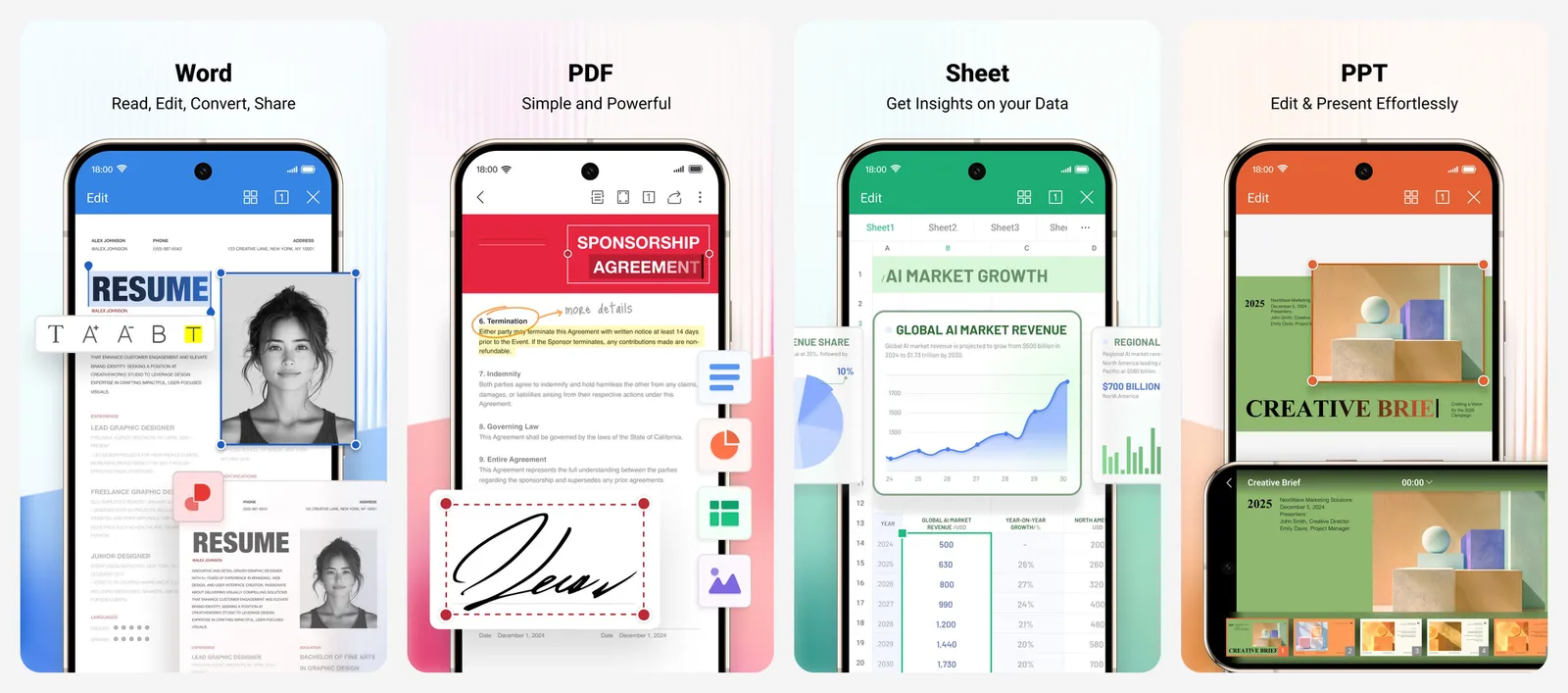
The free version is generous, but it is not ad-free. The Google Play listing says the app contains ads and in-app purchases. The WPS pricing page lists 1 GB of cloud storage on the free tier and 20 GB on a paid plan, and says AI tools come with a daily usage limit on Pro+. We could not see current Pro prices on the official page, so we have left them out.
What you lose vs Microsoft 365: an ad-free experience, and the comfort of a long-trusted brand for work files.
- Replaces
- Word, Excel, PowerPoint and a PDF editor
- Runs on
- Windows, Mac, Linux, Android, iPhone, iPad, web
- Licence
- Free tier with ads and in-app purchases
- Skip if
- You dislike ads or upsells in your work tools
- Price
- Free with ads (paid Pro plans)
7. Zoho Writer: Best Free Online Word Processor Without Google
- Android
- iPhone and iPad
Free writer with DOCX export
Zoho Writer is a clean word processor from Zoho, which makes business software. Zoho's pricing page says it is free for both individuals and organizations, with unlimited documents and no feature limits on the free tier. Only document automation credits are capped.
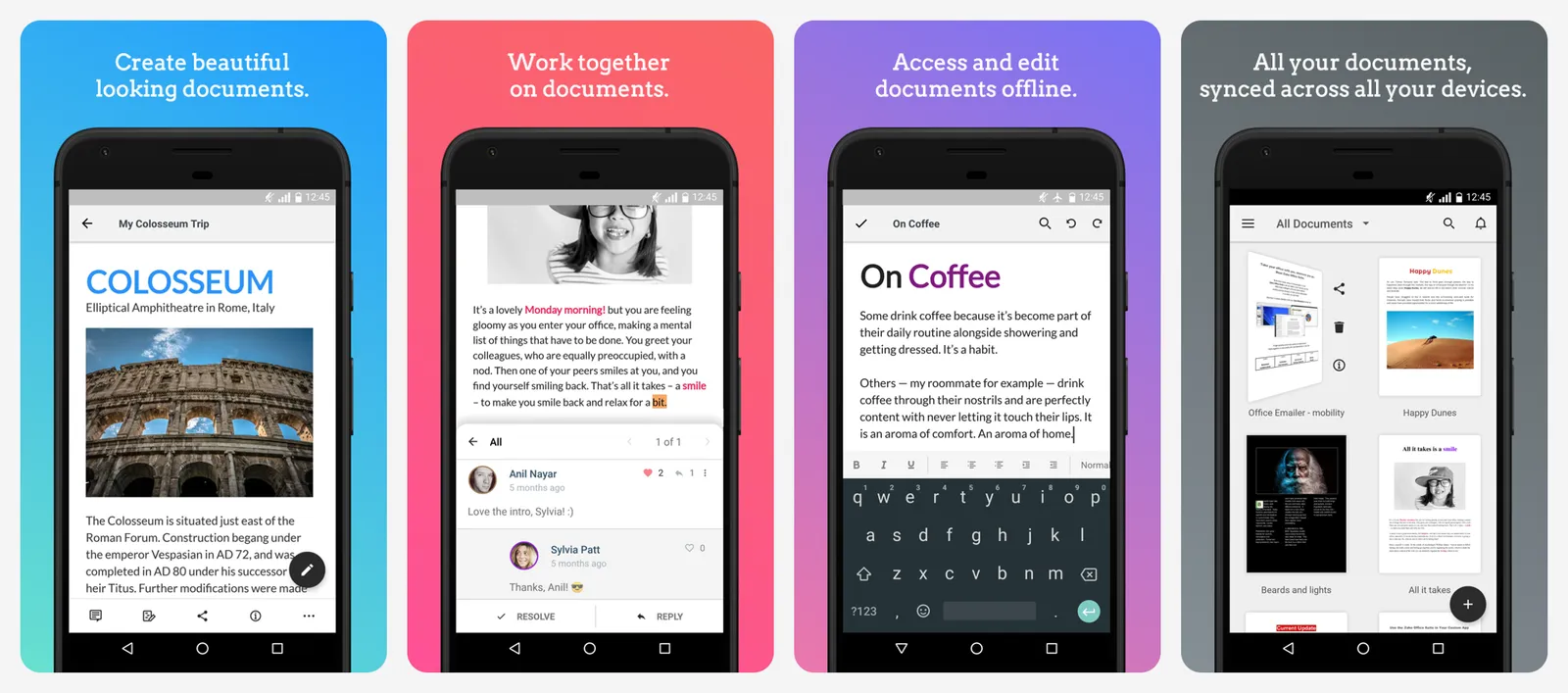
Writer imports and exports DOCX, DOC, ODT, PDF, TXT and HTML, with a 50 MB limit for DOCX imports. Its Play listing says it works offline. Zoho also makes separate free apps for spreadsheets (Zoho Sheet) and presentations (Zoho Show).
What you lose vs Microsoft 365: one suite that does everything; you juggle separate Zoho apps instead.
- Replaces
- Microsoft Word
- Runs on
- Web, Windows, Mac, Linux, Android, iPhone, Chrome OS
- Licence
- Free for individuals and organizations
- Skip if
- You need a full suite in one app
- Price
- Free
8. SoftMaker FreeOffice: Best Lightweight Free Suite for Older PCs
- iPhone and iPad
Free, Word-format native
FreeOffice comes from the German company SoftMaker. It includes TextMaker (documents), PlanMaker (spreadsheets) and Presentations, and SoftMaker says it is free for both home and business use.
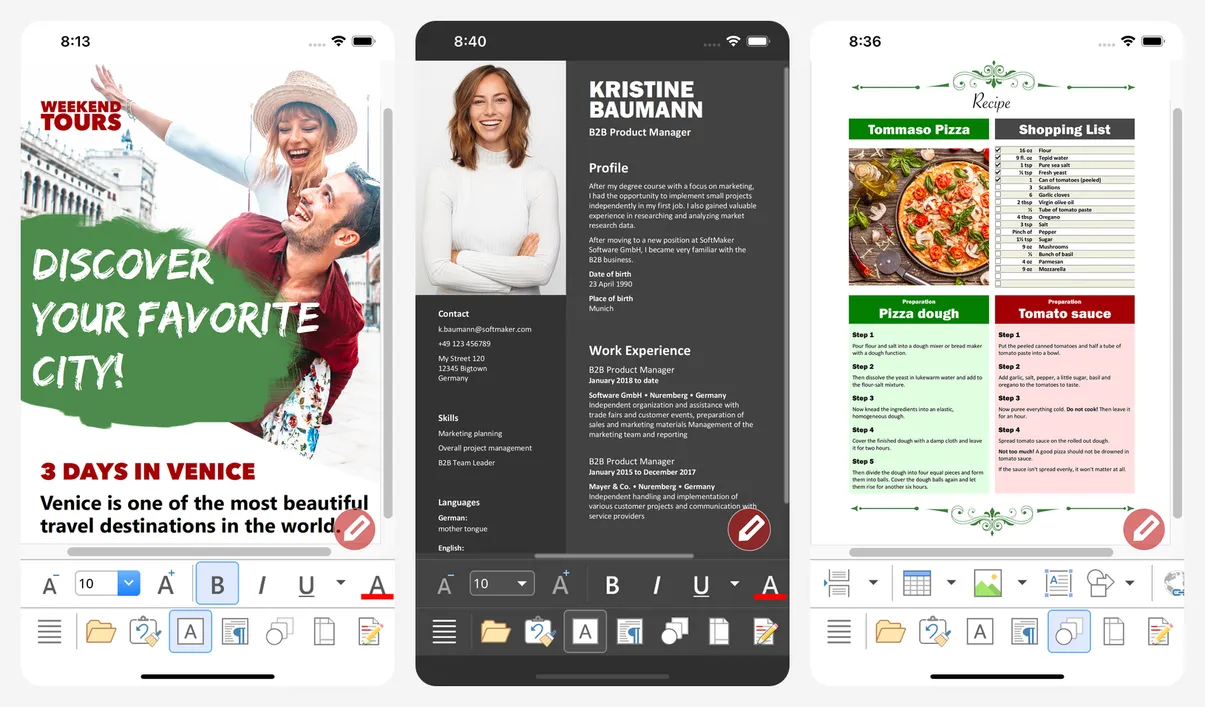
The current desktop release is FreeOffice 2024. The mobile TextMaker app uses DOCX as its native format, so files open straight in Word without converting, and SoftMaker says almost all features can be used free for good.
What you lose vs Microsoft 365: cloud storage, real-time co-editing and an open source licence.
- Replaces
- Word, Excel and PowerPoint
- Runs on
- Windows, Mac, Linux, Android, iPhone
- Licence
- Free for personal and business use
- Skip if
- You want open source software
- Price
- Free
Which one should you pick?
- You mostly write letters, CVs and school work: Google Docs or Office for the web. Both are free, save automatically and work on any computer.
- You want to work offline with no account: LibreOffice. Add ONLYOFFICE if you prefer a more modern look.
- You trade Word and Excel files with an office every day: Office for the web first, because it is Microsoft's own format engine.
- You live in the Apple world: Pages, Numbers and Keynote, with Office for the web when someone sends a tricky file.
- You have a Linux PC or an old laptop: LibreOffice or FreeOffice.
Need to check what changed between two versions of a Word file without Word? See our guide to comparing two Word documents. Looking for more paid apps to drop? Our list of subscriptions you can replace for free covers 16 of them, and buy-once software lists apps you pay for only once.
What is the best free alternative to Microsoft Office?
Is there a free version of Microsoft Office?
How much does Microsoft 365 cost now?
Can LibreOffice open and save Word files?
Which free office app works offline?
Is WPS Office free?

Sumit
ContributorHi, I'm Sumit, Being an introvert I have always been obsessed with technology-computers and reading dozens of posts to learn, find answers out of my curiosity. I love to write as I explore more.