Updated June 2026: all cool decal IDs verified working. Dead IDs replaced within days.
If you searched Roblox cool decal IDs June 2026, this is the most complete list available. Cool decals are the go-to choice for stylish builds, gaming dens, graffiti walls, and any space where you want a high-quality, eye-catching image. Neon aesthetics, character art, drip culture, and clean graphic designs are all included.
For all decal types, see Roblox Decal IDs. For aesthetic decals, see Roblox Aesthetic Decal IDs.
Roblox cool decal IDs are asset IDs for stylish, high-quality images used in Studio builds. Paste any ID as rbxassetid://YOURID in the Decal texture field. Cool decals work well as wall art, room posters, and game thumbnails.
Other cool
| Image | Decal Name | ID | Popularity |
|---|---|---|---|
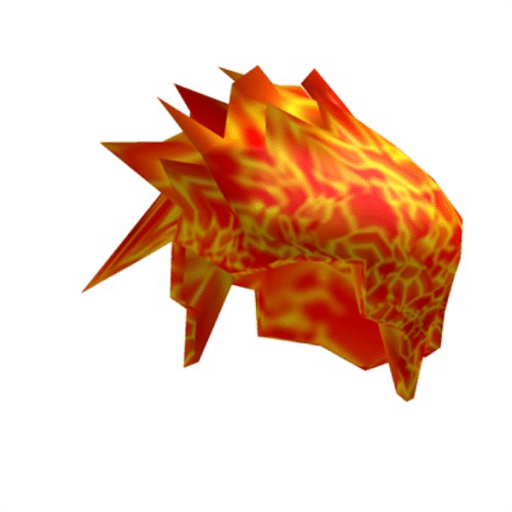 | Brilliant Bombtastic! 100K TAKES! | 229313524 | 19,079 |
![\[MINIMALIST\] wonderful world](https://cdn.thetechbasket.com/2026/06/roblox-decal-3321127511.png) | [MINIMALIST] wonderful world | 3321127511 | 238 |
![\[SUMMER\] stay rad](https://cdn.thetechbasket.com/2026/06/roblox-decal-3290515336.png) | [SUMMER] stay rad | 3290515336 | 87 |
 | cool bacon | 9421679592 | 76 |
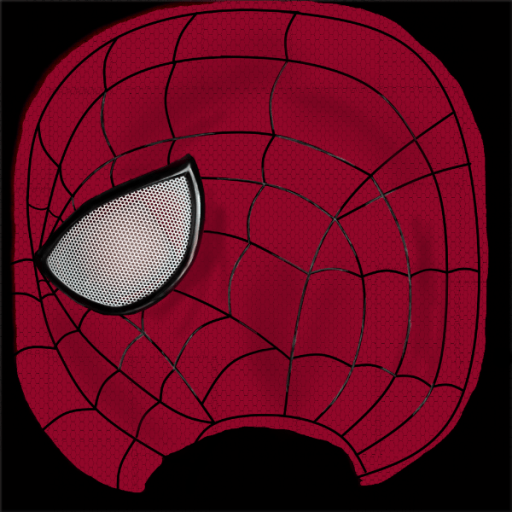 | The Amazing Spider-Man Mask | 8026469426 | 50 |
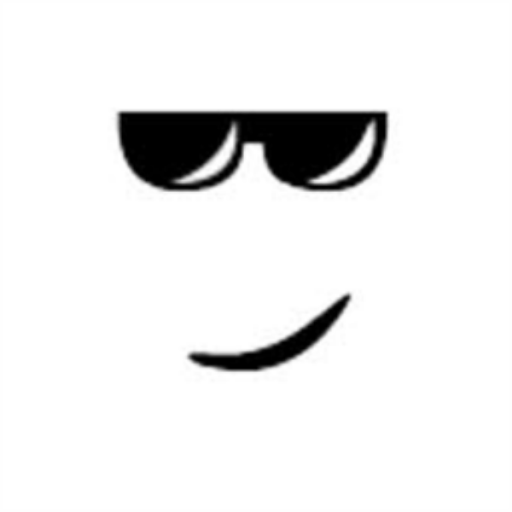 | cool face | 121033497 | 48 |
![\[MINIMALIST\] great things](https://cdn.thetechbasket.com/2026/06/roblox-decal-3321066288.png) | [MINIMALIST] great things | 3321066288 | 37 |
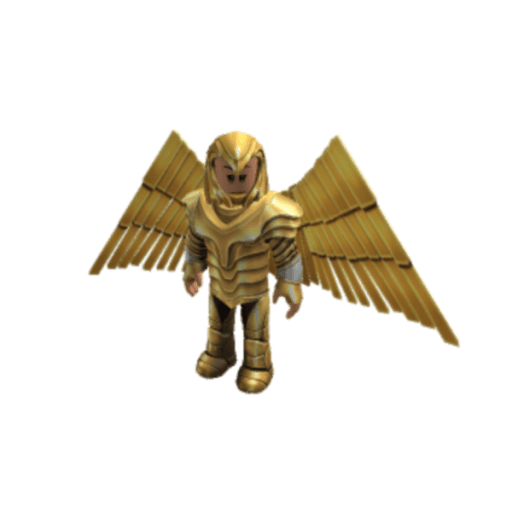 | Wonder Woman | 13773731091 | 37 |
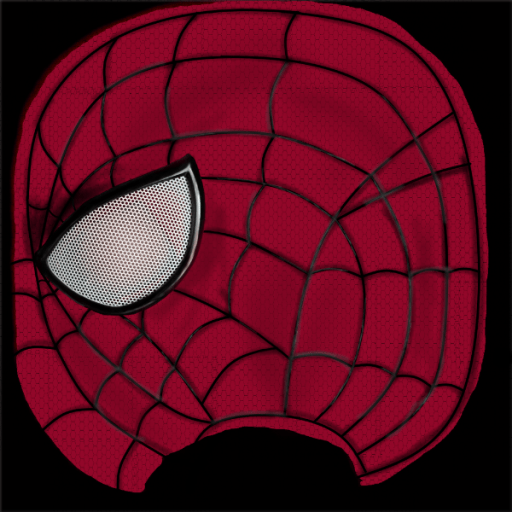 | The Amazing Spider-Man Mask (Shaded) | 8026464580 | 33 |
![Anime Face / Full of Wonder \[read desc plees.\]](https://cdn.thetechbasket.com/2026/06/roblox-decal-4486675495.png) | Anime Face / Full of Wonder [read desc plees.] | 4486675495 | 31 |
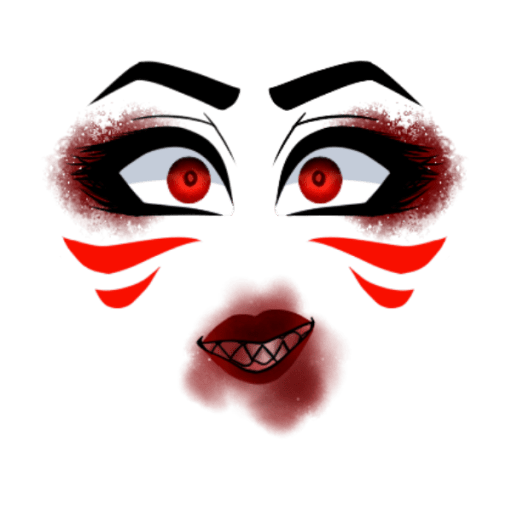 | Wonder Forest / Give Me Another Taste | 479947358 | 28 |
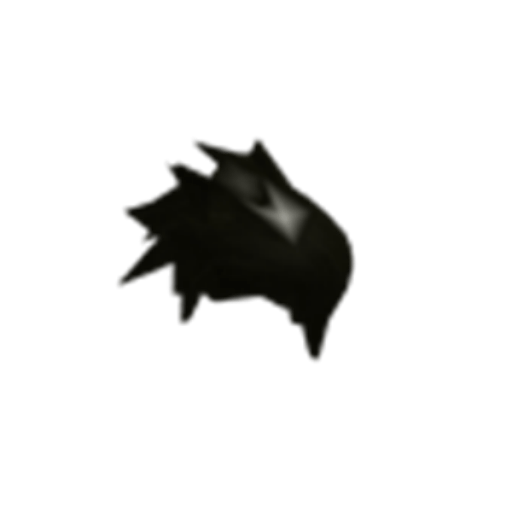 | cool hair | 121131449 | 26 |
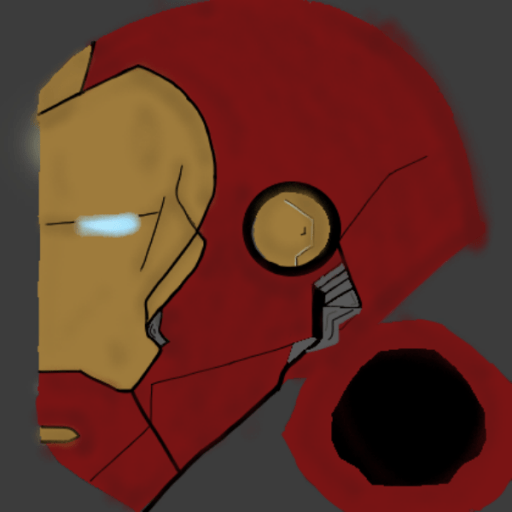 | Iron Man Helmet Retexture -Superior Iron Man- | 5969443623 | 26 |
 | you are amazing. | 2218696218 | 26 |
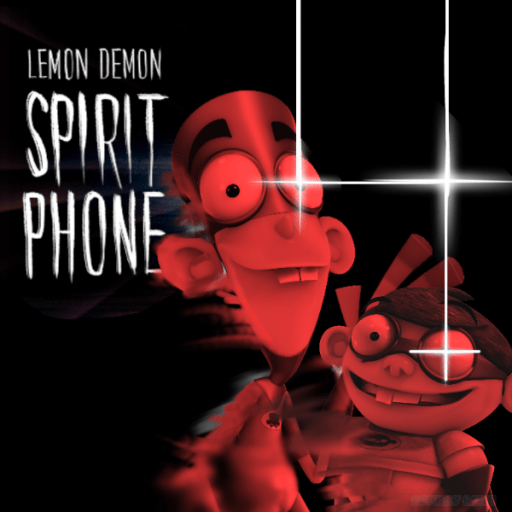 | Lemon Demon but awesome | 5787821379 | 24 |
How to use a cool decal in Roblox
- Open your place in Roblox Studio.
- Select a part, right-click, Insert Object > Decal.
- Set Texture to
rbxassetid://ID. - Resize the part to make the decal poster-sized for best visual impact.
Frequently asked questions
Most popular cool decals?
Sorted by favoriteCount: character art, neon designs, and clean graphics rank highest.
Can I use these as game thumbnails?
No. Thumbnails use the Creator Hub upload system. These IDs are for Studio builds only.
How to make a decal look like a poster?
Thin white part, Decal on Front face, scale to match the image aspect ratio.
Related guides
FAQs
What are the most popular cool decals on Roblox?
The most popular cool decals on Roblox are sorted by favoriteCount on this page. Character art, neon designs, and clean aesthetic graphics consistently rank highest.
Can I use cool decals as game thumbnails?
No. Game thumbnails use a separate upload system in the Creator Hub. Decal IDs here are for in-game use in Studio builds only.
How do I make a decal look good as a poster in Roblox?
Use a thin, wide Part as the backing. Set the Part colour to white or a neutral tone. Add the Decal to the Front face. Set StudsPerTileU and StudsPerTileV on a SurfaceAppearance to 0 so the image does not repeat. Scale the part to match the image's aspect ratio.
Found this useful?

Amit loves new tech and apps that make life easier, he writes about apps, games and useful websites on TheTechBasket.