On this page
- All 10 AI video generators at a glance
- The best AI video generators
- Google Flow: Best Free AI Video Generator
- Bing Video Creator: Best Free AI Video Maker on a Phone
- YouTube Shorts: Best Free AI Video Generator for Shorts
- Meta AI: Best Free AI Video Maker for Social Remixes
- Adobe Firefly: Best AI Video Generator for Commercial Use
- Kling AI: Best AI Video Generator for Longer Clips
- Runway: Best AI Video App for Trying Many Models
- Gemini: Best Cheap Upgrade for AI Video
- CapCut: Best for Turning AI Clips into a Finished Video
- Pika: Best AI Video App for Meme Effects
- Need a talking avatar instead?
- Who should pay for an AI video generator
- Tips for better AI videos
The best free AI video generator right now is Google Flow: a free Google account gets 50 credits a day, enough for about four 8-second clips at 720p. If you only want a few clips on your phone, Bing Video Creator gives you 10 fast videos free, and YouTube Shorts has Google's Veo model built in at no cost.
Most other tools are "free to try" rather than free to use. You get a one-time pile of credits, a watermark, or a short trial, and then a subscription. This list covers the 10 tools worth your time on the web, Android and iPhone, with the free tier spelled out for each: how many clips, how long, what resolution, whether there is a watermark, and whether you can use the result commercially.
All 10 AI video generators at a glance
Search the table for a tool, or scan the free tier column. "One-time" means the credits do not refill once spent.
| Tool | Best for | Free tier | Watermark on free | Paid from (US) | Platforms |
|---|---|---|---|---|---|
| Google Flow | Free daily clips | 50 credits a day (about four 8s clips at 720p) | Only in India, South Korea, Vietnam by default | $4.99/mo (Google AI Plus) | Web, Android, iPhone |
| Bing Video Creator | Free clips on a phone | 10 fast videos, then slow ones | Not stated | Free (Rewards points for more fast videos) | Android, iPhone (Bing app) |
| YouTube Shorts | Shorts creators | Free Veo 3 Fast clips with sound | Not stated | Free | Android, iPhone |
| Meta AI | Remixing and sharing | Free in the app, no published cap | Not stated | Free app, in-app purchases | Web, Android, iPhone |
| Adobe Firefly | Commercial use | Free daily generations, number not published | Content Credentials attached | $4.99/mo (Firefly Mobile) | Web, Android, iPhone |
| Kling AI | Longer clips | Small free allowance shown in your account | Not stated | $10/mo (Standard, in-app) | Web, Android, iPhone |
| Runway | Many models in one app | 125 credits, one-time | Yes | $12/mo billed yearly | Web, Android, iPhone |
| Gemini | Video by chat | No video on the free plan | Not stated | $4.99/mo (Google AI Plus) | Web, Android, iPhone |
| CapCut | Turning clips into an edit | 7-day free trial of the AI video generator | Not stated | $9.99/mo (Standard, in-app) | Web, desktop (generator) |
| Pika | Meme effects | No free credits, packs only | No watermark | $8/mo billed yearly | Web, iPhone |
Facts were checked on October 29, 2026, on each company's own pricing page, help center or app store listing. Where a company does not publish a number (Adobe, Meta and Kling for their free allowances), we say so instead of guessing.
The best AI video generators
1. Google Flow: Best Free AI Video Generator
- Android
- iPhone and iPad
50 free credits a day
Flow is Google's AI film studio, and it is the most generous free option we found. Without any subscription you get 50 Flow credits every day to spend on video.
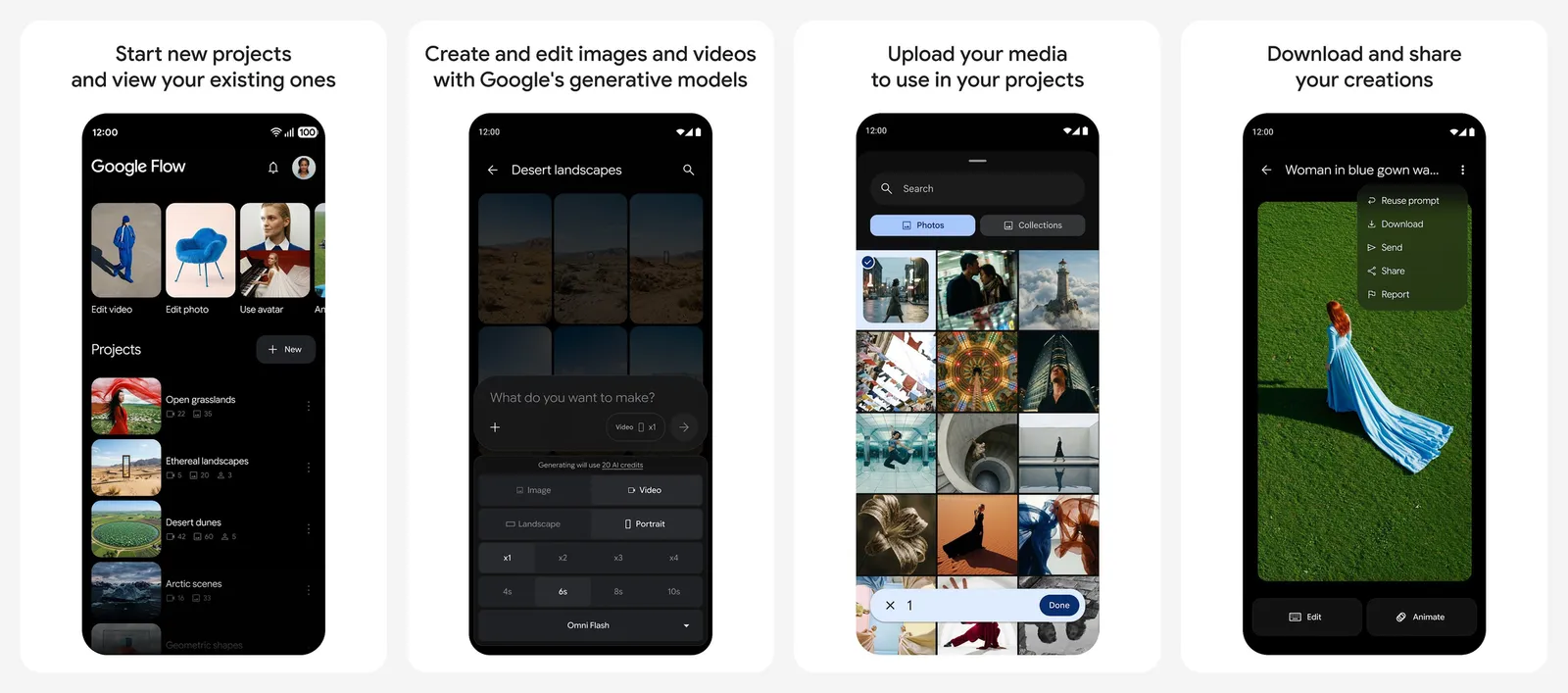
How far 50 credits go, using Google's own price list:
- Gemini Omni Flash at 720p: 7 credits for 4 seconds, 12 credits for 8 seconds, 15 credits for 10 seconds. That is about four 8-second clips a day.
- Gemini Omni Flash at 360p: 4 to 7 credits per clip, so roughly eight short drafts a day.
- Veo 3.1 Quality: 100 credits per 8-second clip, which is more than the free daily allowance.
The catches: the daily refresh starts with your first generation of the day and unused credits do not carry over. During peak hours (roughly 2 PM to 5 PM UTC) Google may block video generation for free users. Upscaling to 1080p is for subscribers only. You must be 18 or older and in a supported country.
Every Flow output carries an invisible SynthID watermark. A visible watermark is added automatically for users in India, South Korea and Vietnam, and Flow has a "Visible watermarking" toggle under your profile picture.
- Runs on
- Web, Android, iPhone; 18+ in supported countries
- Licence
- Free daily credits, no rollover
- Skip if
- You need 1080p or 4K without paying
- Price
- Free (50 credits a day), Google AI Plus from $4.99/mo
2. Bing Video Creator: Best Free AI Video Maker on a Phone
- Android
- iPhone and iPad
10 free fast videos
Microsoft's Video Creator lives inside the free Bing app for Android and iPhone.
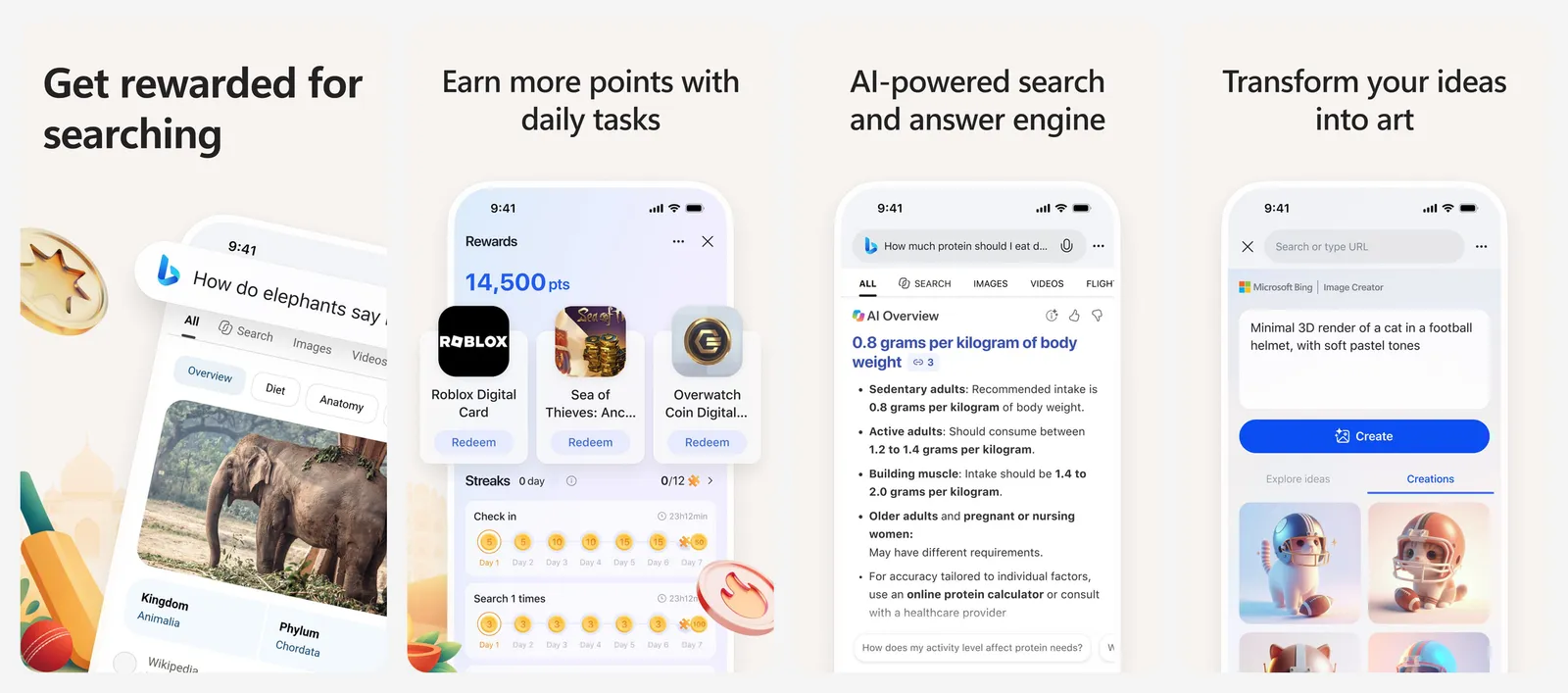
- 10 free fast creations. After that, videos are made at standard speed, which Microsoft says takes "approximately several hours per video".
- 8-second clips in vertical 9:16 or horizontal 16:9.
- Mobile only. Bing's help page says video creation is currently available only on mobile.
If you collect Microsoft Rewards points, you can turn them on for Video Creator to get more fast videos. It is the easiest zero-cost way to make a few clips without learning a new app, but the slow queue is slow.
- Runs on
- Bing app on Android and iPhone (no desktop)
- Licence
- 10 fast creations free, then standard speed
- Skip if
- You want to generate on a computer
- Price
- Free
3. YouTube Shorts: Best Free AI Video Generator for Shorts
- Android
- iPhone and iPad
Veo 3 Fast built in
If you make Shorts, you may already have a free AI video generator. YouTube says it has integrated Google DeepMind's Veo 3 Fast into Shorts so you can "create video backgrounds or clips with sound, for free."
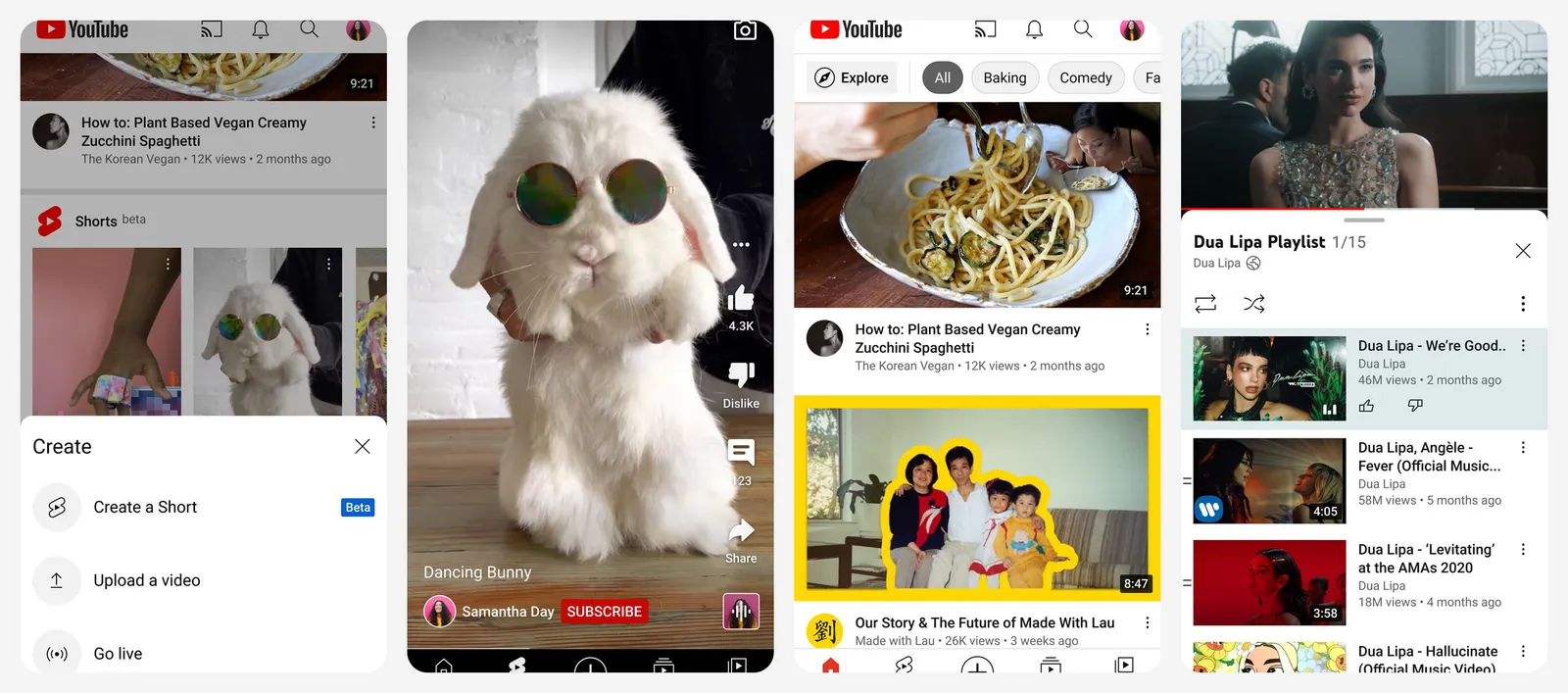
The clips are made for Shorts, so this is not the tool for a client video or a long edit. YouTube has not published a clip limit, resolution or country list for it, so check the Shorts camera in your app to see if you have it.
Pair it with YouTube's free editor if you want to cut AI clips together with your own footage. Our CapCut alternatives list covers YouTube Create and other free editors.
- Runs on
- YouTube app on Android and iPhone
- Licence
- Free inside the YouTube app
- Skip if
- You need clips for anything other than Shorts
- Price
- Free
4. Meta AI: Best Free AI Video Maker for Social Remixes
- Android
- iPhone and iPad
Vibes video feed
Meta's assistant app has a short-video feed called Vibes, and you can make your own AI videos for it. Meta's help center says you can create a video by animating a generated image, uploading your own image, or editing a video, and you can add lip sync or a voiceover.
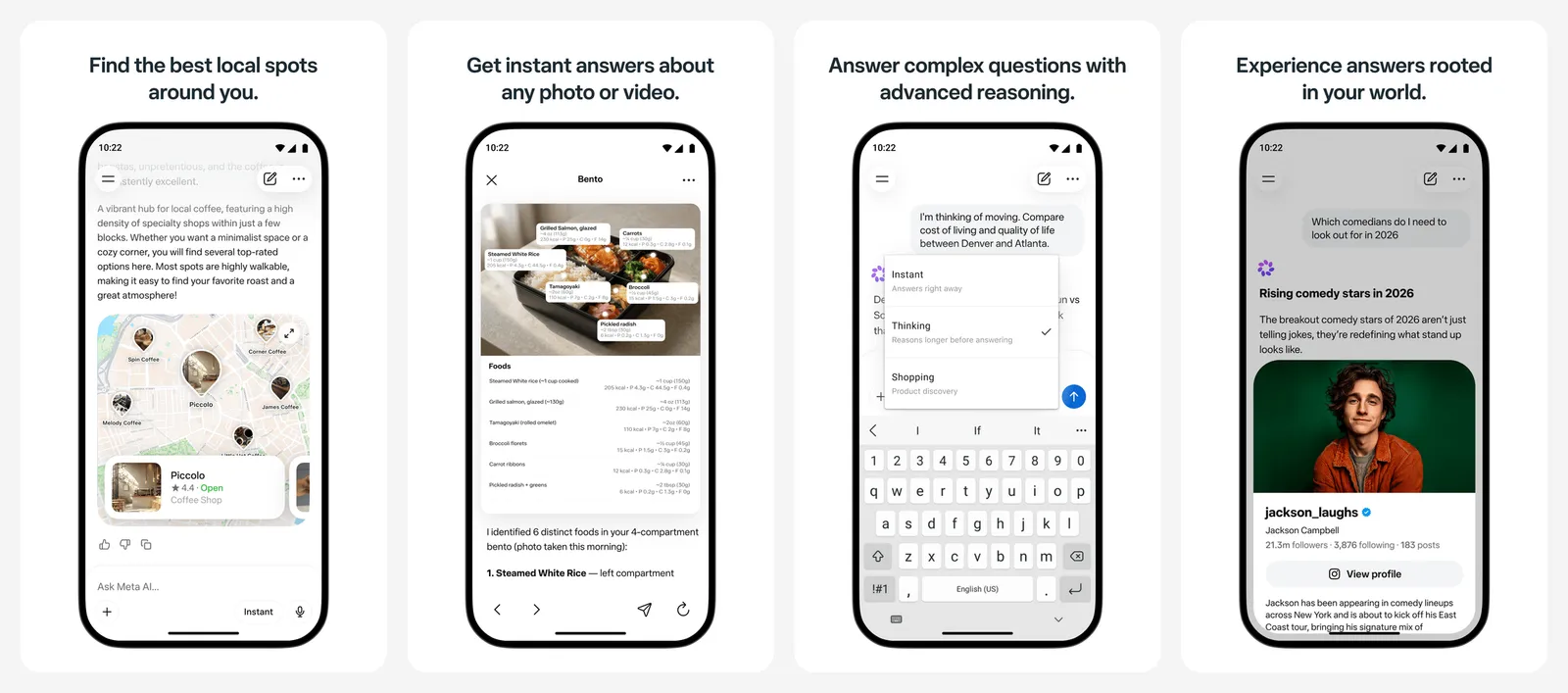
The app is free to download and lists in-app purchases, but Meta does not publish a free video limit. It is built for sharing: finished videos post to the Vibes feed. Meta also says the Meta AI and Vibes apps are not yet available everywhere.
- Runs on
- Web (meta.ai), Android, iPhone; not in every country
- Licence
- Free, no published video limit
- Skip if
- You do not want your creations tied to a Meta account
- Price
- Free app, in-app purchases
5. Adobe Firefly: Best AI Video Generator for Commercial Use
- Android
- iPhone and iPad
Commercially safe models
Firefly is the safest pick if the video is going into paid work. Adobe says outputs from its own Firefly models are safe for commercial use, because they are trained on licensed content. Firefly also offers partner models from Google, OpenAI, Luma and Runway, and for those Adobe says you are responsible for checking the output is right for your project.
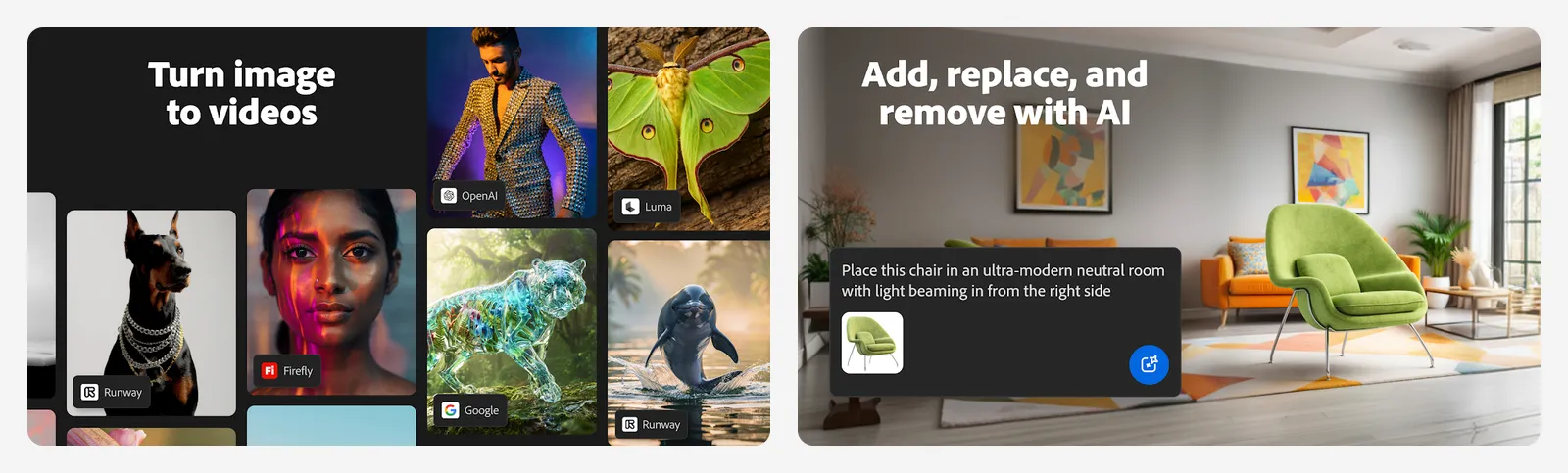
Adobe's plans page says: "You don't need a plan to get free daily generations across image, video, and audio," and the limits refresh every day. Adobe does not publish the exact number. Adobe attaches Content Credentials (a tag that marks the file as AI-made) to what you create.
The cheapest upgrade is Firefly Mobile at $4.99 a month in the US App Store. Credits are shared between the web app, the mobile app and Adobe's desktop apps.
- Runs on
- Web, Android, iPhone
- Licence
- Firefly model outputs safe for commercial use
- Skip if
- You need a fixed, known free allowance
- Price
- Free daily generations, Firefly Mobile $4.99/mo
6. Kling AI: Best AI Video Generator for Longer Clips
- Android
- iPhone and iPad
15s clips, extend to 3 min
Kling is known for realistic motion, and it makes longer clips than most rivals. Its store listing says it can generate up to 15 seconds in native 1080p or 4K, and the Video Extension tool stretches a video to as long as 3 minutes.
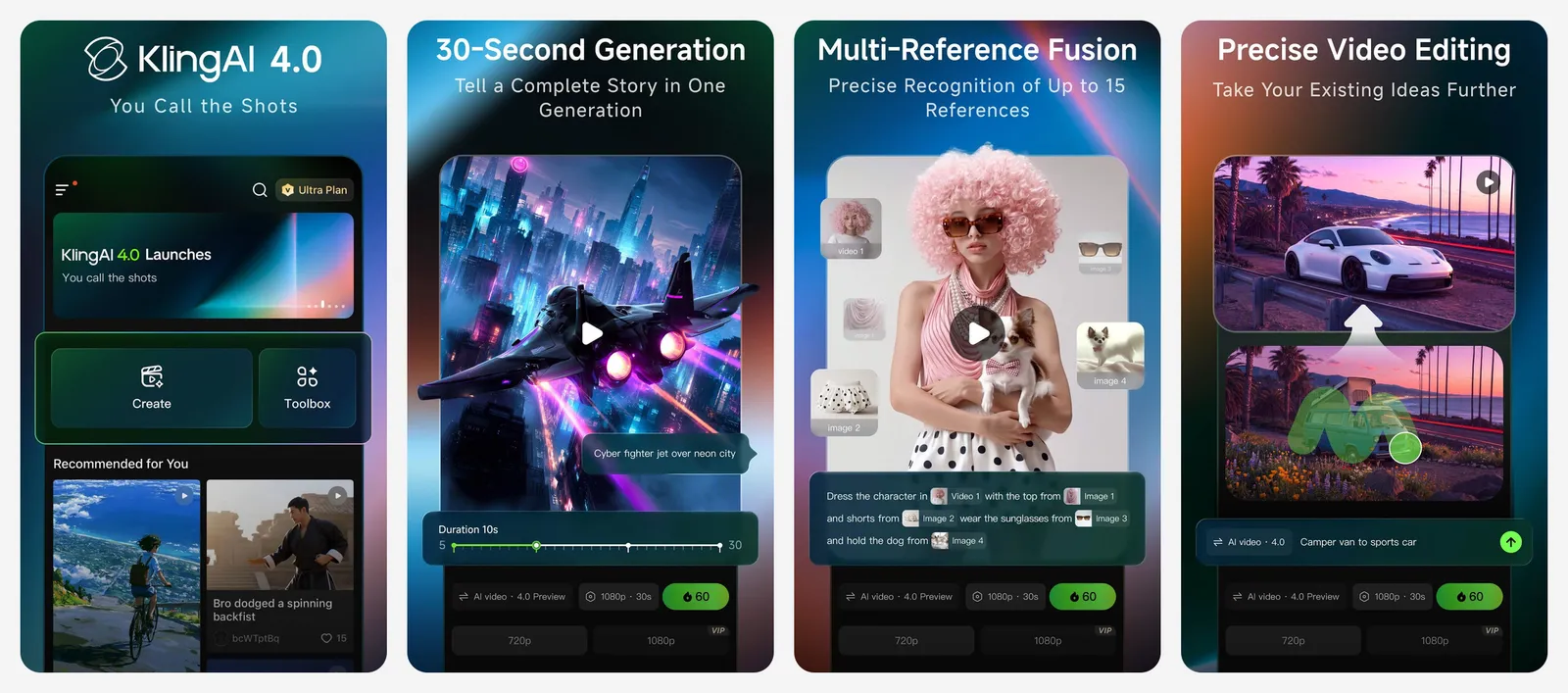
A free account can try it, but Kling does not state its free allowance on its store listings, and we could not confirm the current amount on an official page. Check the credit balance in your account after you sign up. In the US App Store, the Standard plan is $10 a month and credit packs start at 330 credits for $5.
- Runs on
- Web, Android, iPhone
- Skip if
- You want a clear free allowance up front
- Price
- Free to start, Standard $10/mo in-app
7. Runway: Best AI Video App for Trying Many Models
- Android
- iPhone and iPad
Gen-4.5, Kling, Seedance in one app
Runway puts several top models in one place. Its app lists Seedance 2.5, Kling 3 Pro, Runway's own Gen-4.5, and Google's Nano Banana image models, plus Runway Agent, which plans and assembles a whole video from a conversation.
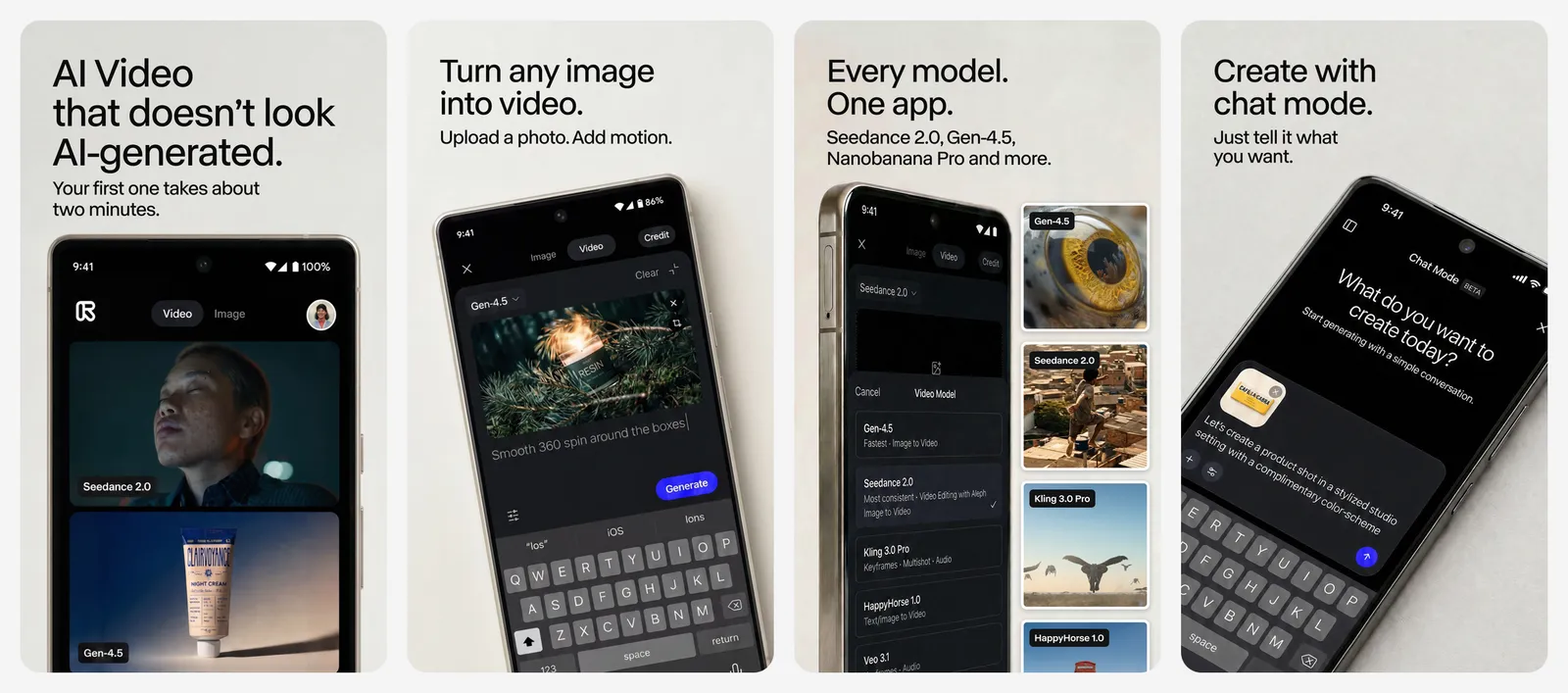
The free plan is a test drive, not a monthly allowance:
- 125 credits, one time. They never expire, but they never refill either.
- Watermark. Runway's help center says every video made on the free plan carries a Runway watermark.
- 5GB of asset storage.
Standard costs $12 a month billed yearly ($15 month to month) on the web, or $14.99 a month in the iOS app.
- Runs on
- Web, Android, iPhone
- Licence
- Free credits never refill; free videos watermarked
- Skip if
- You want free videos without a watermark
- Price
- 125 free credits (one-time), Standard $12/mo billed yearly
8. Gemini: Best Cheap Upgrade for AI Video
- Android
- iPhone and iPad
Gemini Omni video
In the Gemini app you just type what you want to see. Video now runs on Google's Gemini Omni model, which Google says replaced Veo in the app. It is not free: the App Store listing says video is for Google AI Plus, Pro, Ultra and Workspace users.
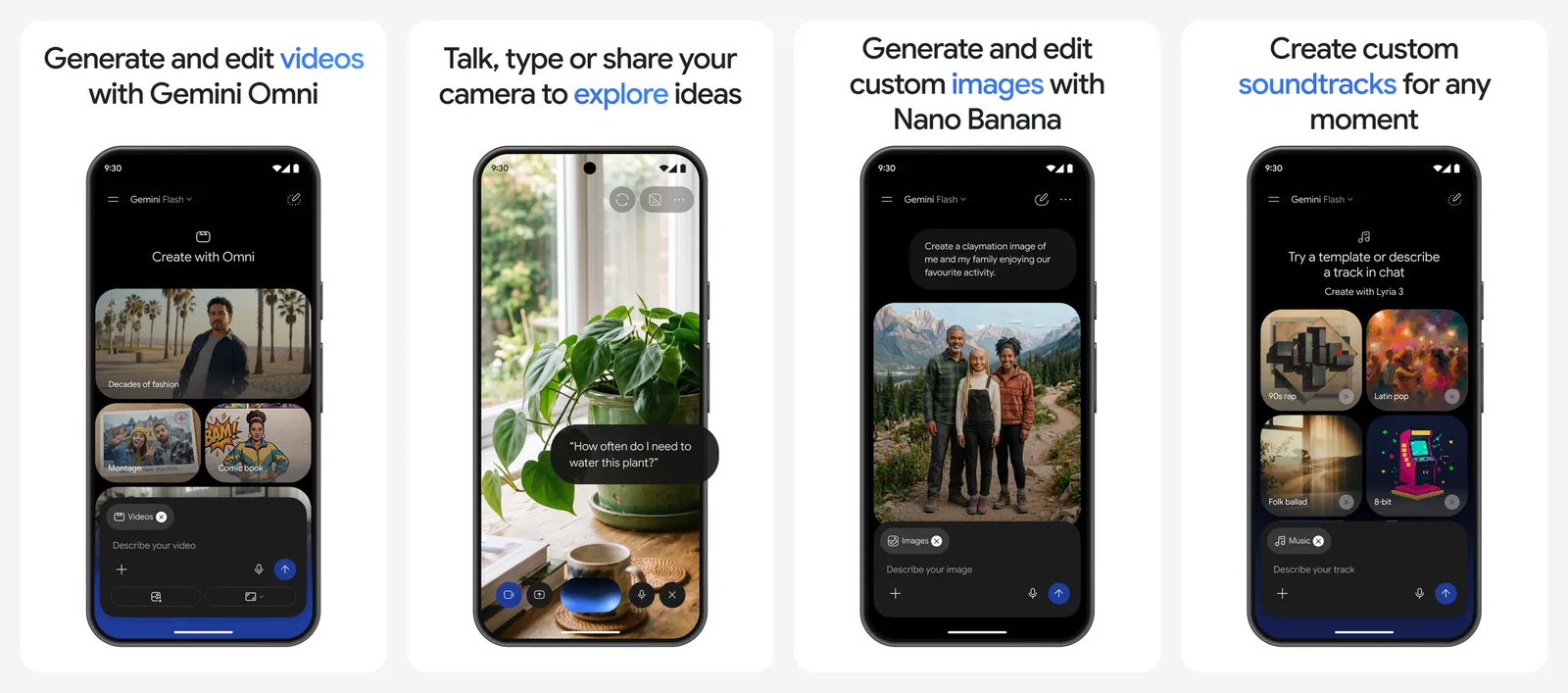
Google AI Plus is the cheapest way in at $4.99 a month in the US, and it also gives you 400GB of storage, higher Gemini limits and 200 Flow credits a month. Google AI Pro ($19.99 a month) raises that to 1,000 Flow credits and 5TB of storage.
Since the same subscription unlocks Flow, most people who pay should do the serious work in Flow and use Gemini for quick ideas.
- Runs on
- Web, Android, iPhone
- Licence
- Video not included on the free plan
- Skip if
- You want to stay on a free plan
- Price
- Video from $4.99/mo (Google AI Plus)
9. CapCut: Best for Turning AI Clips into a Finished Video
- Android
- iPhone and iPad
Seedance 2.5 + full editor
CapCut is an editor first, and that is its strength here. Its AI video generator uses ByteDance's Seedance 2.5 model, and the clips land right next to captions, music, transitions and the rest of a full editor.
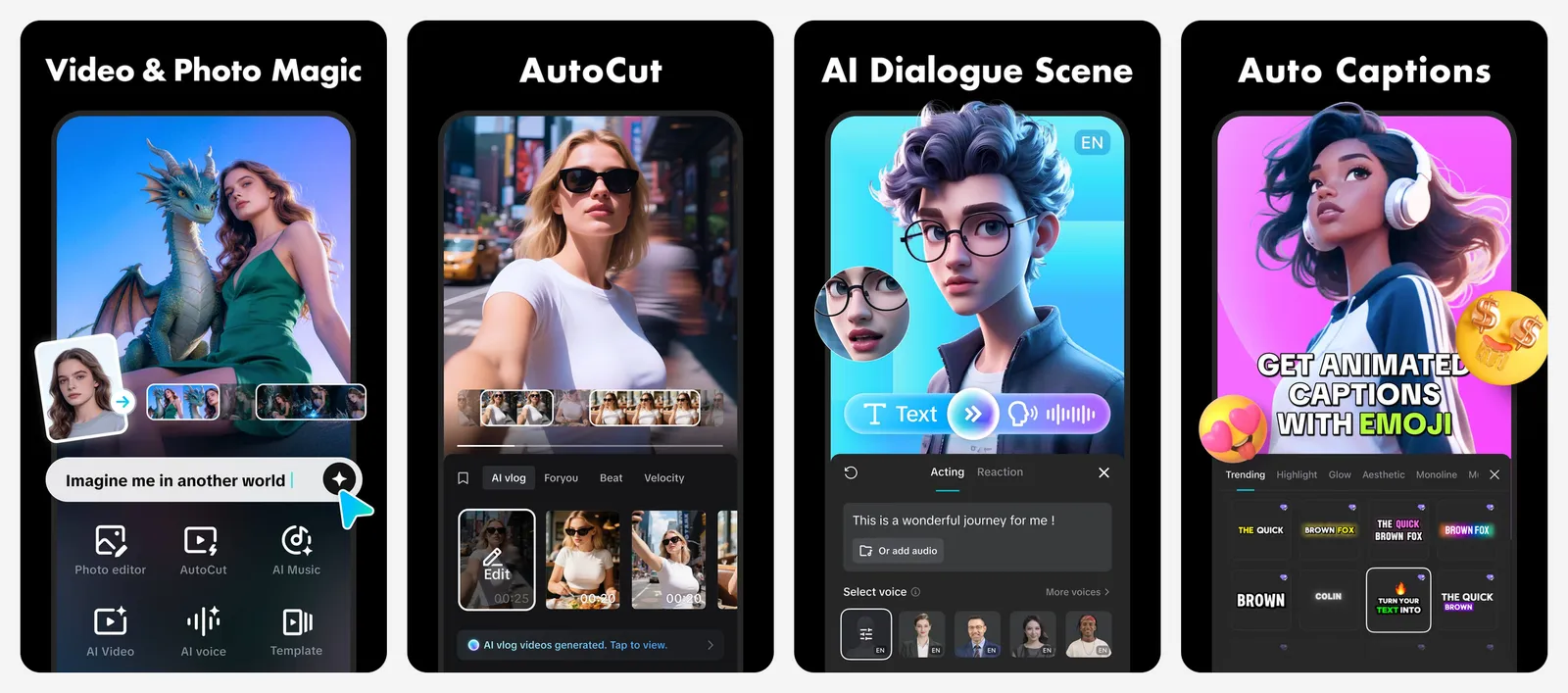
CapCut's own page offers a 7-day free trial of the AI video generator and says credits, export resolution and features depend on your plan and region. It hosts Seedance 2.5 on the web and desktop apps. In the US App Store, CapCut Standard is $9.99 a month and Pro is $19.99 a month.
If CapCut's pricing or terms put you off, see our free CapCut alternatives.
- Runs on
- AI generator on web and desktop; editor also on Android and iPhone
- Skip if
- You only need raw clips, not an edit
- Price
- 7-day free trial, Standard $9.99/mo in-app
10. Pika: Best AI Video App for Meme Effects
- iPhone and iPad
Pikaffects and swaps
Pika is about fun, not film. Its effects melt, squish, explode or "cake-ify" a photo, swap things in and out of your videos, and turn a selfie into a reaction GIF.
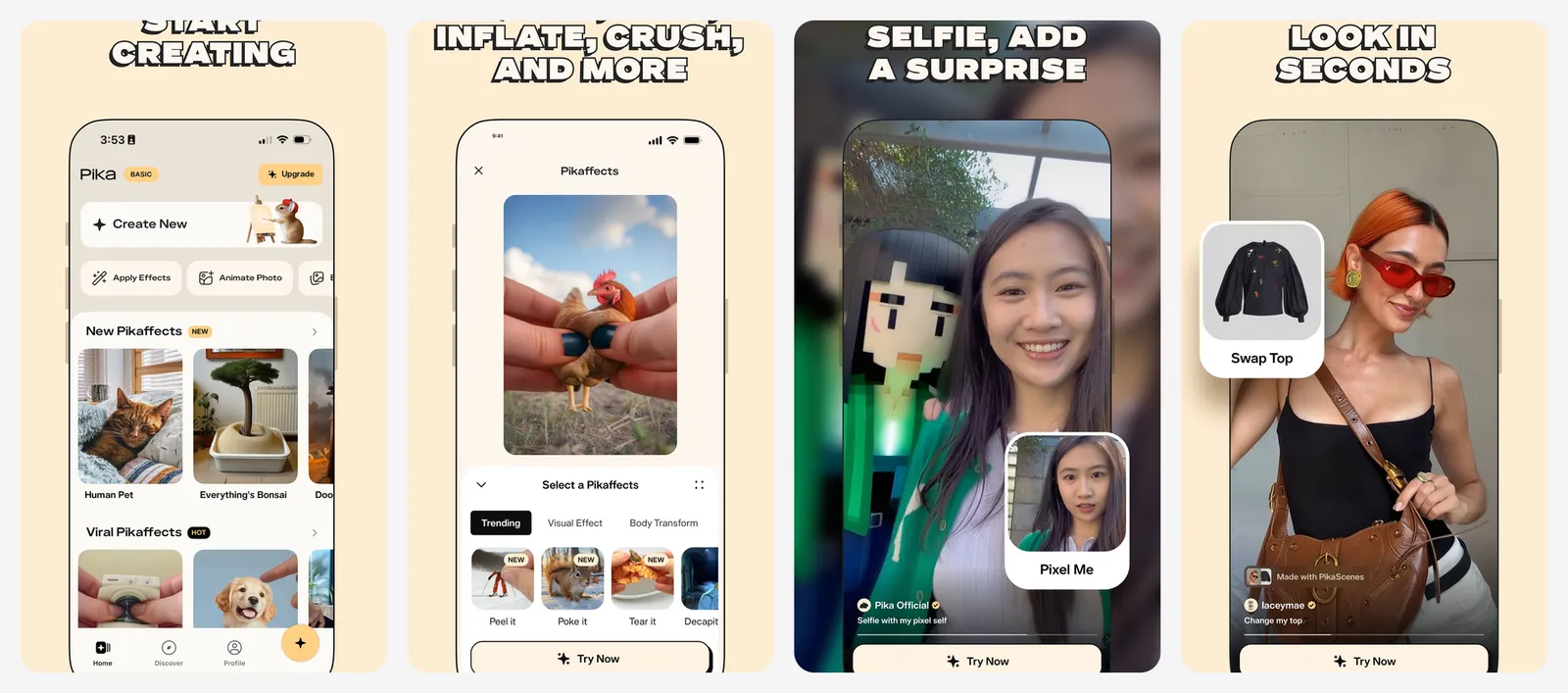
Be clear on the price before you sign up. Pika's free plan now includes zero monthly credits: you buy credit packs to generate. Free-plan videos have no watermark, but they come with no commercial licence. Starter is $10 a month, or $8 a month billed yearly. The iPhone app sells weekly plans, starting at $8.99 a week for Standard, so the yearly web plan is much cheaper.
- Runs on
- Web, iPhone
- Licence
- Free plan has no watermark but no commercial licence
- Skip if
- You want anything free
- Price
- No free credits, Starter $8/mo billed yearly
Need a talking avatar instead?
The tools above make scenes from a prompt. If you want a presenter reading a script (training videos, explainers, product demos), you need an avatar tool. These were the core of the original version of this guide, and two still have a real free plan:
| Avatar tool | Free plan | Watermark | Paid from (US) |
|---|---|---|---|
| Synthesia | 10 minutes of video a month, 9 avatars | Yes | $19/mo, or $14/mo billed yearly |
| HeyGen | 3 videos a month, up to 1 minute each | Yes | $29/mo, or $24/mo billed yearly |
For captions on any of these, see our guide to automated subtitle generation. To cut clips together on a computer, start with our best video editing software list.
Who should pay for an AI video generator
Tips for better AI videos
- Write the shot, not the story. Name the subject, the action, the camera move and the light: "close-up of a cat on a windowsill, slow push-in, warm sunset light". One action per clip works best.
- Start from an image. Image-to-video gives more control than text alone. Make or edit the still first (our best AI photo editors list helps), then animate it.
- Draft cheap, finish expensive. In Flow, test prompts at 360p for 4 to 7 credits, then spend credits on the version you like.
- Plan for 8 to 15 seconds. Most tools make short clips. Build longer videos by stitching clips in an editor such as one from our online video editors list.
What is the best free AI video generator in 2026?
Is there an AI video generator with no watermark for free?
Is Sora still available?
Can I make AI videos in the Gemini app for free?
Can I use free AI videos commercially?
Which AI video generator makes the longest clips?

I write as a writer, as someone very familiar with the Internet, as someone who is completely at ease with current technology and the way it is transforming the social fabric of the globe, the business world in particular.