On this page
- The best free typing websites at a glance
- How typing speed is measured (WPM)
- Best websites to learn typing from scratch
- TypingClub
- Typing.com
- TypingStudy
- Best websites to build accuracy
- Keybr
- Best websites to build speed
- Monkeytype
- 10FastFingers
- TypeRacer
- TyprX
- Typing games that actually teach
- ZType
- Epistory: Typing Chronicles
- Typing for programmers
- Typing.io
- Desktop software
- TIPP10
- A 30 day plan to learn typing
- Learn the keys
- Build accuracy
- Build speed
- Keep it
- Tips that make the biggest difference
- FAQ
You can learn touch typing online for free in about a month if you practice 15 minutes a day on the right site. This guide picks the best free typing websites for each stage (learning the keys, building accuracy, then speed), explains how to read your WPM score, and gives a simple 30 day plan that takes most people from hunt and peck to 40 plus words per minute. Every site below was rechecked on its official page in October 2026, and all of them except one paid game are free to use in a browser.
The best free typing websites at a glance
| Site | Best for | Free tier | Account | Paid option |
|---|---|---|---|---|
| TypingClub | Lessons from zero | Full lessons free | Optional, saves progress | Optional School Edition for teachers |
| Typing.com | Lessons with levels | Full curriculum free, with ads | Free student account saves progress | PLUS Edition for educators, ad-free |
| TypingStudy | Other languages and layouts | 15 lessons, tests, games | Optional | Donations only |
| Keybr | Fixing weak keys | Full practice free, with ads | Optional | Premium account removes ads |
| Monkeytype | Daily speed practice | Everything free, open source | Optional, saves history | None required |
| 10FastFingers | Weekly speed benchmark | Free test in 40+ languages | Optional | None listed |
| TypeRacer | Racing other people | Free races, with ads | Optional, for rankings | Core $12 a year removes ads |
| TyprX | Private races with friends | Free races and drills | Needed to race | None listed |
| ZType | Typing as a game | Free in the browser, with ads | None | None |
| Epistory: Typing Chronicles | A full typing adventure game | No free version | Steam | $14.99 on Steam |
| Typing.io | Programmers | Lessons in 16 coding languages | Google sign-in | $9.99 a month to upload your own code |
| TIPP10 | Offline desktop practice | Free and open source | Free registration for the online version | None |
How typing speed is measured (WPM)
Typing tests count a “word” as five characters, including spaces, so WPM is characters typed divided by five, divided by minutes. Most sites also report accuracy and sometimes a net WPM that subtracts errors. Rough benchmarks:
| WPM | What it means |
|---|---|
| 20 to 30 | Hunt and peck, looking at the keyboard |
| 40 | Average office worker, what most job listings ask for |
| 60 to 70 | Comfortable touch typist, no longer thinking about keys |
| 80 to 100 | Fast; programmers and writers who type all day |
| 120 plus | Competitive typing territory |
Accuracy matters more than speed while you are learning. A 95 percent accuracy at 40 WPM beats 60 WPM at 85 percent, because every error costs you two keystrokes to fix.
Best websites to learn typing from scratch
These teach finger placement lesson by lesson. Pick one and finish it; they overlap heavily.
1. TypingClub
Lessons
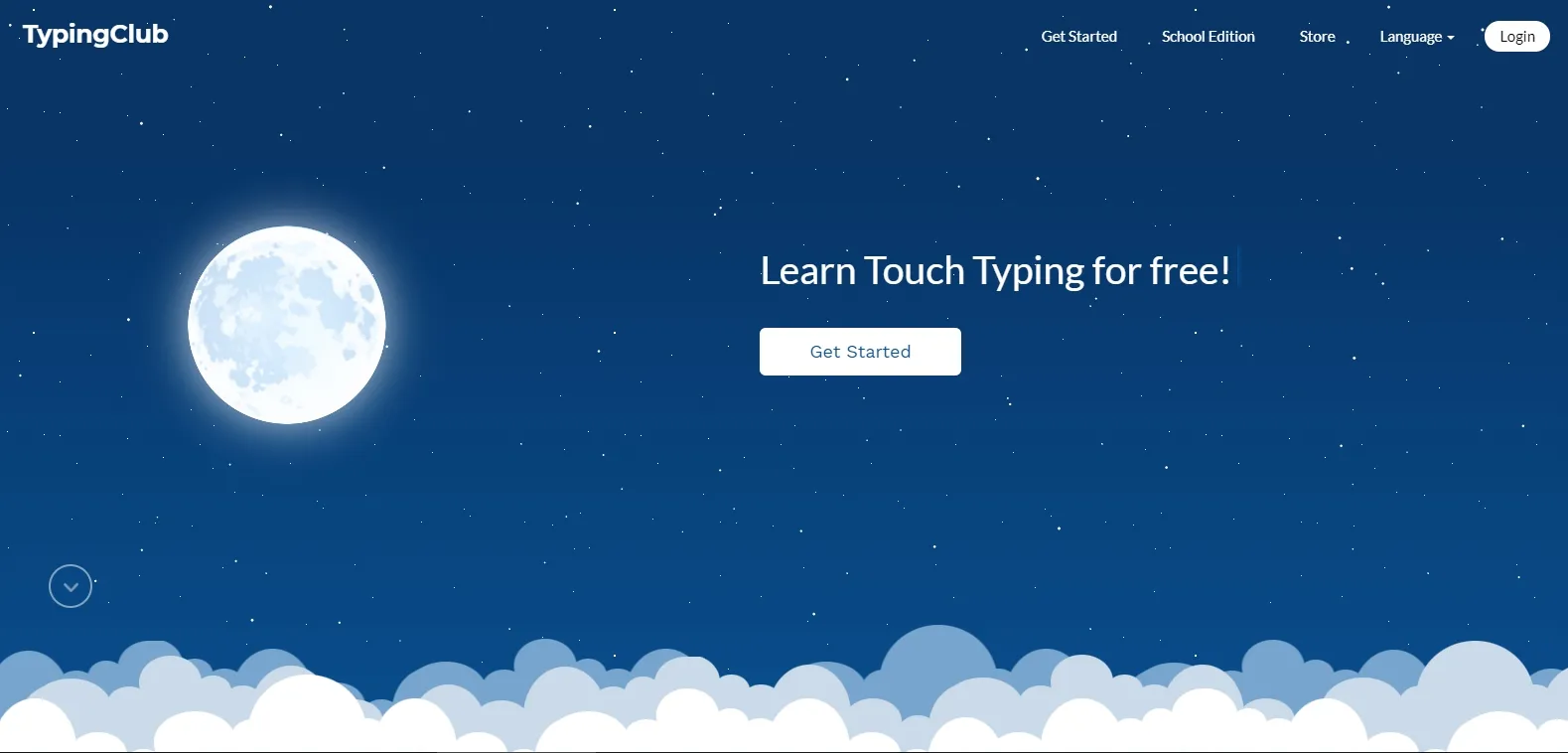
The most complete free curriculum: a long series of short lessons that introduce a few keys at a time, with a hand posture guide showing which finger to use and up to five stars for each attempt. You do not need an account, but a free profile saves your progress. TypingClub says it is and will stay free for individuals and schools; the only paid product is an optional School Edition for teachers. It also has separate Dvorak, one-hand and kids lesson plans. Best pick if you have never touch typed.
2. Typing.com
Lessons
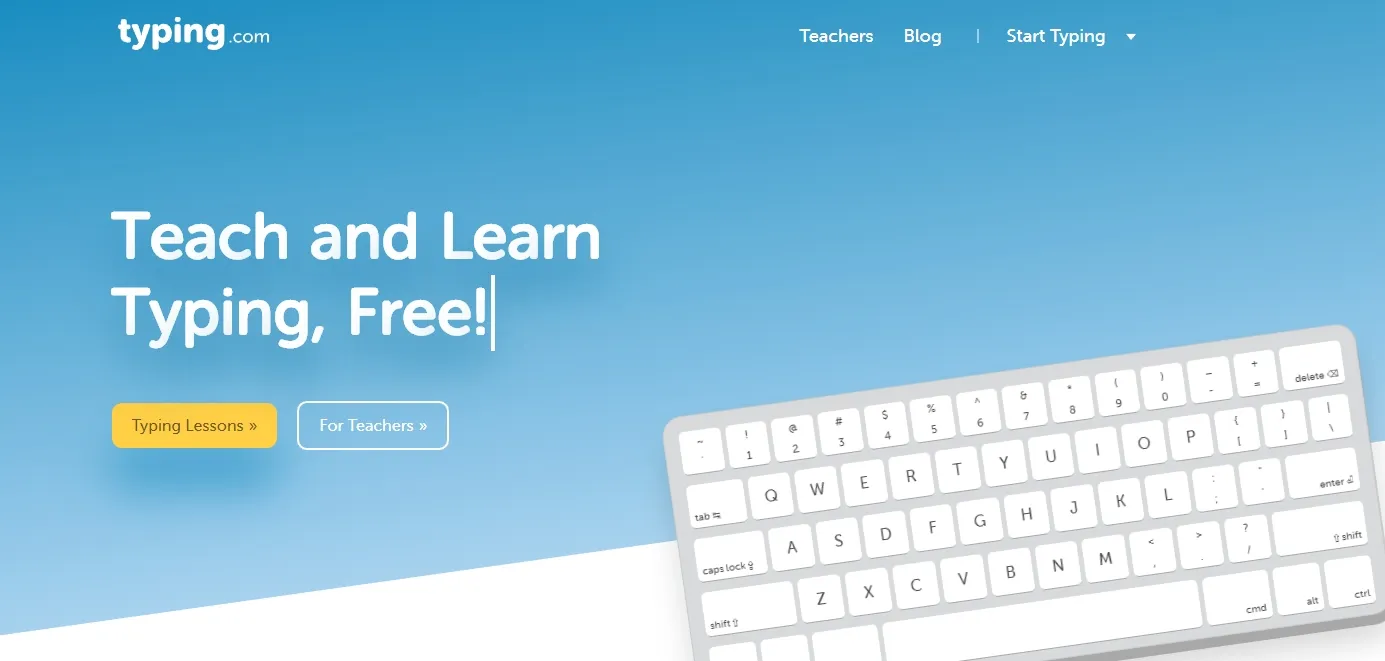
Covers the same ground as TypingClub with a cleaner interface and lessons split into beginner, intermediate and advanced, plus a numeric keypad (10 key) lesson. It also has a proper typing test and games. The full curriculum is free because it is supported by ads; the paid PLUS Edition is aimed at schools and removes ads. Choose it over TypingClub if you prefer its look, the results are the same.
3. TypingStudy
Layouts
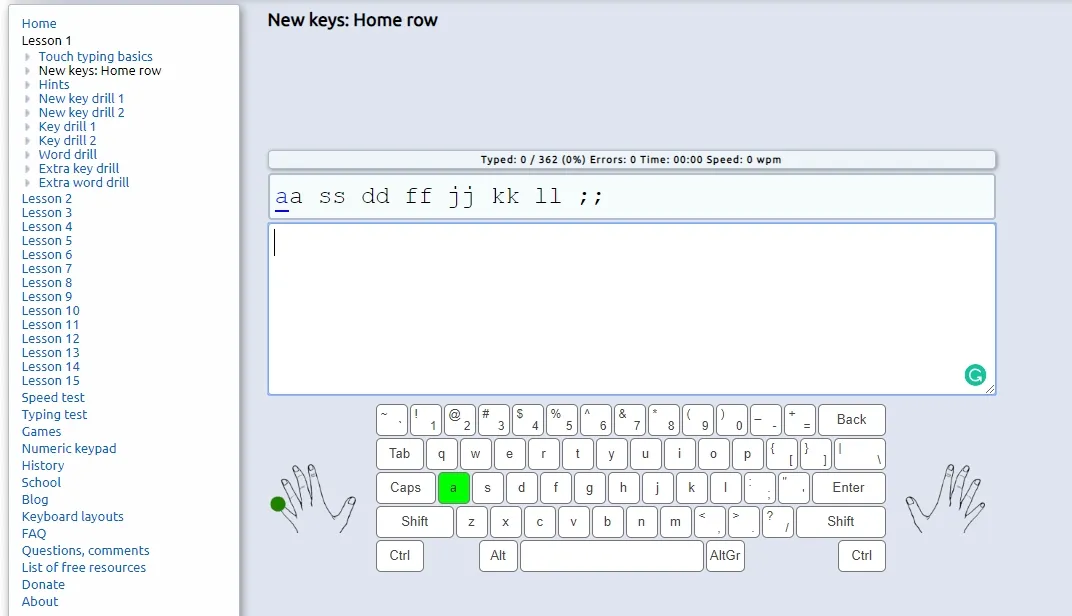
Plainer, with 15 lessons, a speed test, games and a numeric keypad section, but it supports far more keyboard layouts and languages than the two above: Dvorak, Programmer Dvorak, Colemak and Workman, plus layouts for Hindi, Bengali, Arabic, Russian and dozens more. Use it if you are learning to type in a language other than English or on a non QWERTY layout.
Best websites to build accuracy
4. Keybr
Accuracy
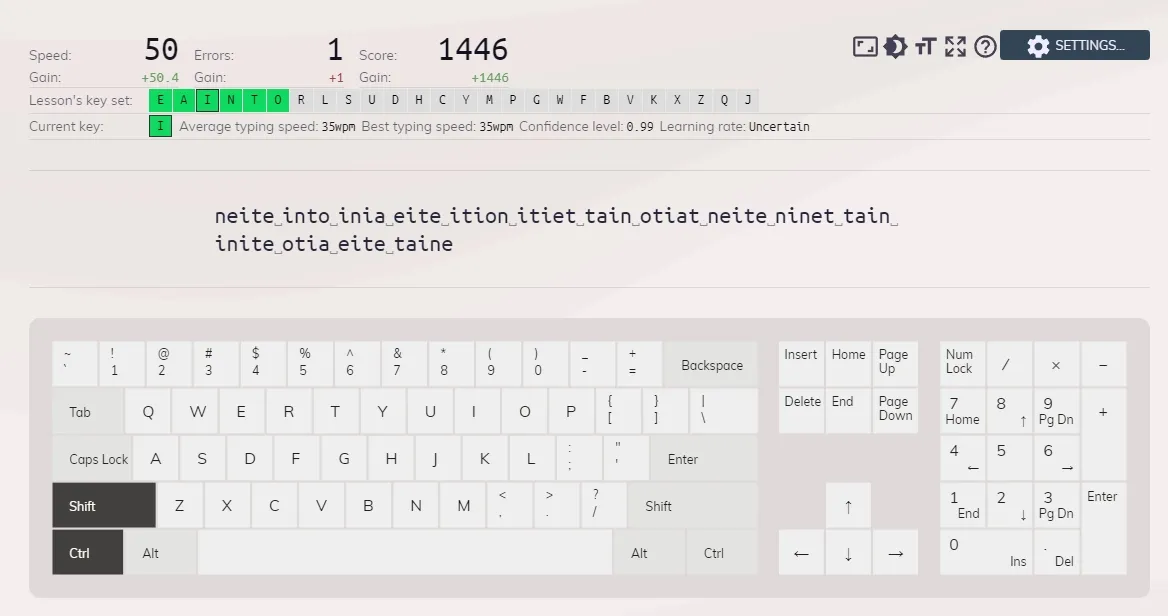
Does not use lessons. It generates made up words from the letters you have unlocked, watches which keys slow you down, and feeds you more of those. It unlocks a new letter only when you are fast and accurate on the current set. This is the fastest way to fix bad habits from years of two finger typing. Practice is free with no account needed; the free version shows ads, and a paid premium account removes them. Spend two to four weeks here after finishing the basic lessons.
Best websites to build speed
5. Monkeytype
Speed
The site most fast typists practice on. A minimal screen, a timed or word count test, and detailed stats after each run: raw and net WPM, accuracy, consistency, and a graph of your speed over the test. You can switch between common English words, quotes, numbers and punctuation, and pick from dozens of themes. It is free and open source (GPL-3.0). No account is needed, though an account saves your history. Once you can touch type, this is where daily practice happens.
6. 10FastFingers
Speed
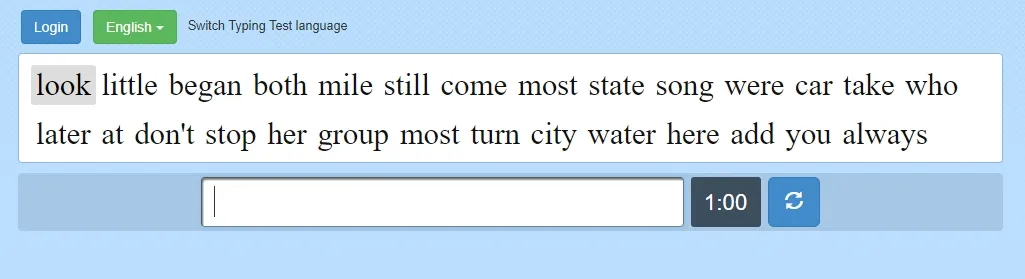
The classic one minute test using the top 200 words of your language, available in more than 40 languages. Good for a weekly benchmark because the word set never changes, so your scores are comparable over time. It also runs 24 hour competitions, live multiplayer races for up to 20 players and a custom mode for your own text. The site was relaunched in April 2026 with a rebuilt profile page.
7. TypeRacer
Speed
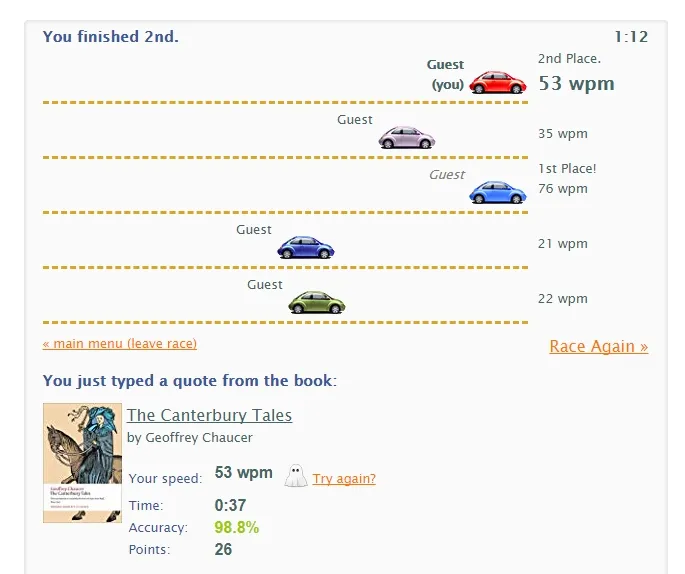
Turns typing into a car race against other people typing the same quote. The competition is what keeps people coming back; you will type faster than in a solo test just from the pressure. Free with ads and an optional account for rankings. Paid plans start at $12 a year (Core), which turns off ads and saves your practice and ghost races; Premium ($19 a year) and Ultimate ($79 a year) add avatars, custom texts and API access.
8. TyprX
Speed
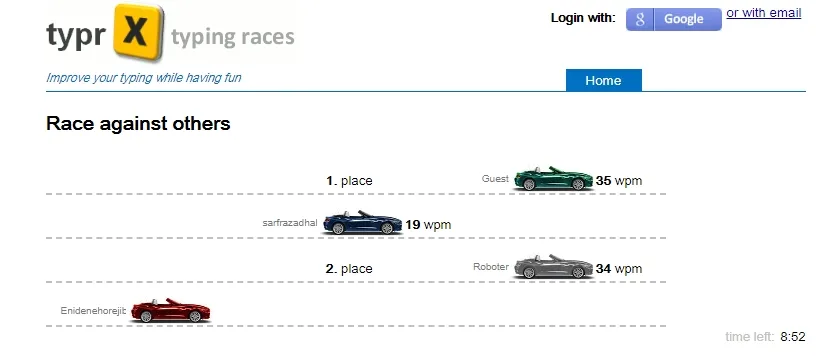
A smaller TypeRacer alternative with private races, solo practice, a weekly hard word drill and live leaderboards. Useful for classrooms or friends who want to compete without random players. You need a free account to race.
Typing games that actually teach
9. ZType
Game
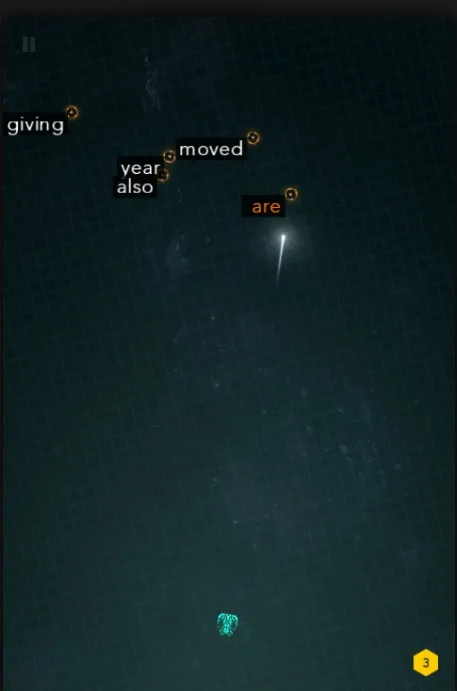
A space shooter where each incoming ship has a word on it and you type the word to destroy it. Works in the browser, no install, and it is genuinely good for speed on random words. The free game shows ads. Use "load your own text" in the menu to play against any text you choose.
10. Epistory: Typing Chronicles
Game
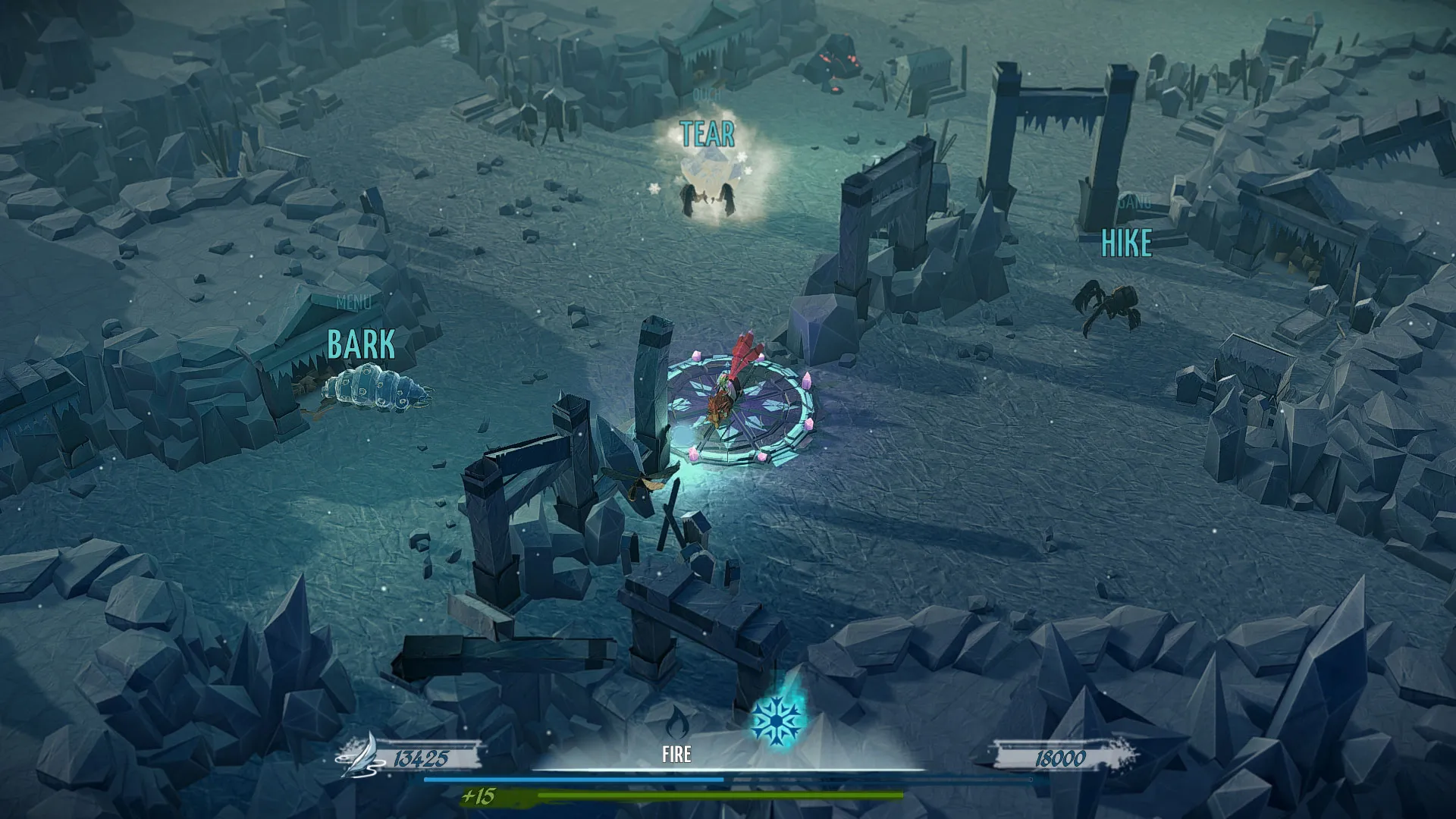
A full paid game ($14.99 on Steam, for Windows, Mac and Linux) where you ride a fox through a paper world and fight by typing. The only typing game good enough to play for its own sake; it adapts difficulty to your speed.
Typing for programmers
11. Typing.io
Coding
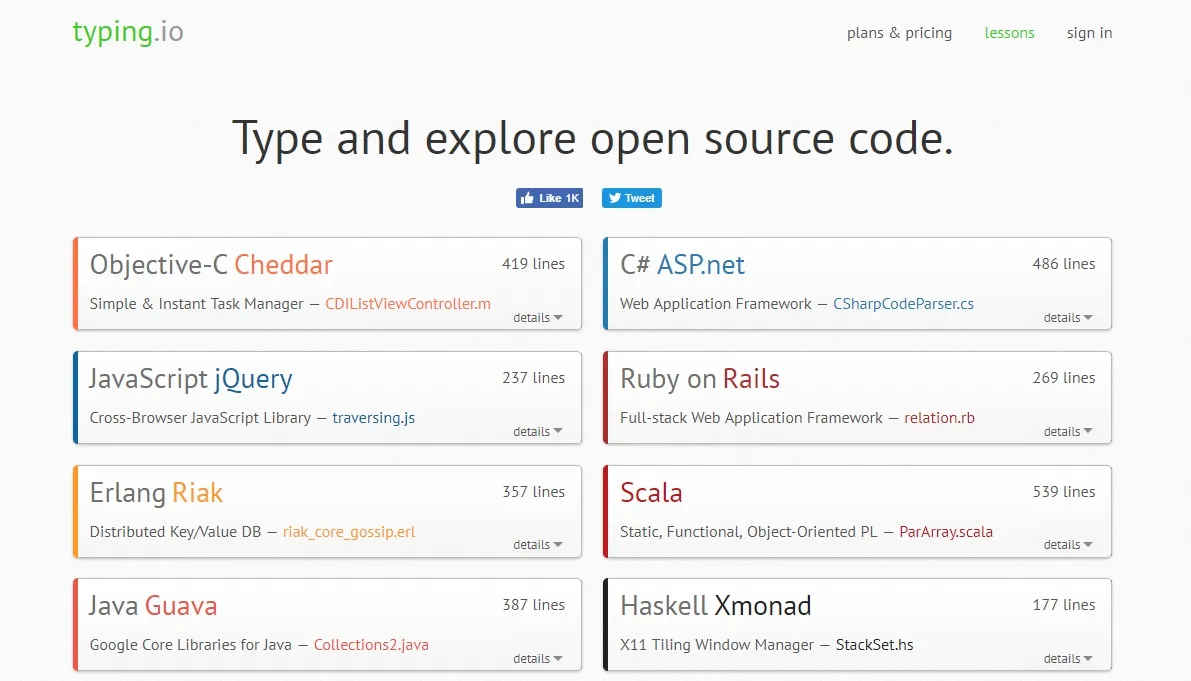
Has you type real source code in your language of choice, so you drill brackets, underscores and symbols that normal tests skip. The free plan includes lessons in 16 programming languages and a typo cost analysis. The paid plan ($9.99 a month) lets you upload any code, adds a typo heatmap, a fingering guide and progress tracking. Monkeytype's code word lists (for example JavaScript) are a free alternative.
Desktop software
12. TIPP10
Desktop
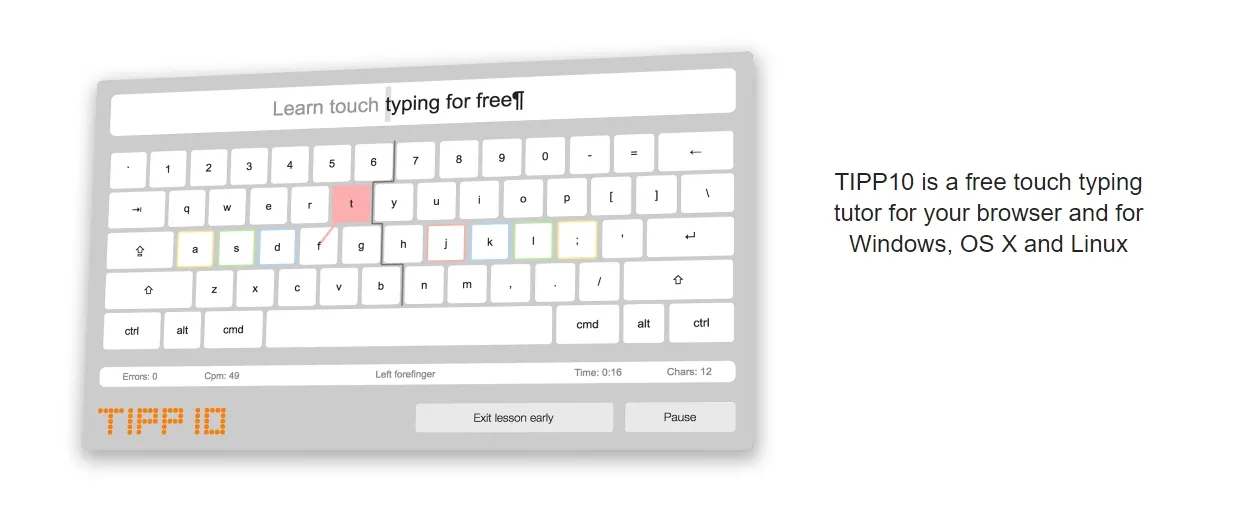
A free, open source typing tutor for Windows, Mac and Linux that also runs in the browser. Its lessons are built around your error statistics, similar to Keybr, and the desktop version works offline. Good for anyone who does not want to practice inside a browser tab.
A 30 day plan to learn typing
1. Learn the keys
Days 1 to 7
TypingClub or Typing.com, 15 minutes a day, through the home row, top row and bottom row lessons. Do not look at the keyboard. Speed will drop below what you had before; that is normal.
1. Build accuracy
Days 8 to 21
Keybr, 15 minutes a day. Aim for 97 percent accuracy before caring about speed. Unlock all letters by the end of week three.
1. Build speed
Days 22 to 30
Monkeytype, 10 minutes of 30 second tests plus one 60 second test on 10FastFingers at the end of each week to log progress.
1. Keep it
Day 30+
Five minutes on Monkeytype before work. Most people plateau around 60 to 70 WPM without deliberate practice, which is plenty.
Tips that make the biggest difference
- Sit with your wrists floating, not resting on the desk, and keep your fingers on the home row (A S D F, J K L ;).
- Slow down when you make errors. Speed comes from not having to correct.
- Learn the shortcut keys you use daily (Ctrl+C, Ctrl+V, Ctrl+Z, Alt+Tab) with the correct fingers; they count as typing too.
- Cover the keyboard or turn the lights down if you keep looking. Some people put a cloth over their hands for a week.
- Practice on the keyboard you actually use. Switching between a laptop and a mechanical keyboard slows you down for a while until you adjust.
New to all of this? Our beginner's guide to touch typing covers posture and home row placement in more depth. If you like free practice apps, our free Duolingo alternatives apply the same daily-practice idea to languages, and our best Chrome extensions list has more browser tools worth adding.
FAQ
What is the best free website to learn typing?
Is TypingClub still free in 2026?
What happened to Typing Bolt?
How long does it take to learn touch typing?
Is there a good free typing course for adults?
What is a good typing speed?
Can I learn typing on a phone or tablet?

Sumit
ContributorHi, I'm Sumit, Being an introvert I have always been obsessed with technology-computers and reading dozens of posts to learn, find answers out of my curiosity. I love to write as I explore more.