On this page
- Quick picks by task
- Files, PDFs, and images
- Photopea
- Squoosh
- remove.bg
- Photoroom
- SVGOMG
- iLovePDF
- Smallpdf
- PDF24
- CloudConvert
- TinyWow
- Corrupt a File
- FilePizza
- WeTransfer
- AI assistants
- ChatGPT
- Claude
- Perplexity
- Gemini Notebook
- Consensus
- Writing and design
- Canva
- Excalidraw
- Resume Maker Online
- CVwizard
- Google Fonts
- WhatTheFont
- Get Emoji
- Pastebin
- Carbon
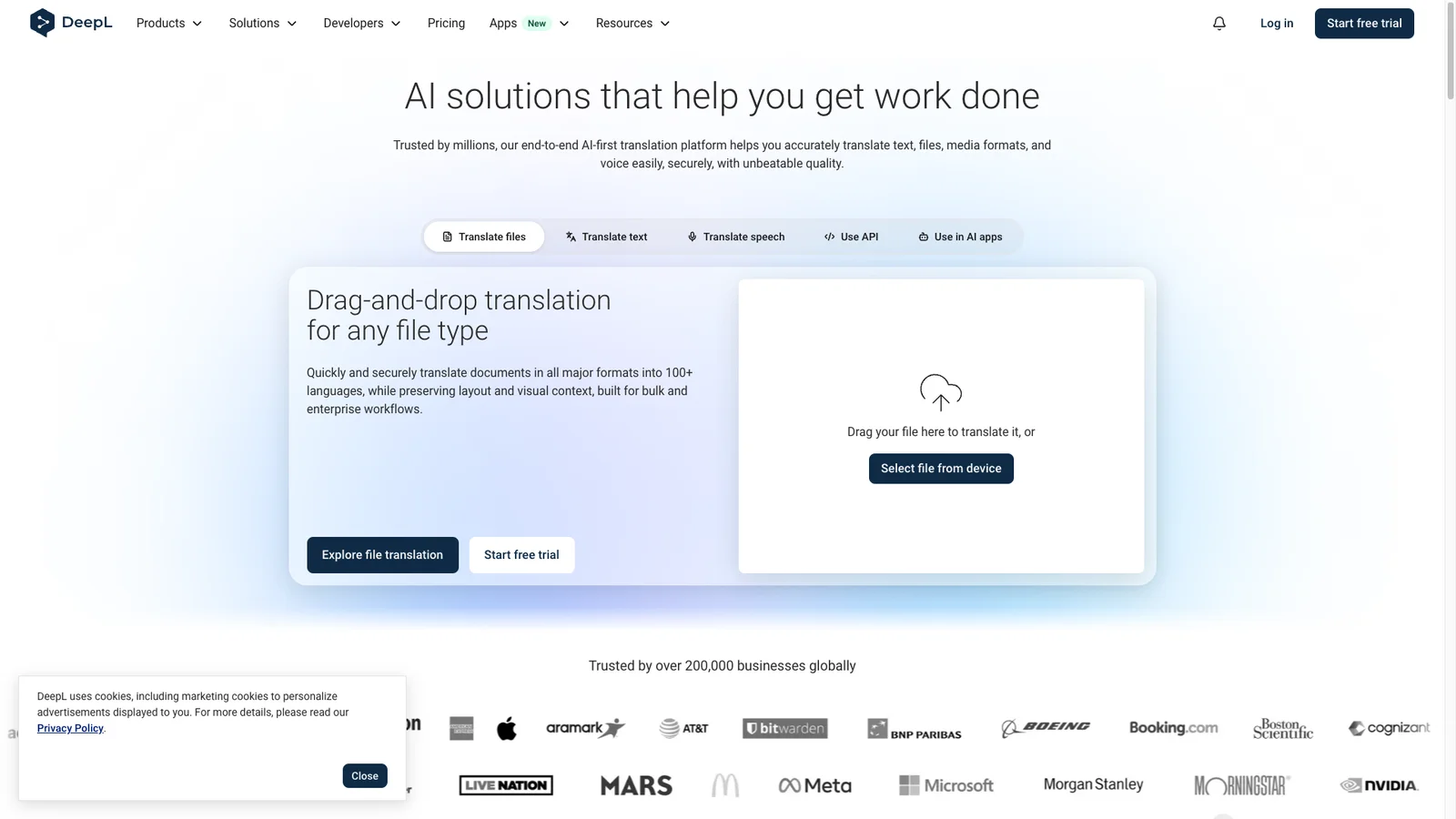
- DeepL
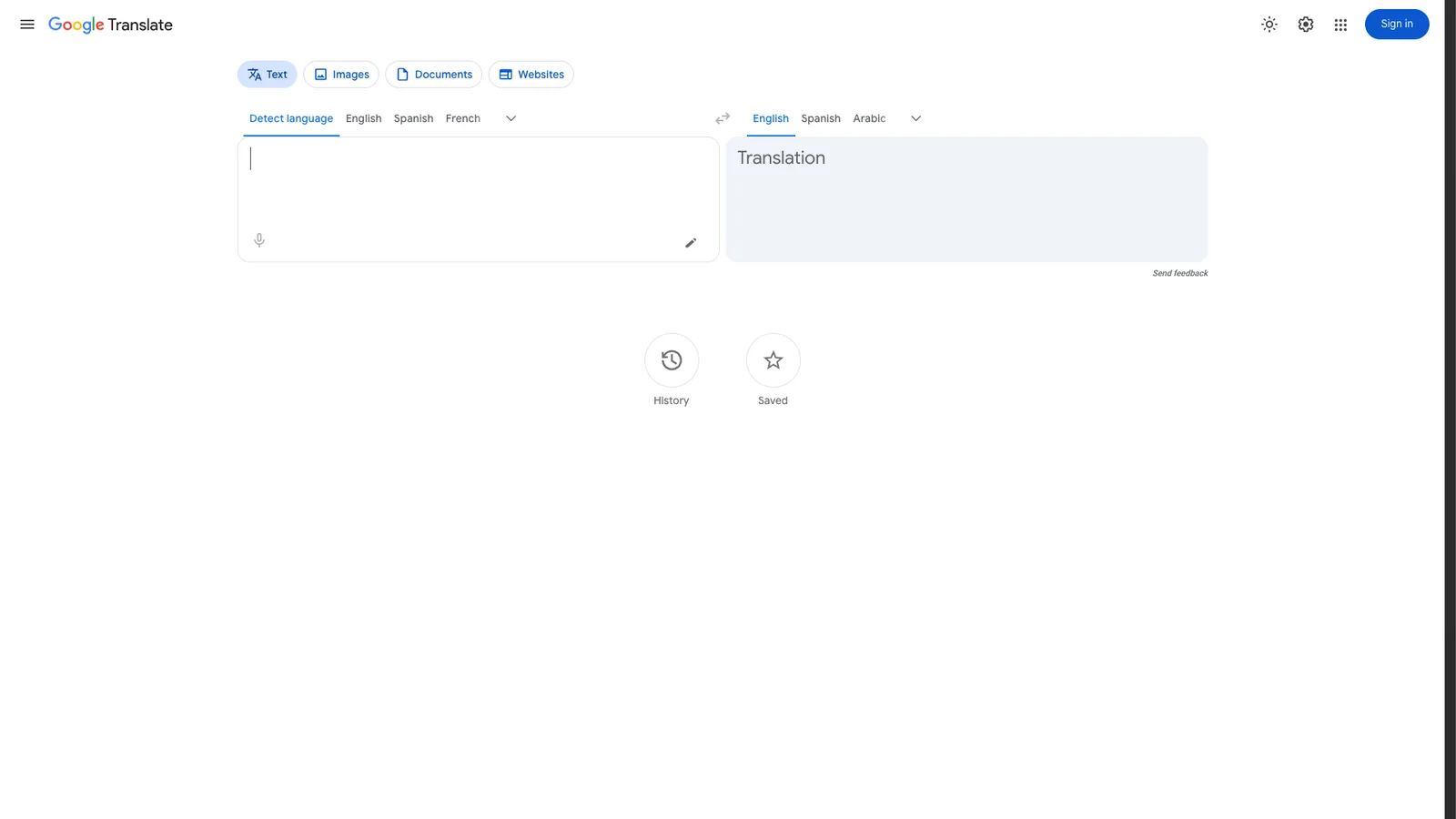
- Google Translate
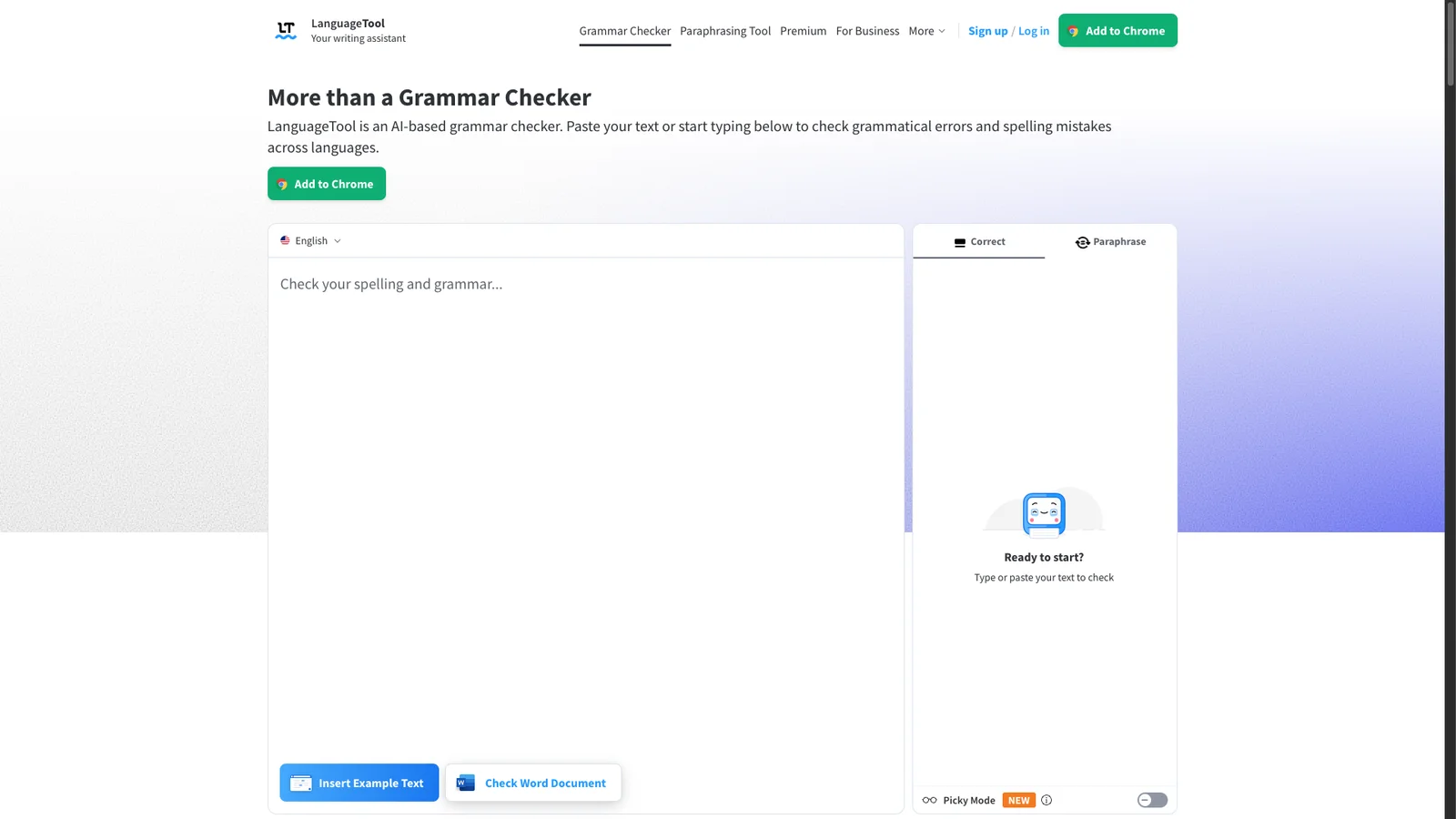
- LanguageTool
- Search and research
- DuckDuckGo
- Wolfram Alpha
- Wayback Machine
- TinEye
- Google Images
- AlternativeTo
- BuiltWith
- Have I Been Pwned
- VirusTotal
- Down for Everyone or Just Me
- Can You Run It
- Google My Activity
- Productivity
- Trello
- Notion
- Tally
- Cal.com
- Time and Date
- IFTTT
- Feedly
- Random.org
- Ninite
- Microsoft Update Catalog
- Privacy and dev tools
- scr.im
- Dead Man's Switch
- Mailinator
- 10 Minute Mail
- Privnote
- Regex101
- JSON Formatter
- Media and assets
- Unsplash
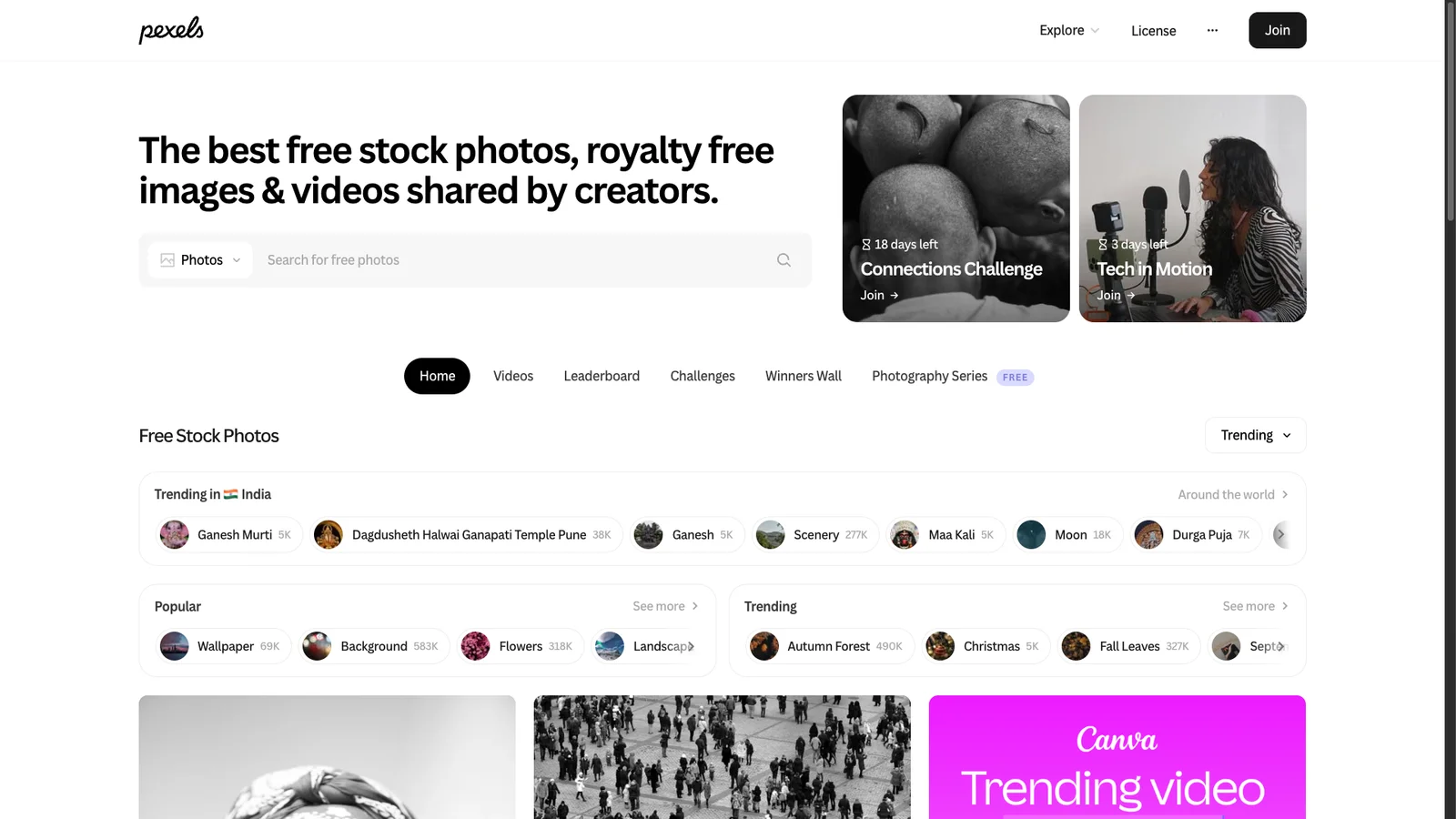
- Pexels
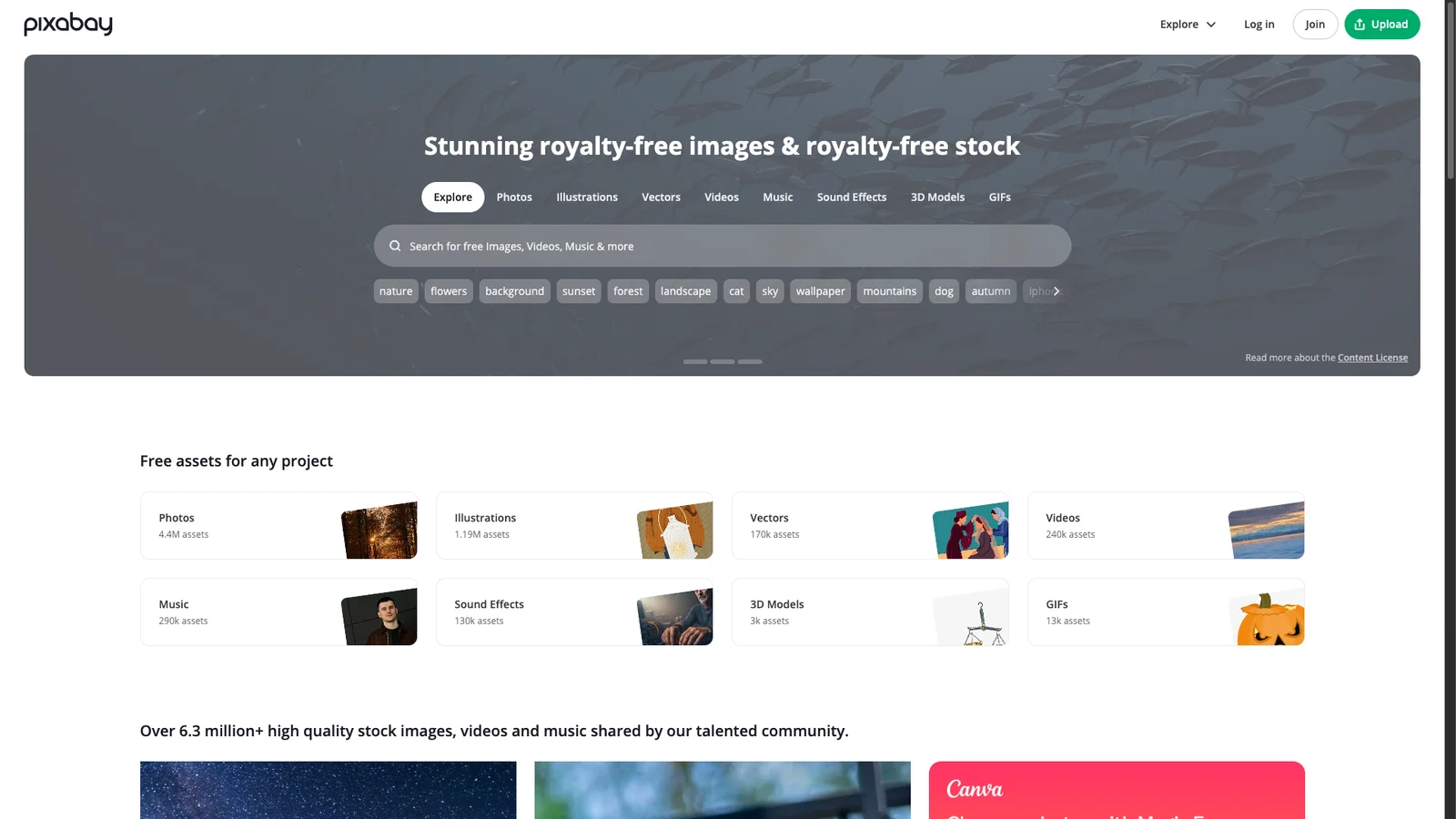
- Pixabay
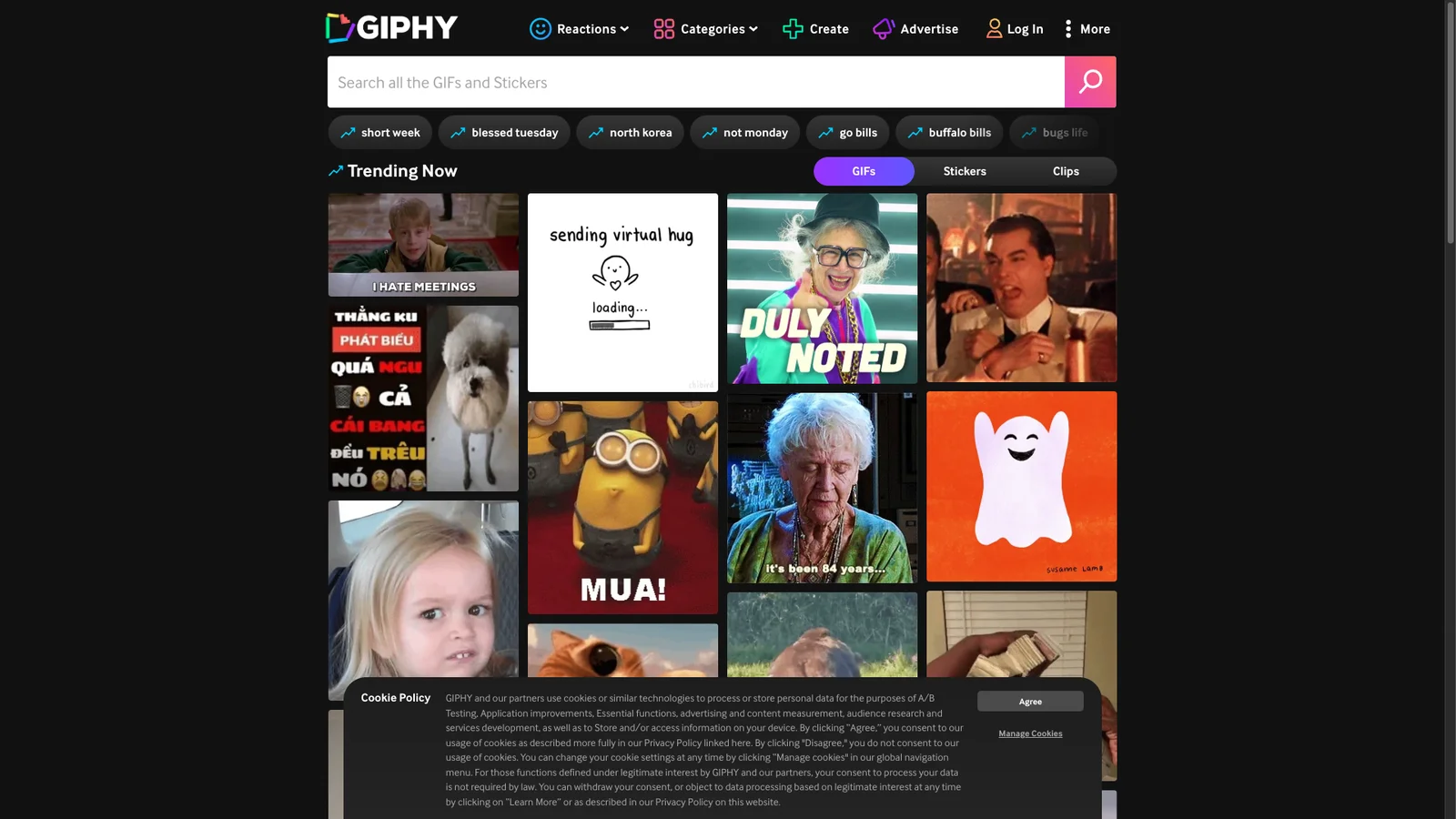
- GIPHY
- Flaticon
- Coolors
- PlayPhrase.me
- WindowSwap
- Guitar Tuner
- The Air Horner
- Network and site checks
- Fast.com
- Downdetector
- PageSpeed Insights
- GTmetrix
- DNS Checker
- Internet Live Stats
- FAQs
Most small jobs on a computer no longer need an app. Compressing a photo, merging two PDFs, checking whether a site is down, or sending a big file can all be done in a browser tab in under a minute. This list collects the websites we actually keep bookmarked, grouped by job, with a note on what each one is good at and where it falls short.
Every link was opened and tested in October 2026. Sites that shut down or turned into something else were removed, and a few newer tools were added, including the AI assistants most people now use daily.
Quick picks by task
Not sure where to start? Find your job in the table and jump to the pick.
| I want to... | Use this | Free? |
|---|---|---|
| Edit a photo or PSD | Photopea | Yes, with ads |
| Shrink an image | Squoosh | Yes |
| Merge, split, or compress a PDF | PDF24 | Yes, no limits |
| Convert any file format | CloudConvert | Daily free quota |
| Make a form or survey | Tally | Yes |
| Let people book a meeting | Cal.com | Free for one person |
| Send a large file | WeTransfer or FilePizza | Yes, with caps |
| Ask a question or draft text | ChatGPT or Claude | Free tiers |
| Get a cited answer from the web | Perplexity | Free tier |
| Design a poster or social post | Canva | Free tier |
| Translate text naturally | DeepL | Free tier |
| Find where a photo came from | TinEye | Yes |
| Check if my email was leaked | Have I Been Pwned | Yes |
| Scan a suspicious file or link | VirusTotal | Yes |
| Test my internet speed | Fast.com | Yes |
| Install many Windows apps at once | Ninite | Yes |
| Find free stock photos | Unsplash | Yes |
Looking for more? See our Google search tricks, handy bookmarklets, and the best Chrome extensions.
Files, PDFs, and images
1. Photopea
Editor
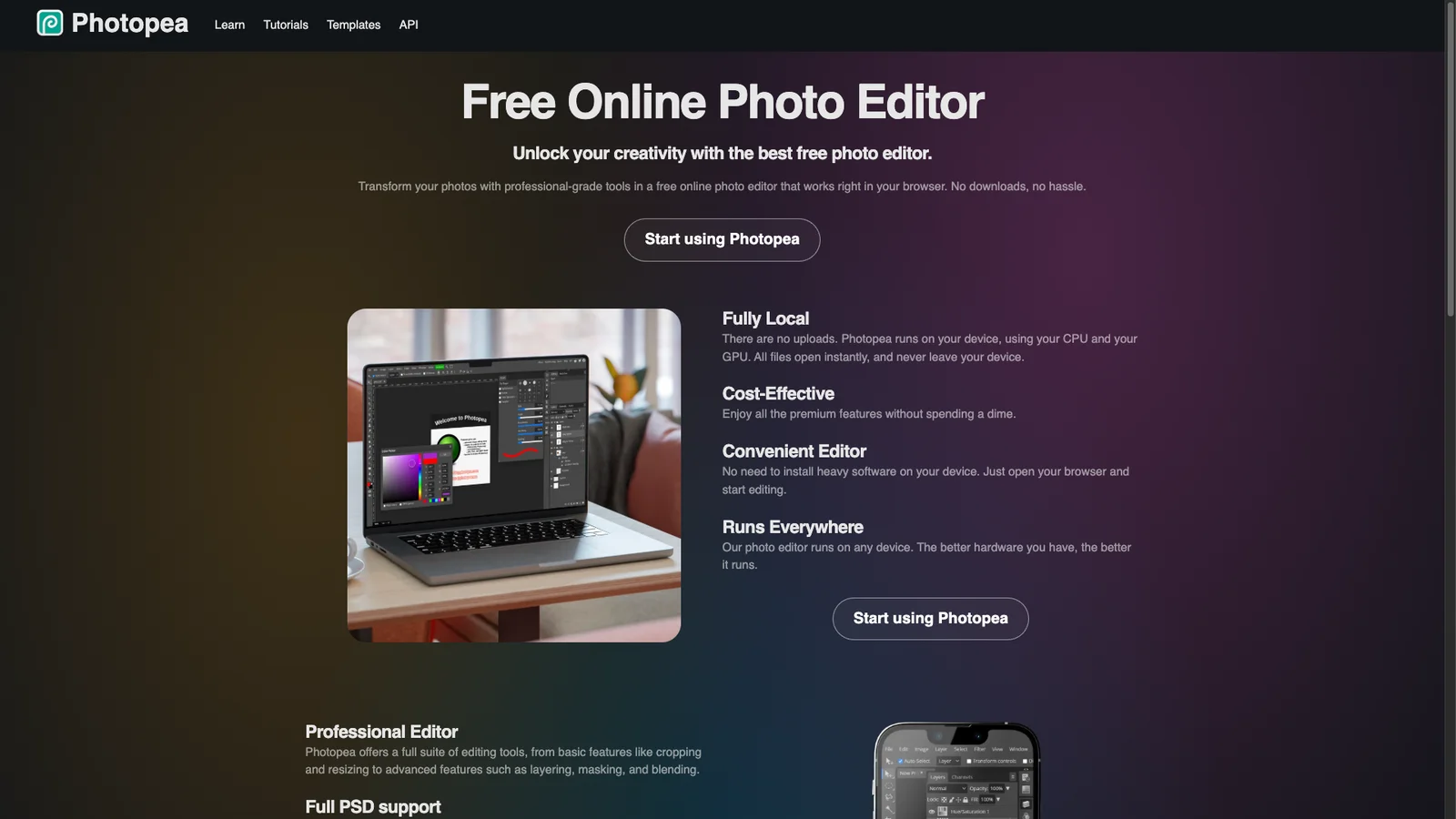
A full image editor that runs in the browser and looks and works like Photoshop. It opens PSD, XCF, Sketch, and Figma files with layers intact, and saves back to PSD. Free with ads; a small fee removes them. The best pick when someone sends you a PSD and you do not own Photoshop.
2. Squoosh
Compress
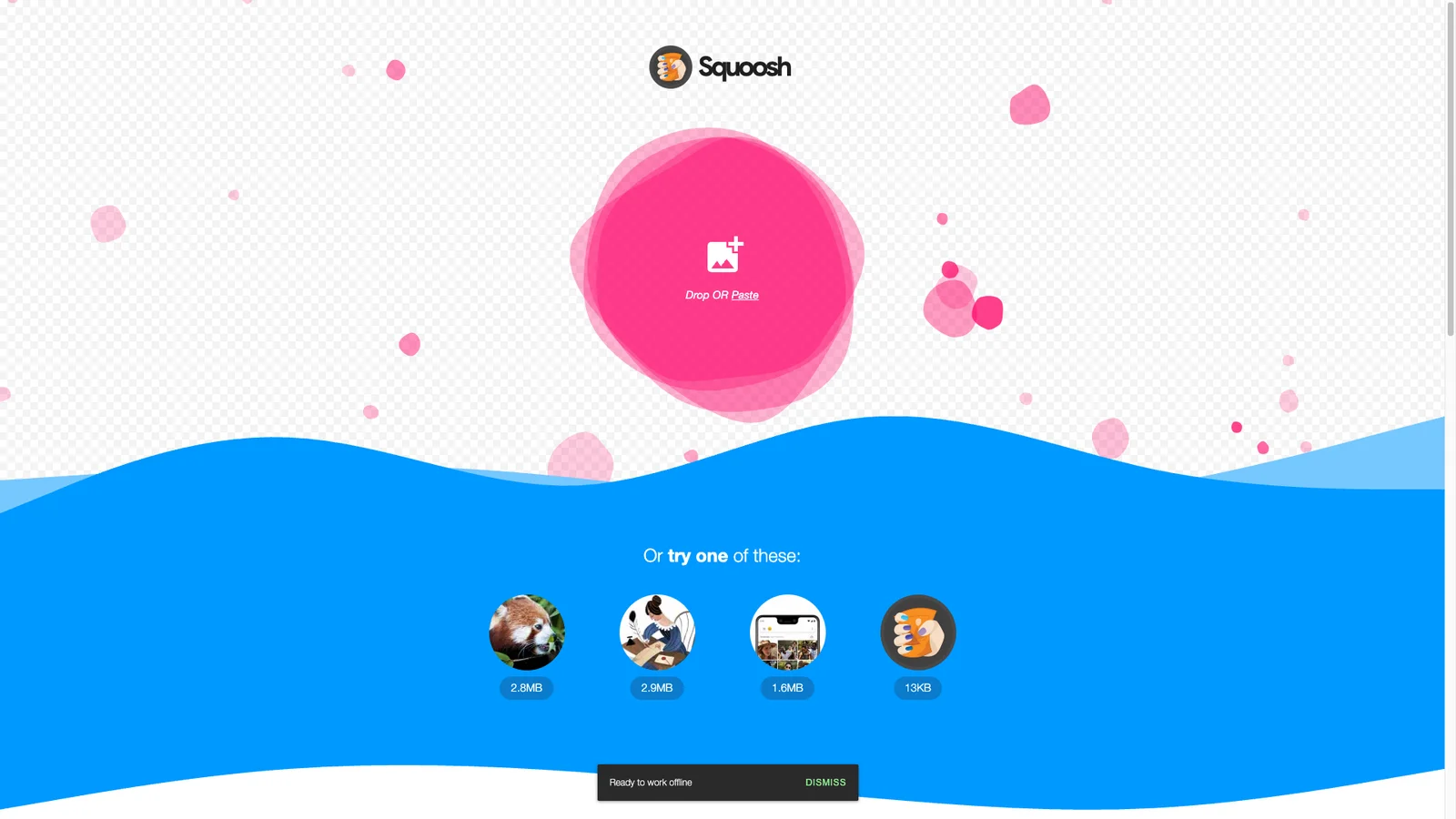
Google's image compressor shows the original and compressed image side by side, so you can drag a slider and pick the smallest file that still looks right. It converts to WebP, AVIF, MozJPEG, and more. Everything runs on your device, so photos never leave your computer. It handles one image at a time.
3. remove.bg
Photos
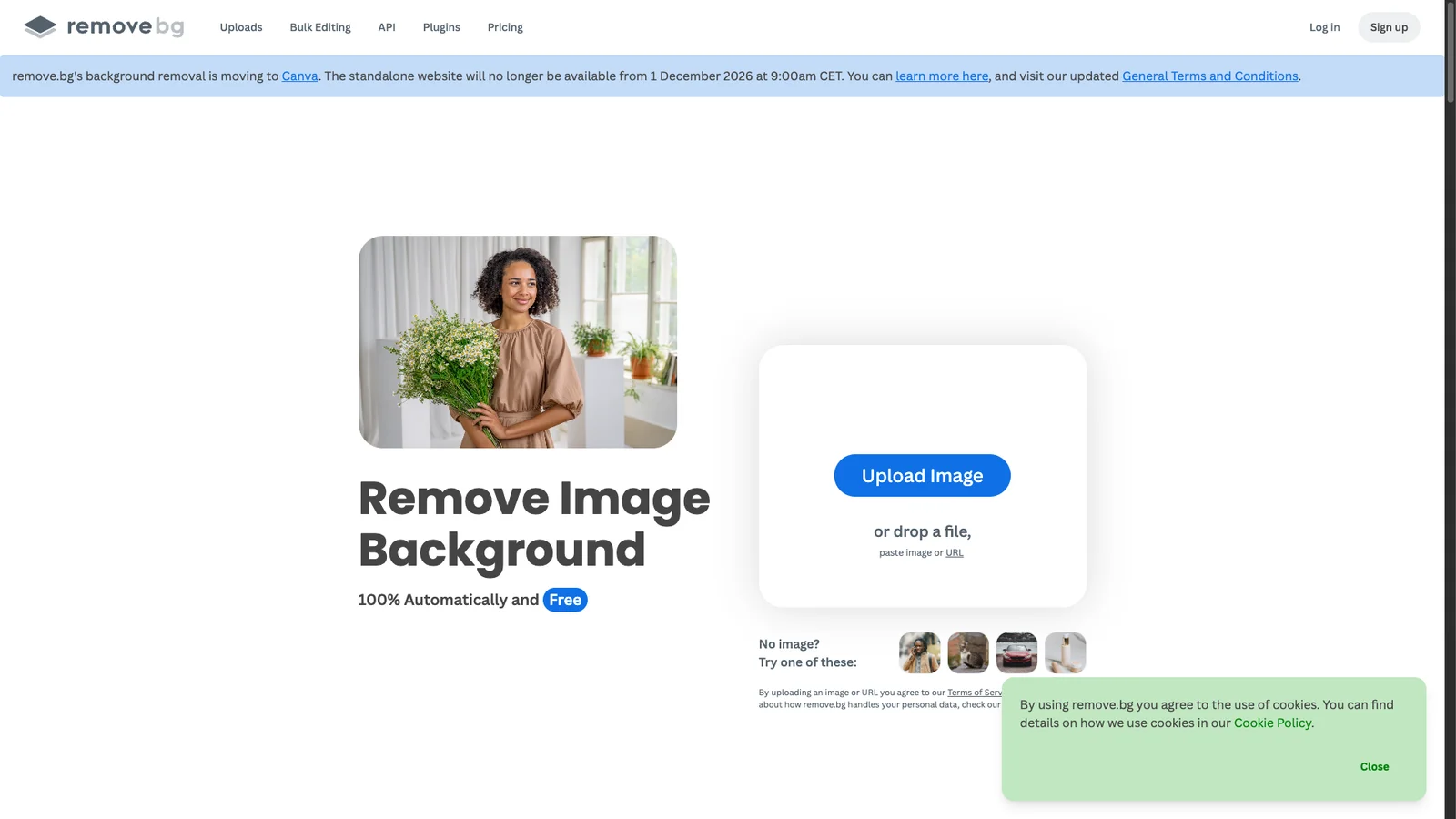
Upload a photo and the background disappears in about five seconds, with clean edges around hair and fur. The free download is preview size, which is enough for a profile picture or a slide. Full resolution costs credits. Your photo is uploaded to its servers, so skip ID cards and private images.
4. Photoroom
Photos
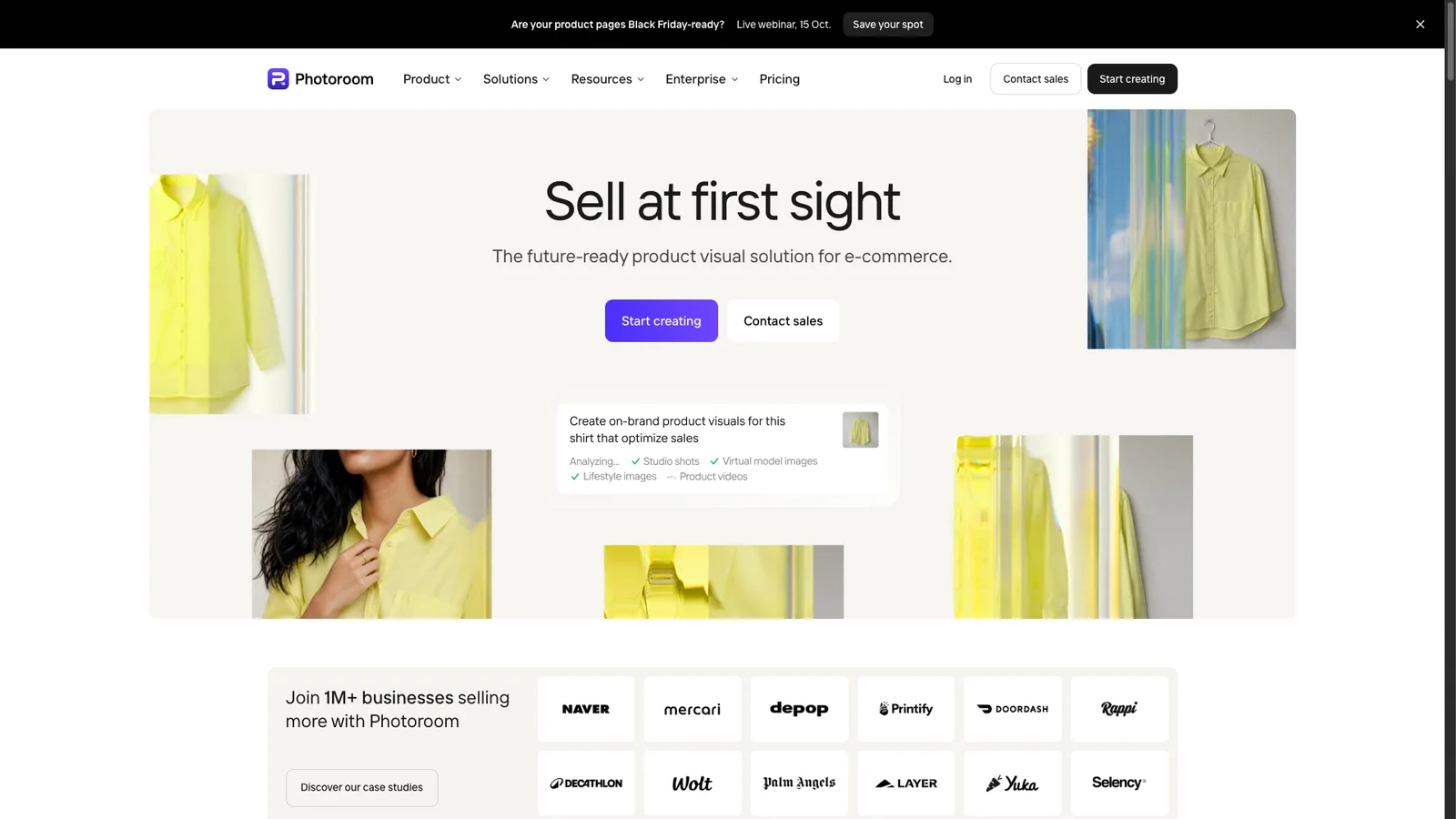
Built for product photos. Cut out the item, drop it on a clean white or styled background, and add a realistic shadow in a few clicks. Sellers on Amazon, Etsy, and Instagram use it to make phone shots look like studio photos. Free exports carry a Photoroom watermark; Pro removes it.
5. SVGOMG
SVG
Drop in an SVG exported from Illustrator, Figma, or Inkscape and it strips the junk (editor metadata, hidden layers, extra decimals). Files often shrink by half or more. Toggles let you keep IDs or viewBox if your code depends on them.
6. iLovePDF
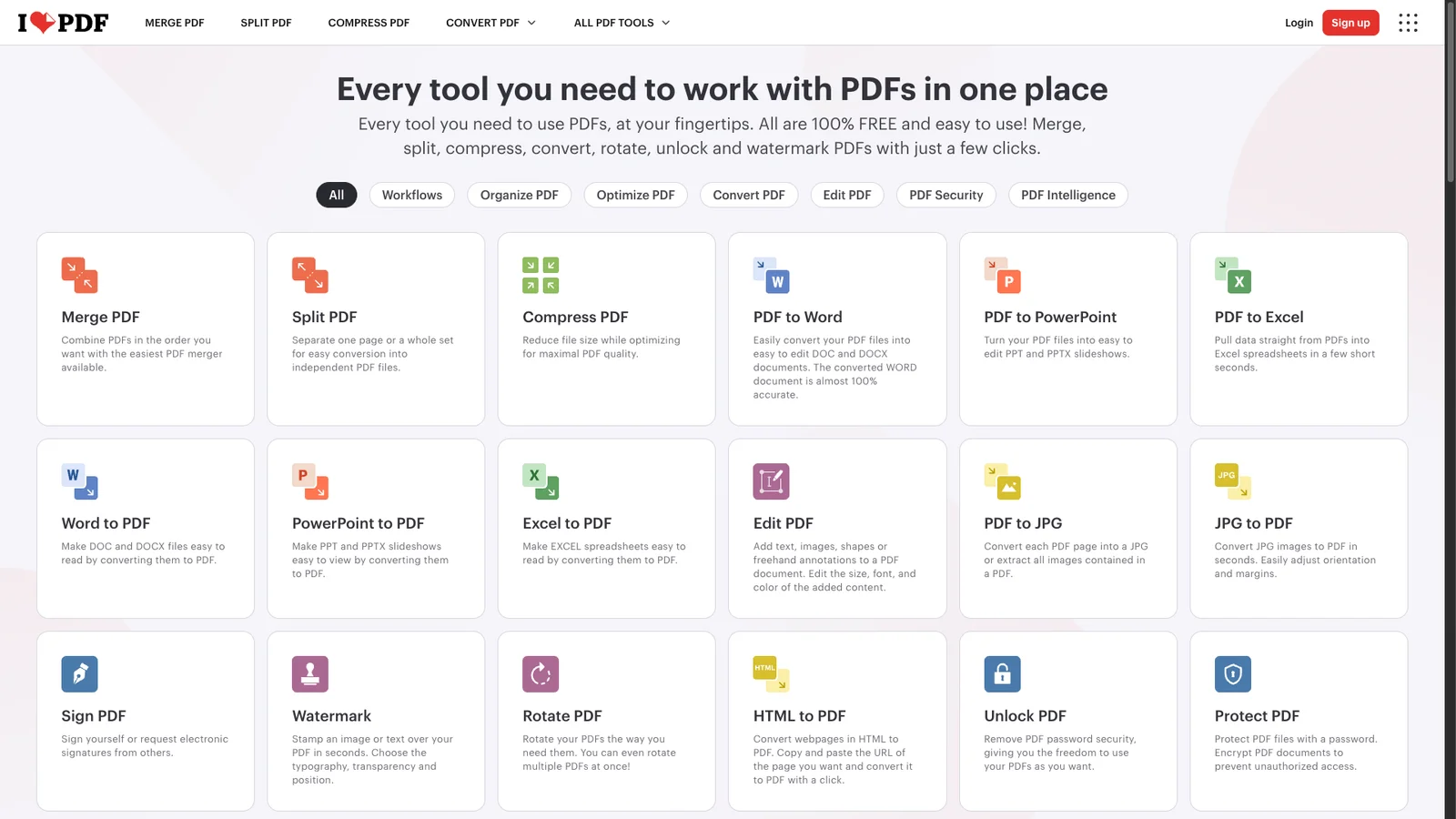
A clean PDF toolkit for merge, split, compress, convert to Word or Excel, add page numbers, and e-sign. The free tier covers normal use, with caps on file size and batch counts. Good when you want a polished interface and Google Drive or Dropbox import.
7. Smallpdf
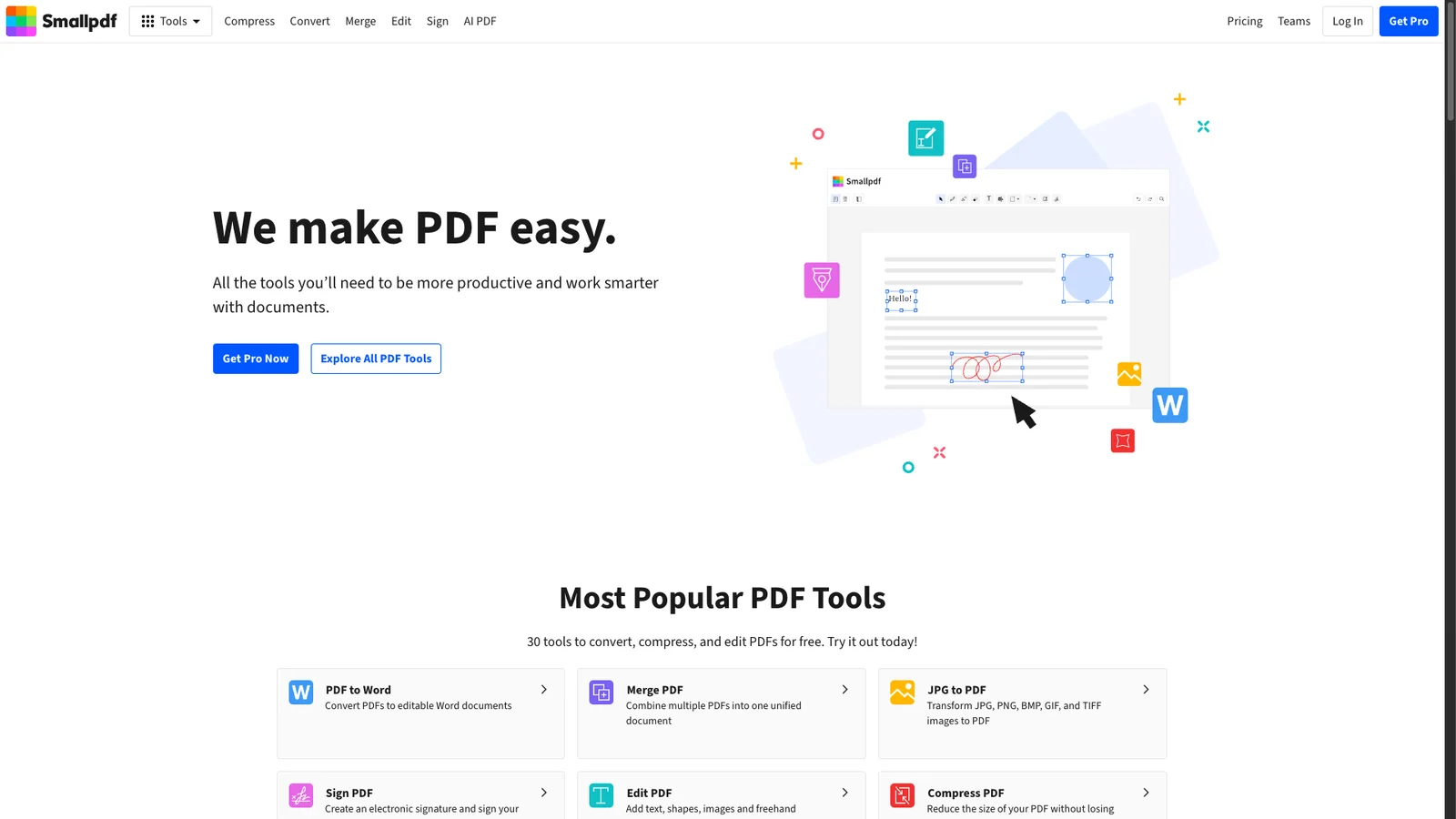
Another polished PDF suite with strong compression and a handy PDF editor for fixing typos. The free plan has a tight daily task limit, so use it as a backup when iLovePDF or PDF24 is not doing the job.
8. PDF24
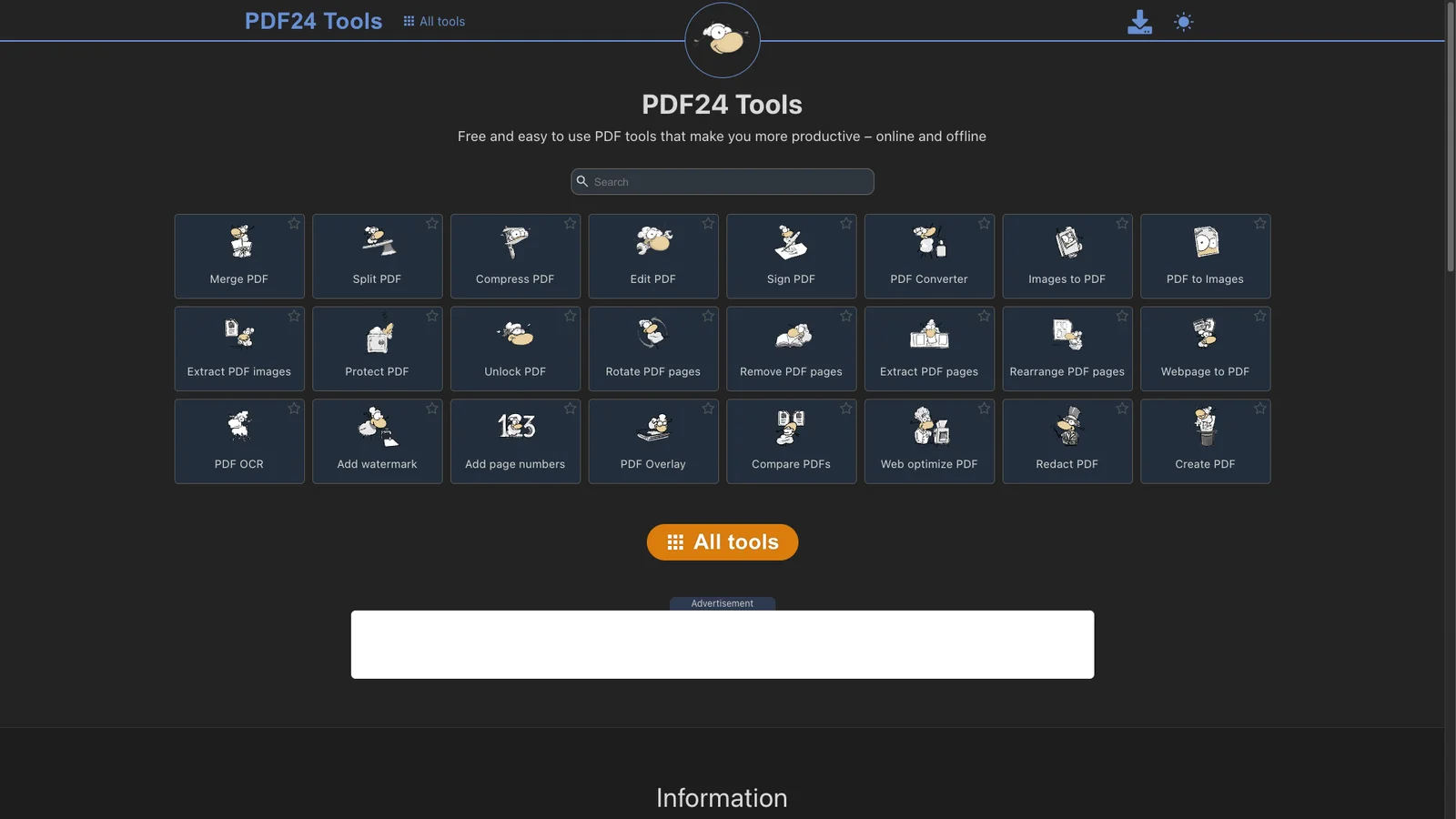
Our first pick for PDFs. Over 30 tools (merge, compress, OCR, redact, unlock, PDF to image) with no sign-up, no daily limit, and no watermark. There is also a free Windows desktop app if you work offline or with confidential files.
9. CloudConvert
Convert
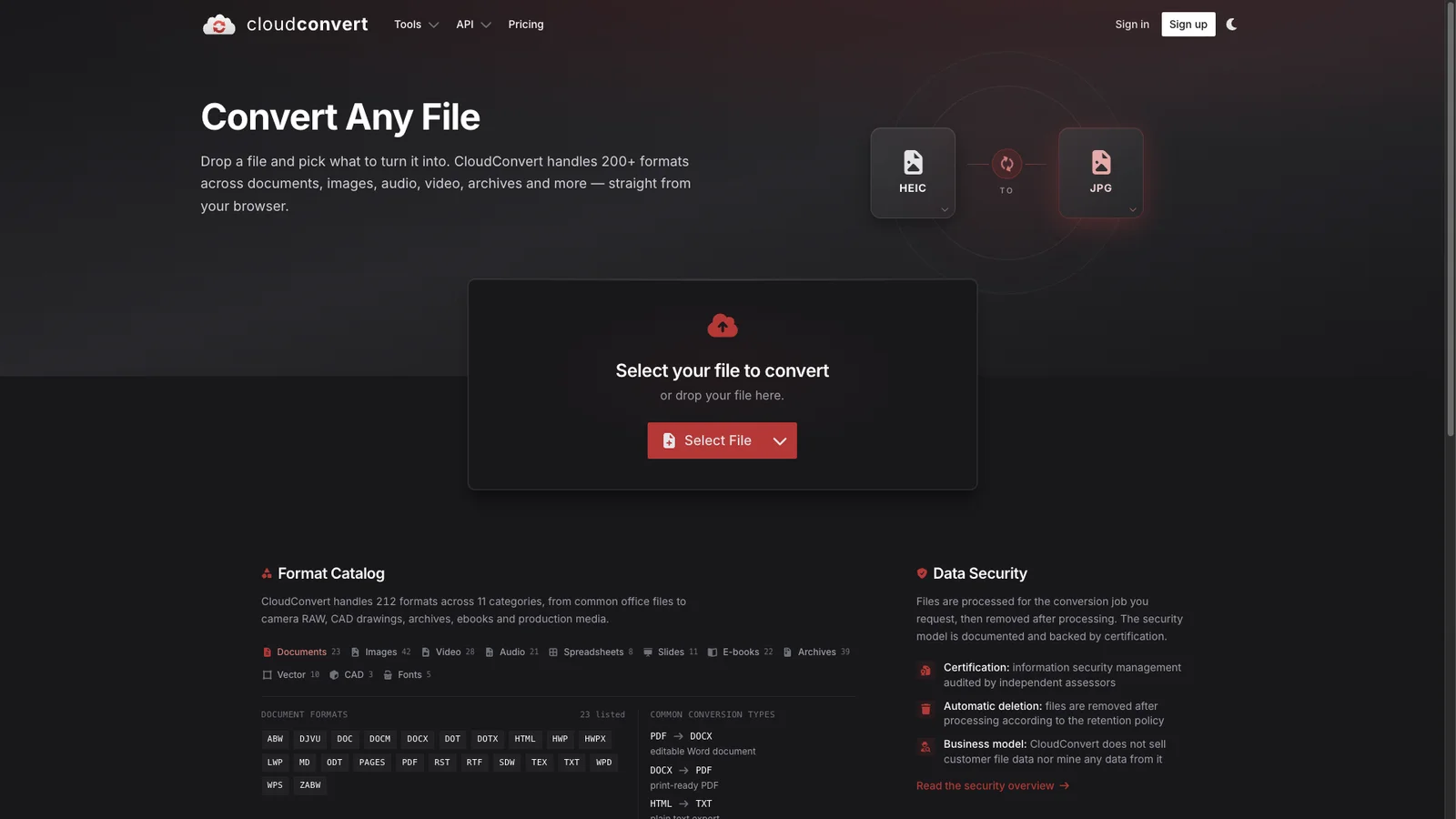
Converts between 200+ formats: video, audio, ebooks, documents, archives, fonts, and CAD. Advanced options let you set codec, bitrate, or page size. The free quota is a set number of conversions per day, which is plenty for occasional use.
10. TinyWow
Toolkit
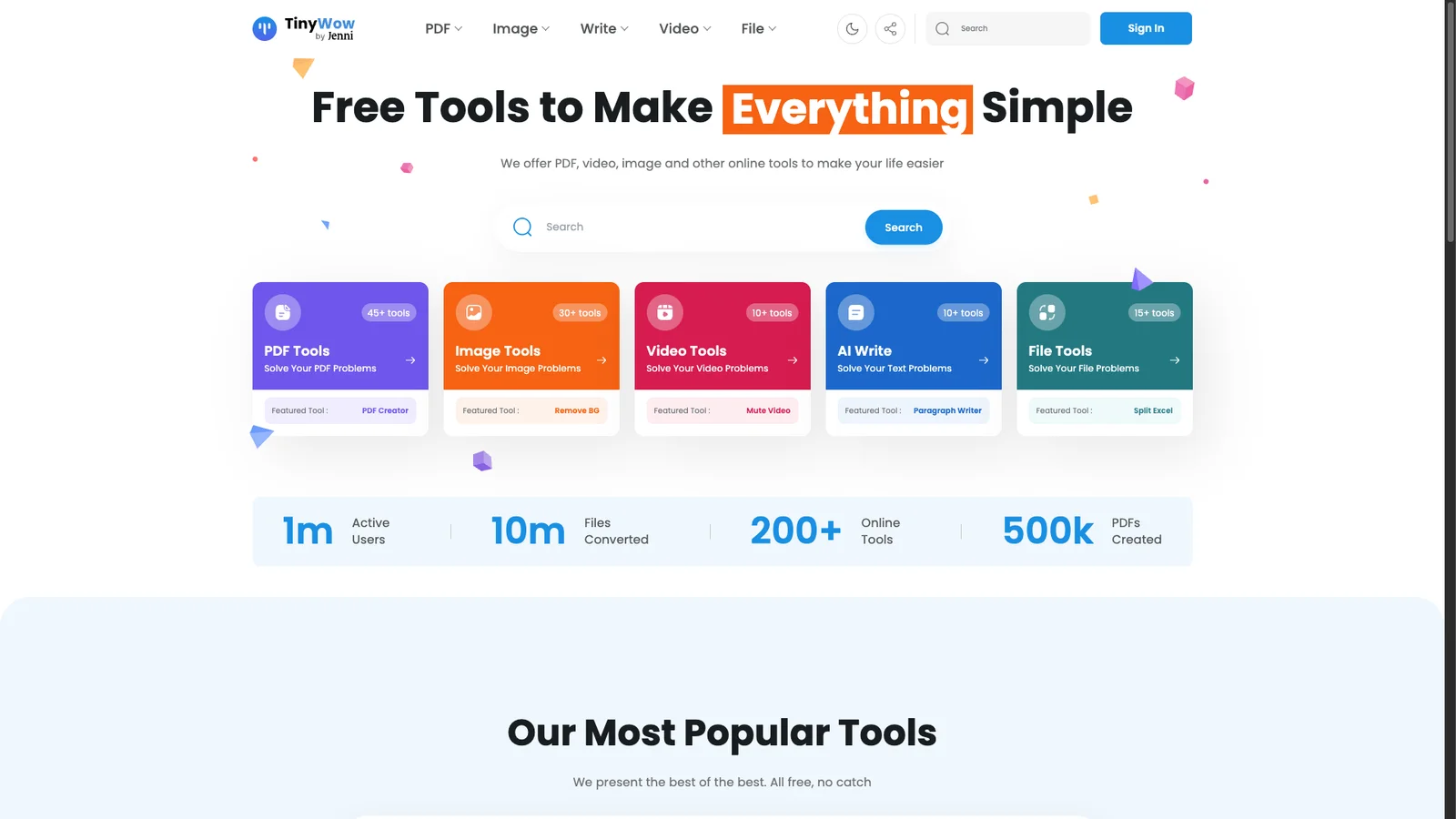
Hundreds of small free tools in one place: PDF, image, video, and AI writing utilities. No account needed. Handy when you need something odd, like turning a video into a GIF or removing a watermark.
11. Corrupt a File
Niche
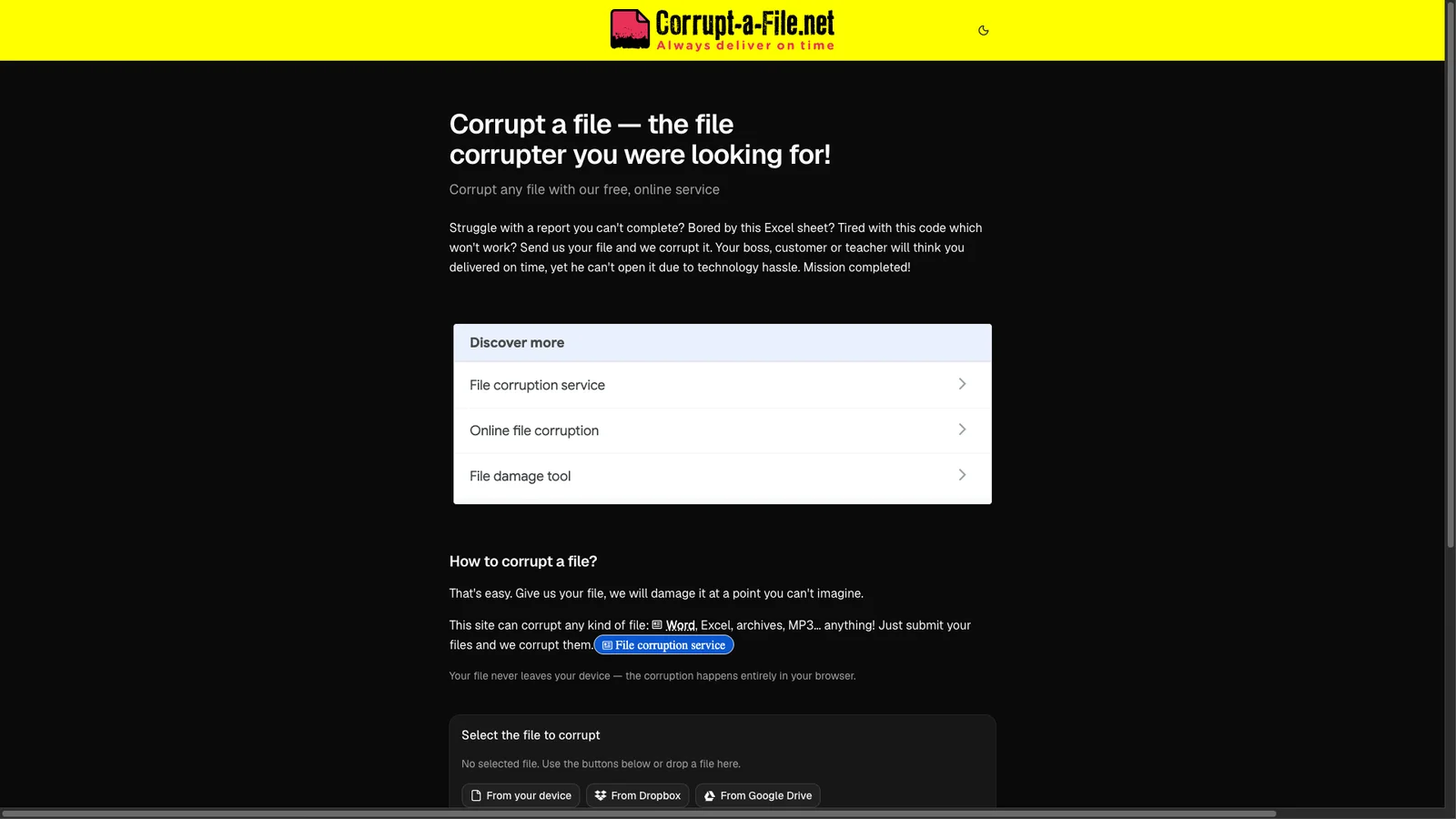
Does exactly what the name says: upload a Word, Excel, or any other file and download a damaged copy that will not open. Developers use it to test how apps handle broken files. Others use it to buy a little extra time on a deadline, which we do not officially recommend.
12. FilePizza
Transfer
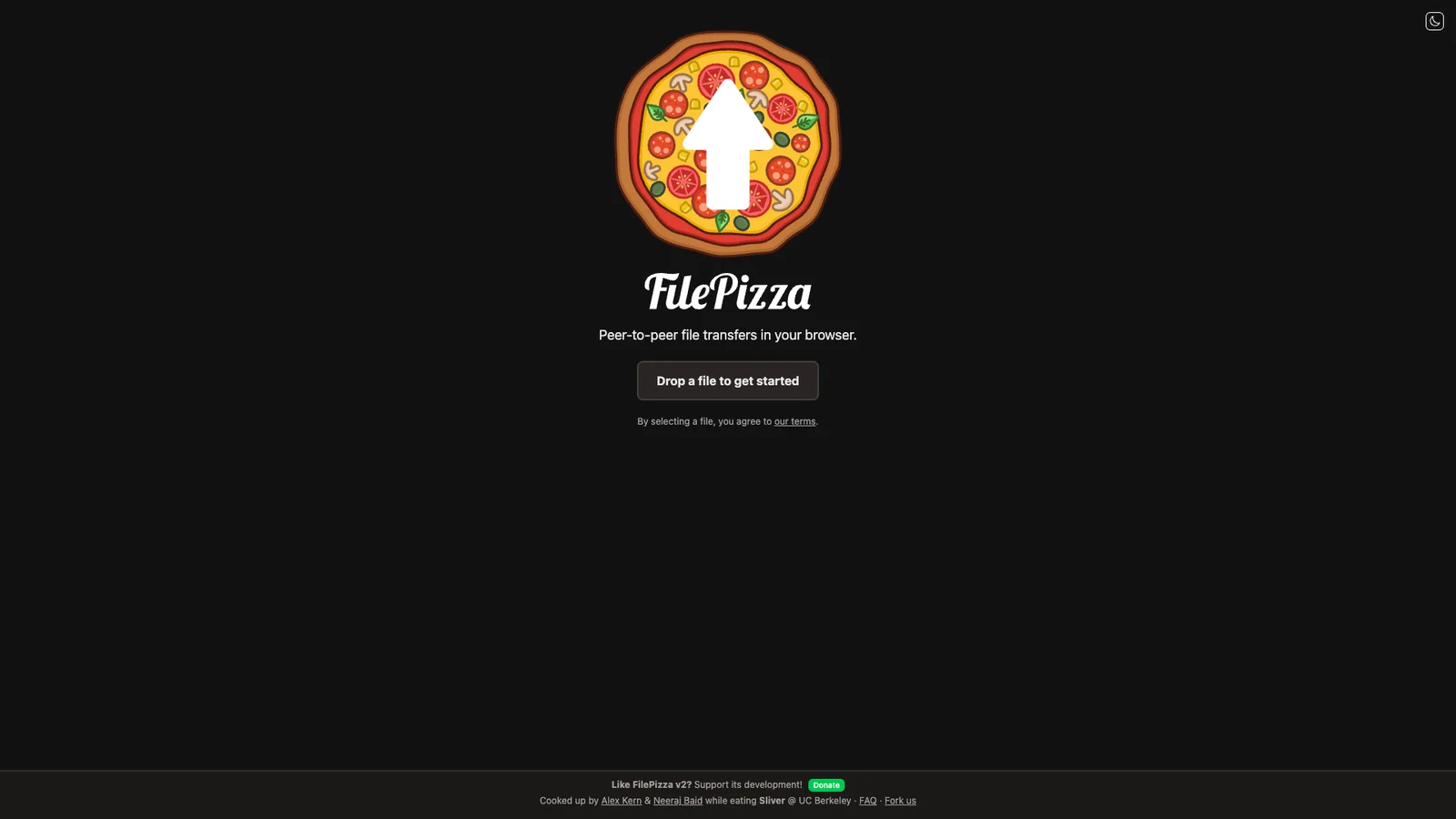
Sends a file straight from your browser to someone else's, peer to peer, with no upload to a server and no size cap. The catch: your tab must stay open until the other person finishes downloading. Great for one large file between two people online at the same time.
13. WeTransfer
Transfer
The classic way to send big files by link. The free plan now allows up to 3 GB per transfer and 10 transfers in any 30-day window, and links expire after 3 days. Use FilePizza when you hit the monthly cap.
AI assistants
14. ChatGPT
AI
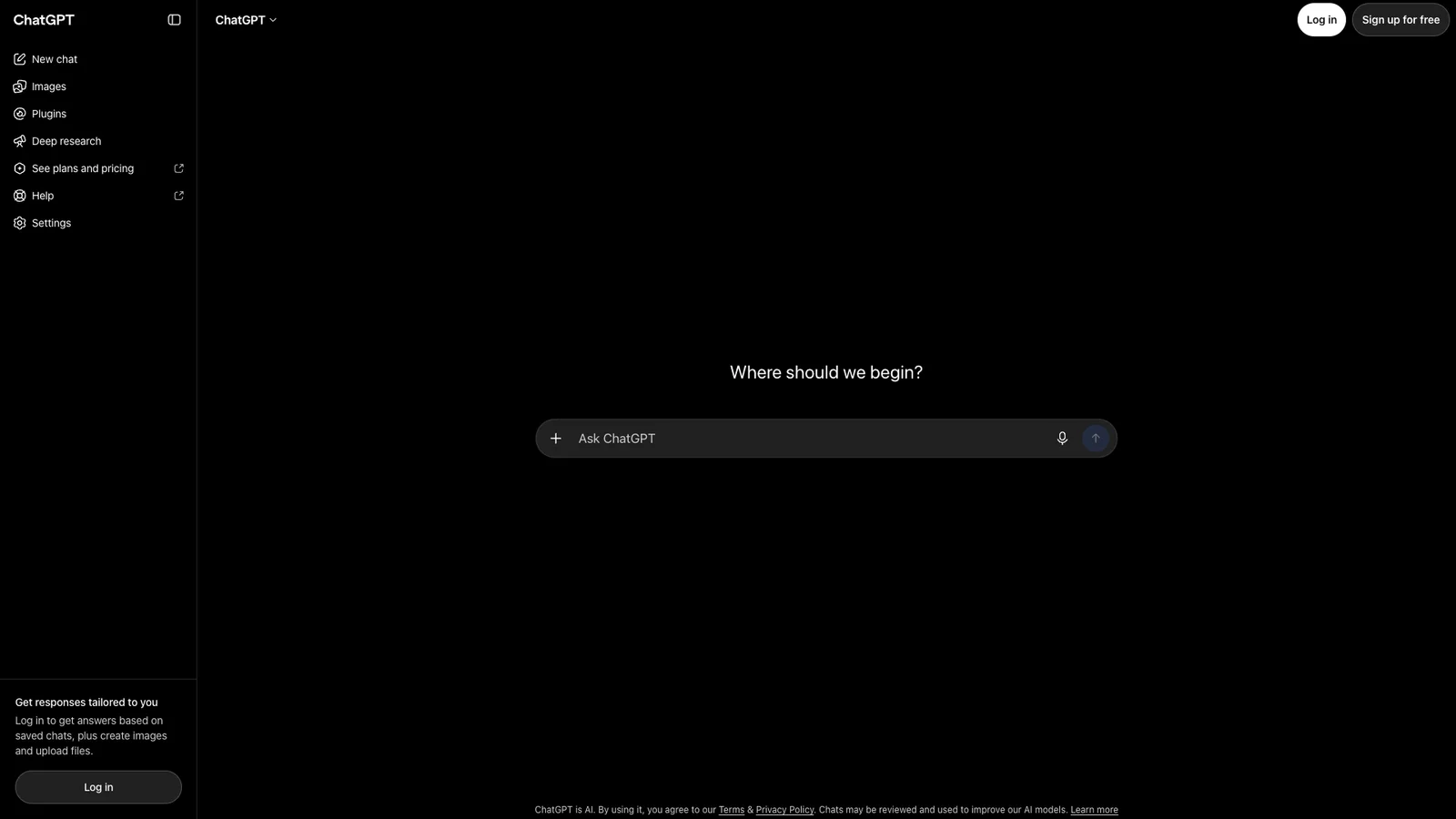
OpenAI's assistant drafts emails, explains concepts, summarizes long text, and reads images and PDFs you upload. The free tier works without paying and covers most everyday questions. Always double-check facts, figures, and anything medical or legal.
15. Claude
AI
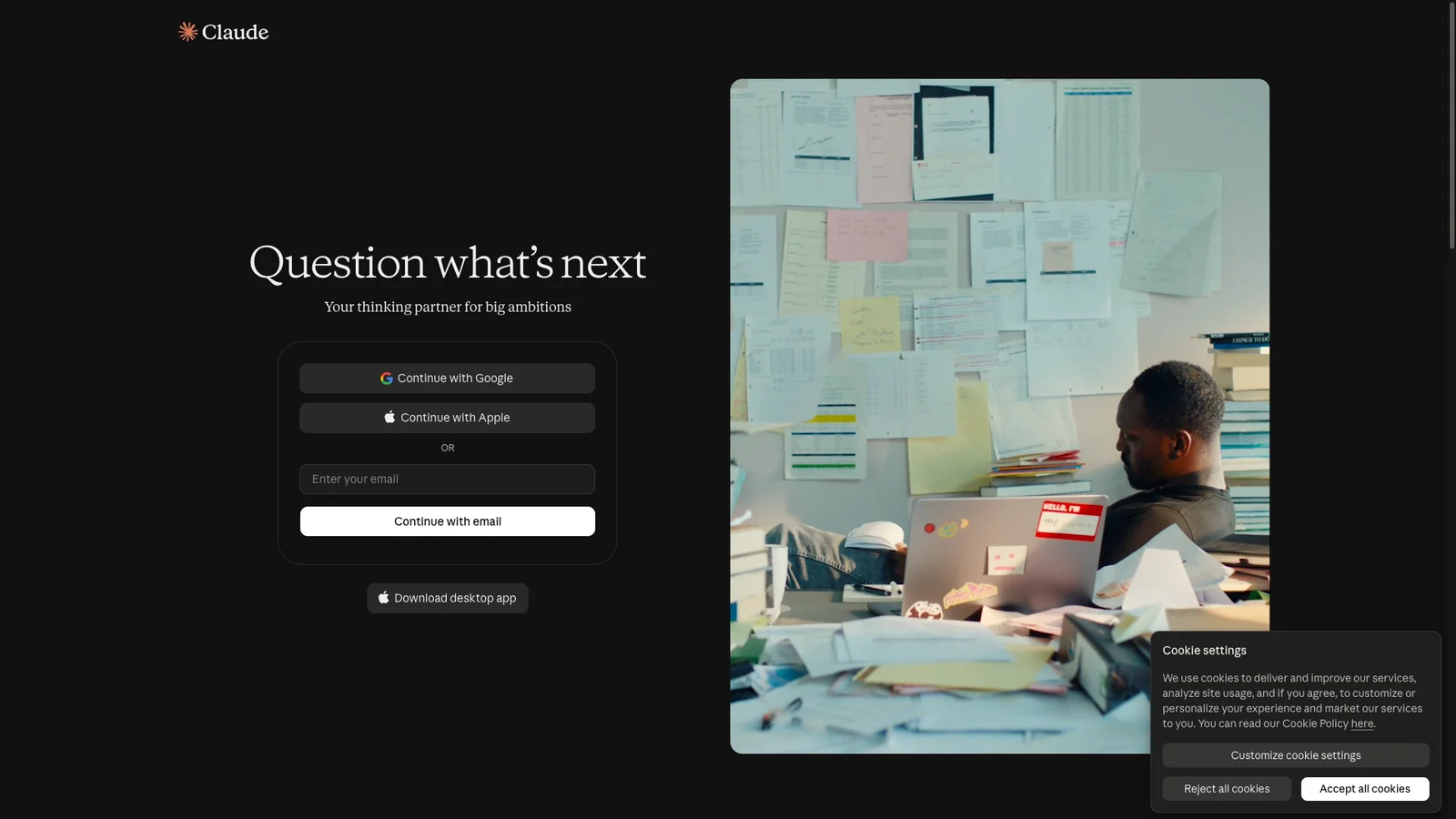
Anthropic's assistant is strong at writing, editing, and working through long documents. Paste a contract, a report, or a chunk of code and ask questions about it. The free plan has daily message limits that reset every few hours.
16. Perplexity
AI search
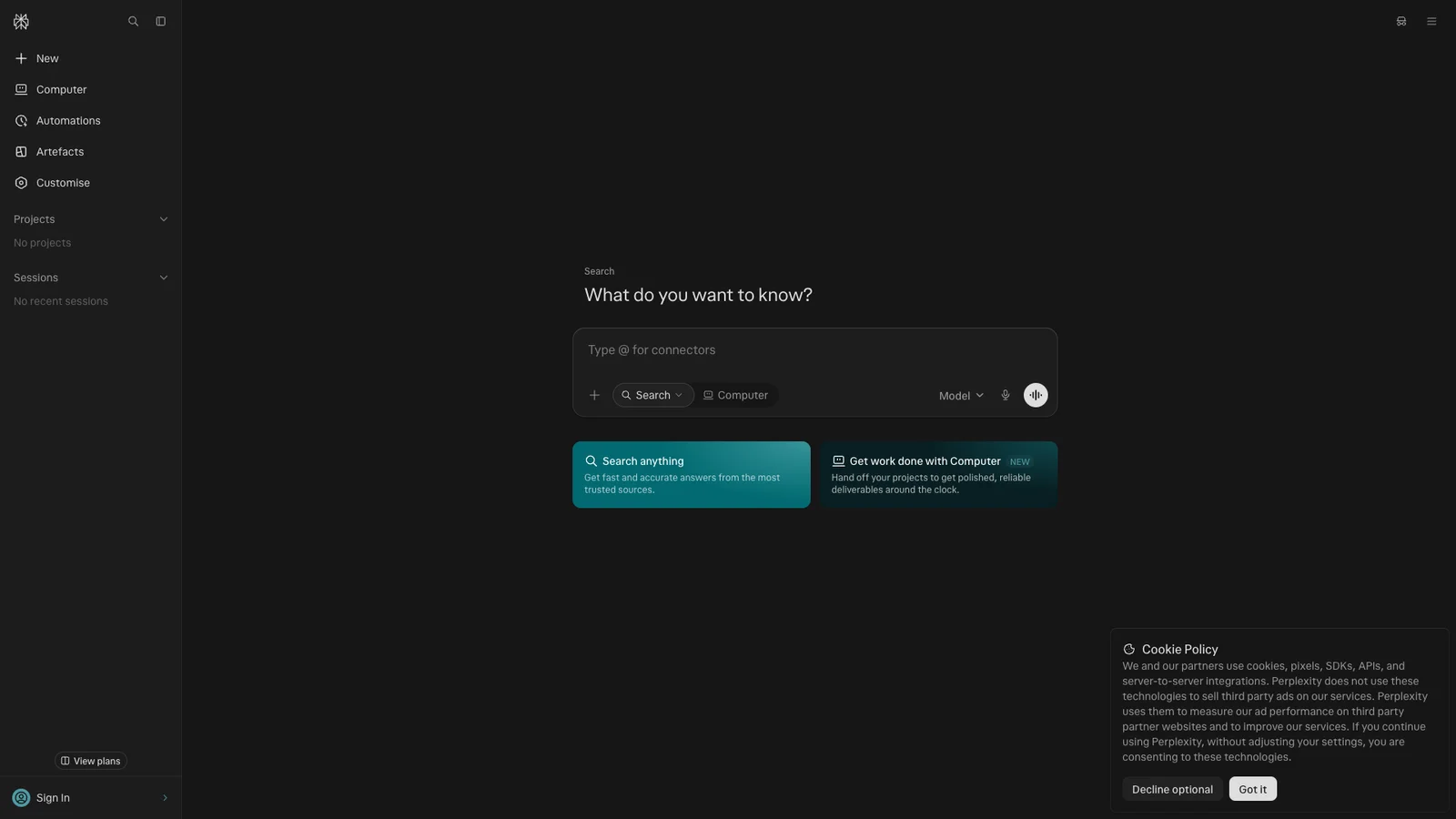
An AI search engine that answers in plain sentences and lists the sources it used, so you can click through and check. Better than a chatbot for current events and product research. See how it stacks up in Perplexity Pro vs ChatGPT Plus.
17. Gemini Notebook
Study
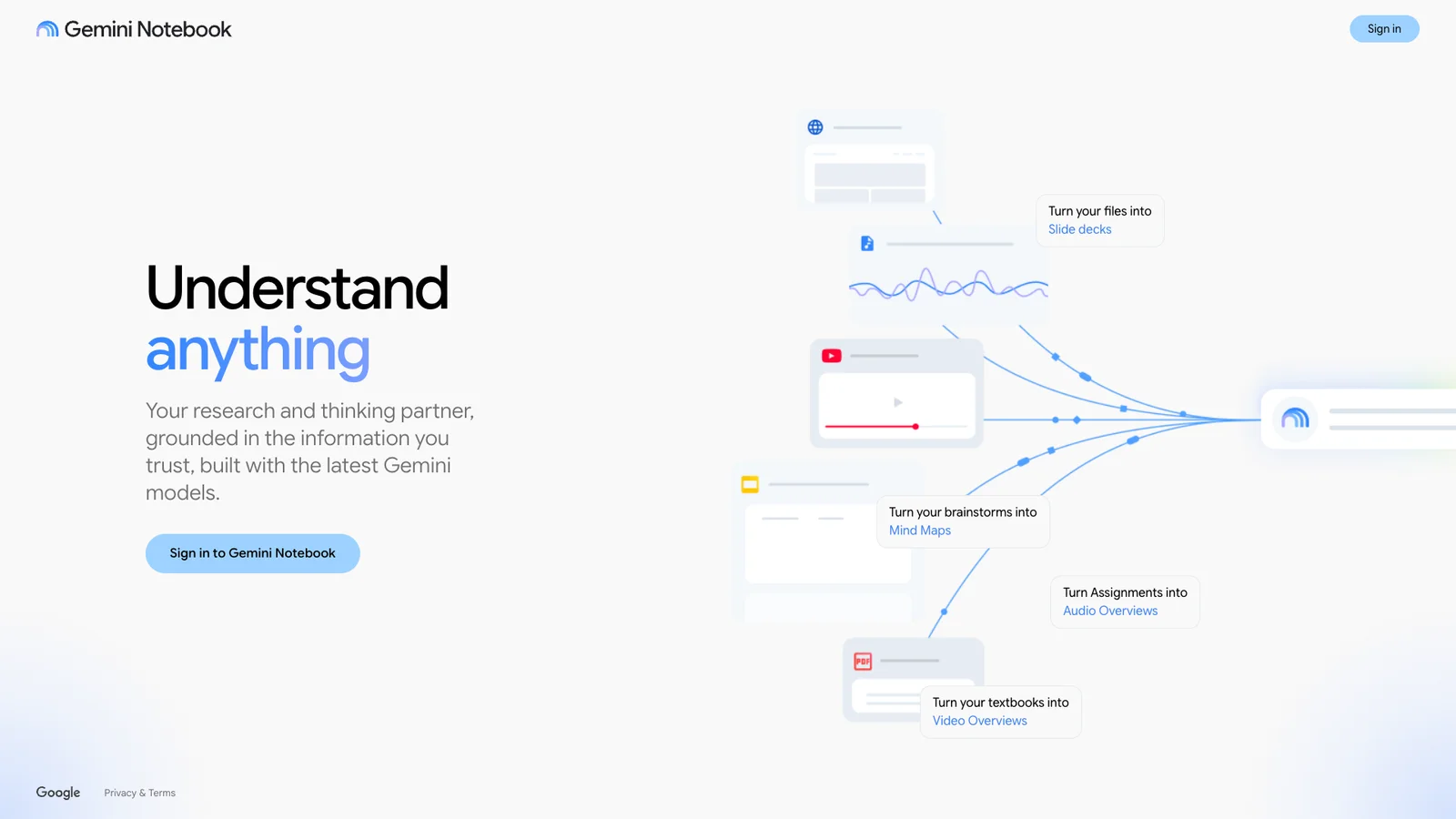
Google's research notebook, called NotebookLM until Google renamed it in July 2026. It only answers from the files you give it: PDFs, Google Docs, web pages, or YouTube videos, which makes it far less likely to make things up. It can turn your sources into a study guide, mind map, slide deck, or podcast-style audio overview. Free with a Google account, and old NotebookLM links and notebooks still work.
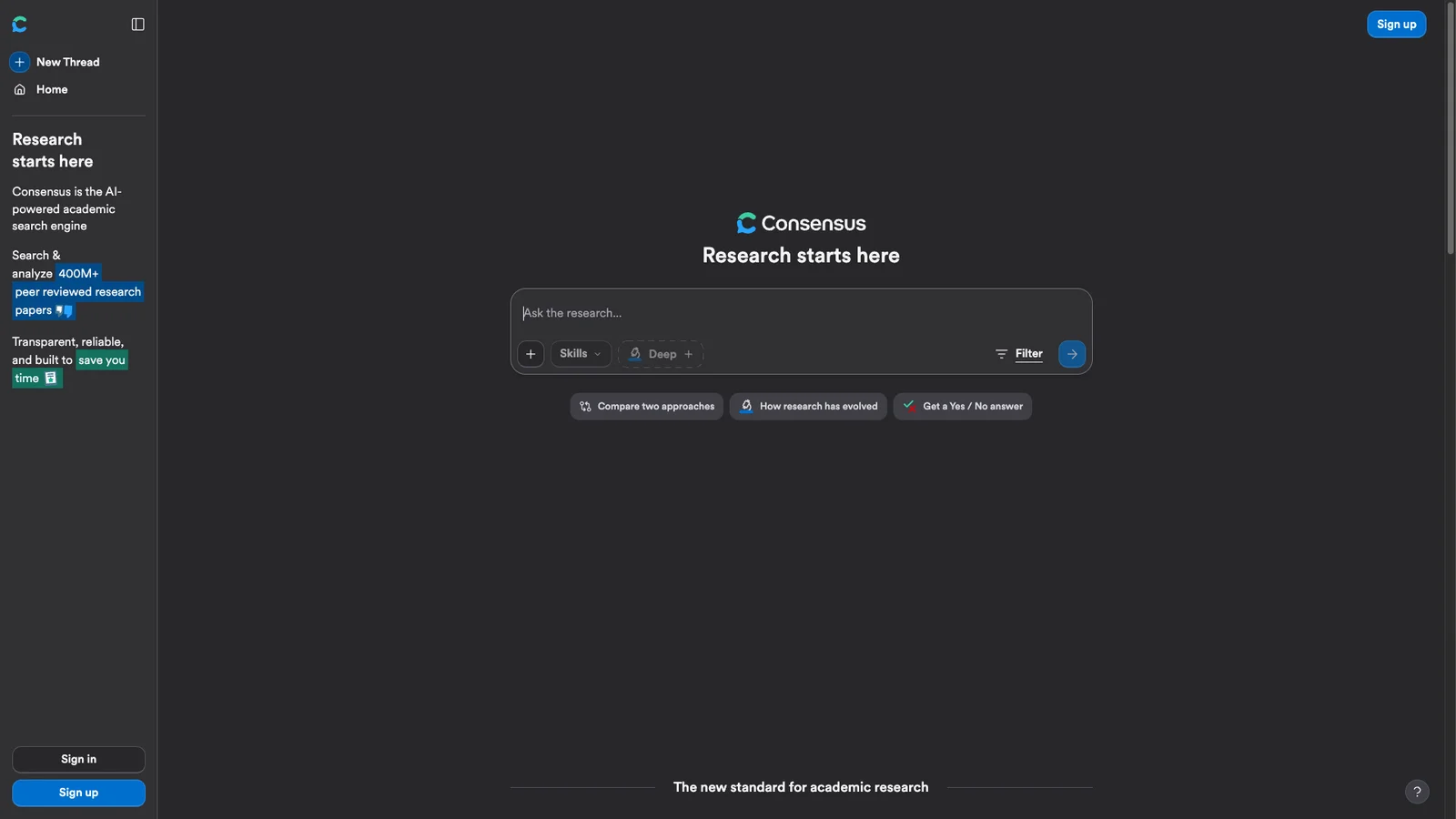
18. Consensus
Research
A search engine for scientific papers. Ask a plain question like "does creatine improve memory?" and it summarizes what published studies found, with links to each paper. Searching is free; the deeper AI summaries come with a monthly allowance on the free plan.
Writing and design
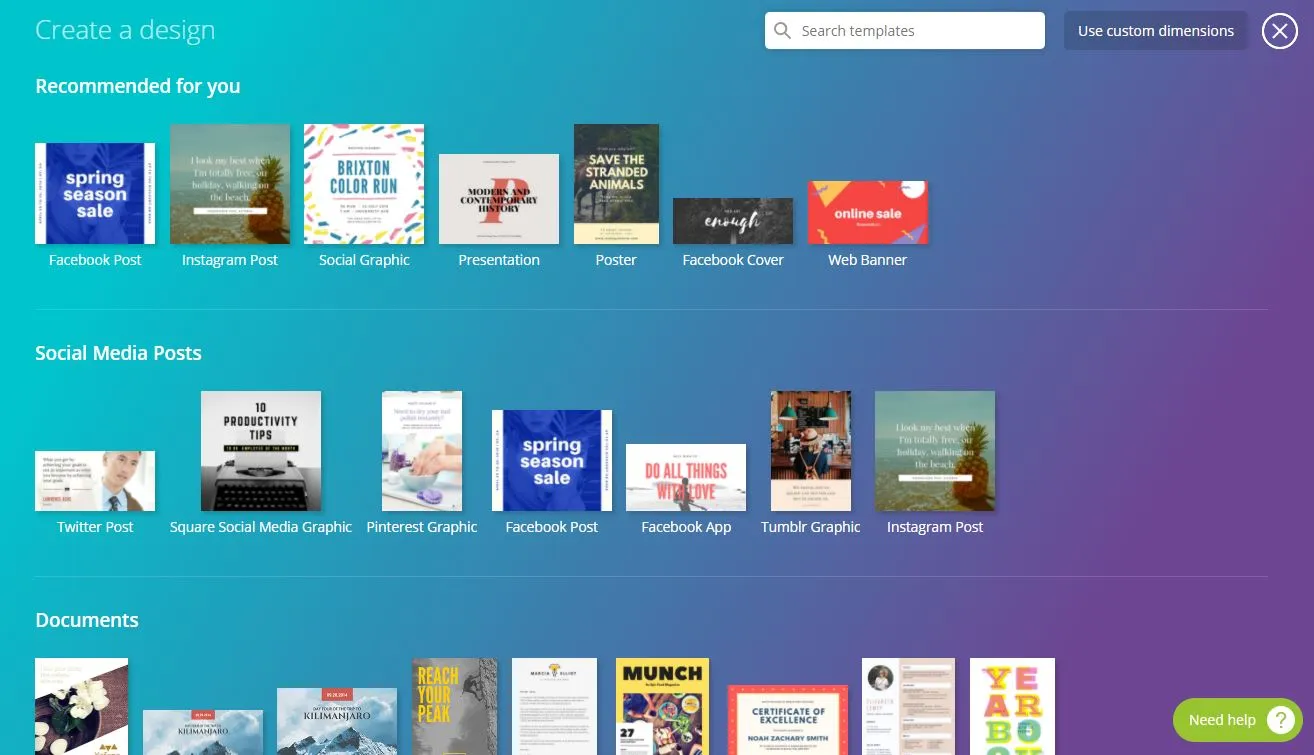
19. Canva
Design
Drag-and-drop design for social posts, posters, slides, resumes, and short videos, with thousands of templates. The free plan is generous; Pro adds the premium photo library, brand kits, and one-click resize.
20. Excalidraw
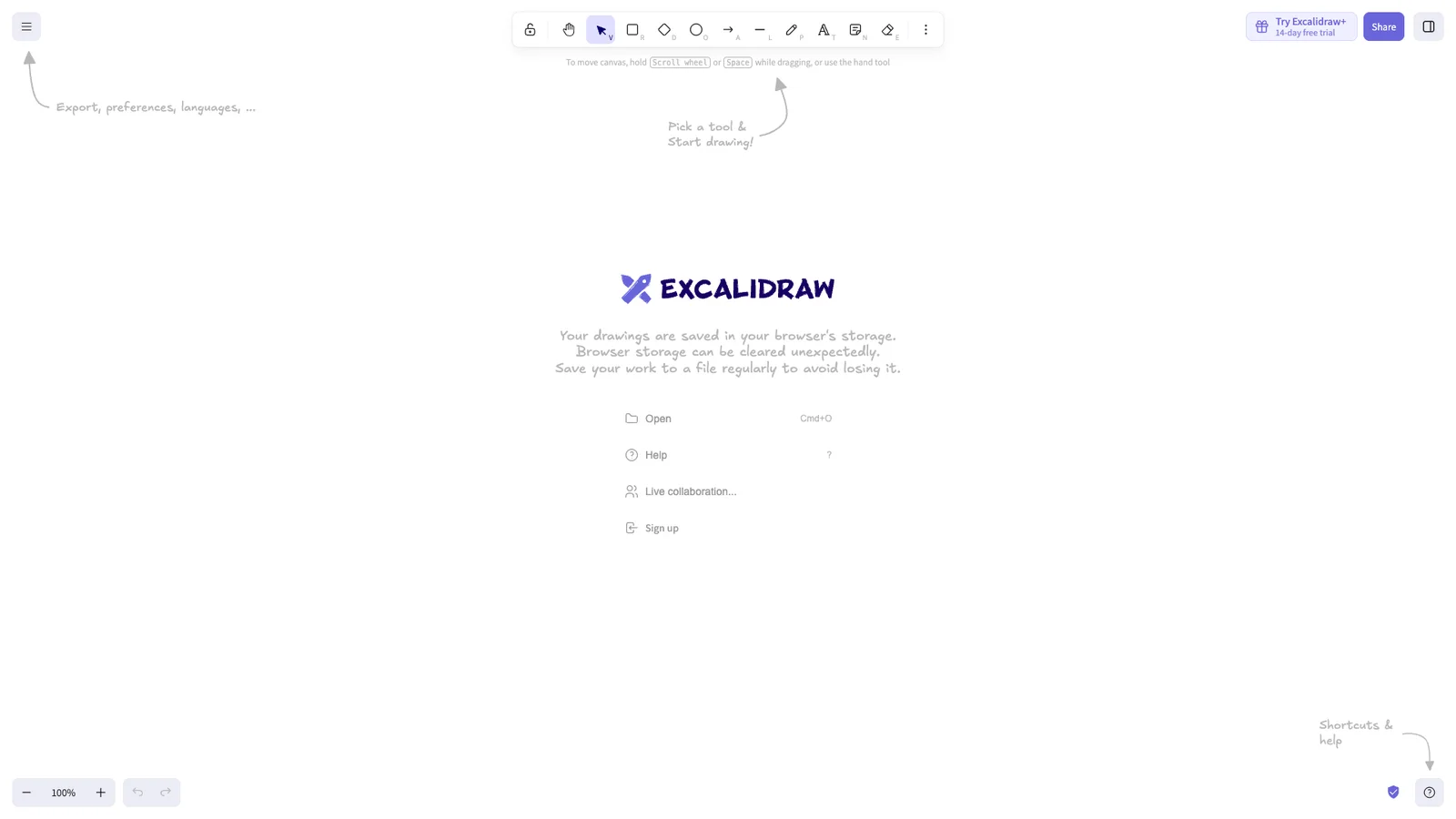
Whiteboard
A whiteboard with a hand-drawn look, ideal for quick diagrams, flowcharts, and explaining an idea on a call. Share a link and others can draw with you live. Drawings are end-to-end encrypted, and no account is needed.
21. Resume Maker Online
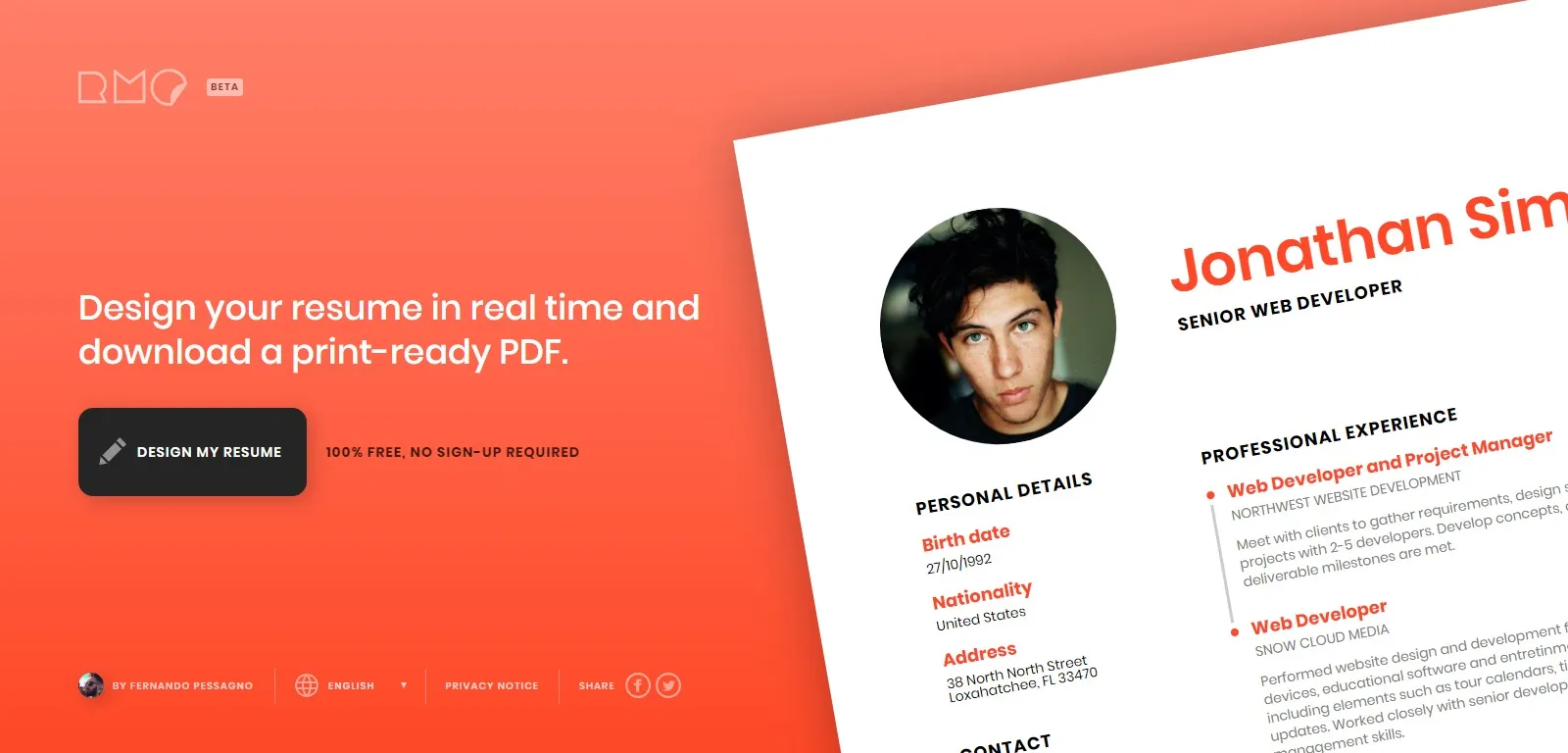
Resume
Fill in a form and download a clean PDF resume, with no account and no watermark. It is basic, which is the point: recruiters and applicant tracking systems read simple layouts best. Compare more options in our best resume builders.
22. CVwizard
Resume
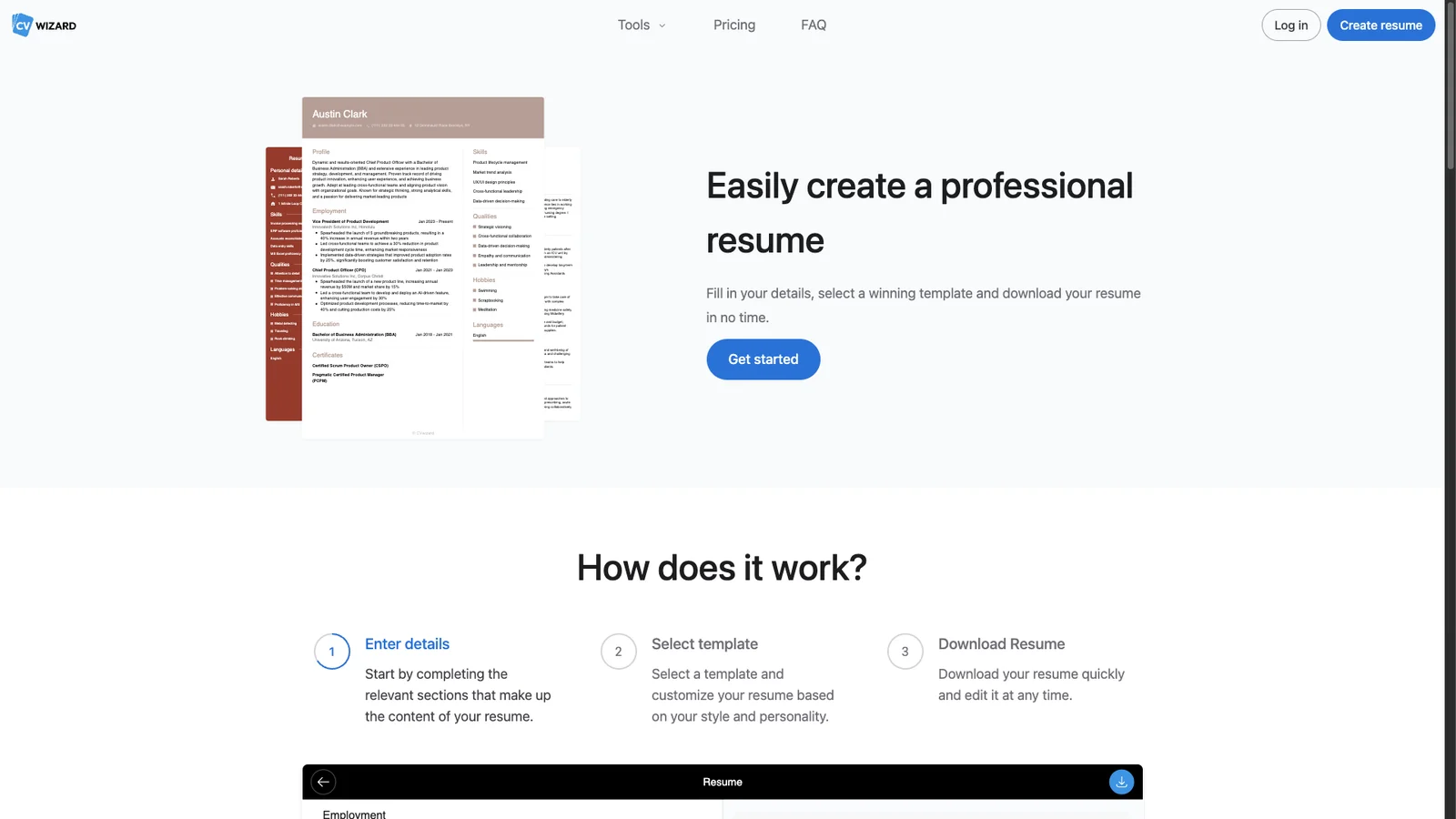
A guided CV builder with modern templates and example phrases for each section. Useful if you are staring at a blank page and want prompts for what to write. Check the download terms before you invest time in a template.
23. Google Fonts
Fonts
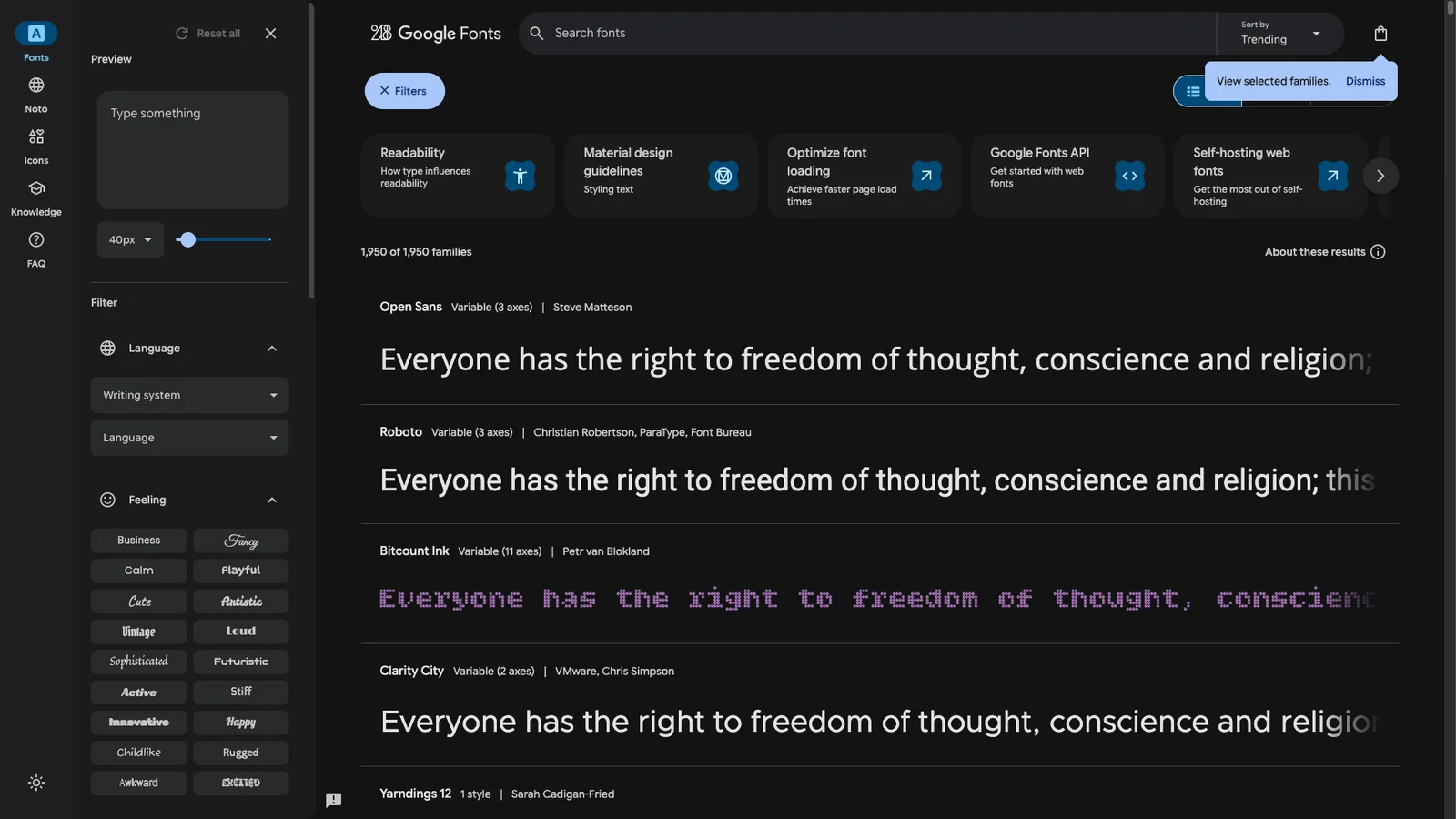
Over 1,700 font families, all free for personal and commercial use. Type your own text to preview it, filter by style, and download for Word, Canva, or your website.
24. WhatTheFont
Fonts
Upload a screenshot or photo of some text and it suggests the closest matching fonts. Crop tightly around one line for the best results. More methods are in our guide to finding a font from an image.

25. Get Emoji
Emoji
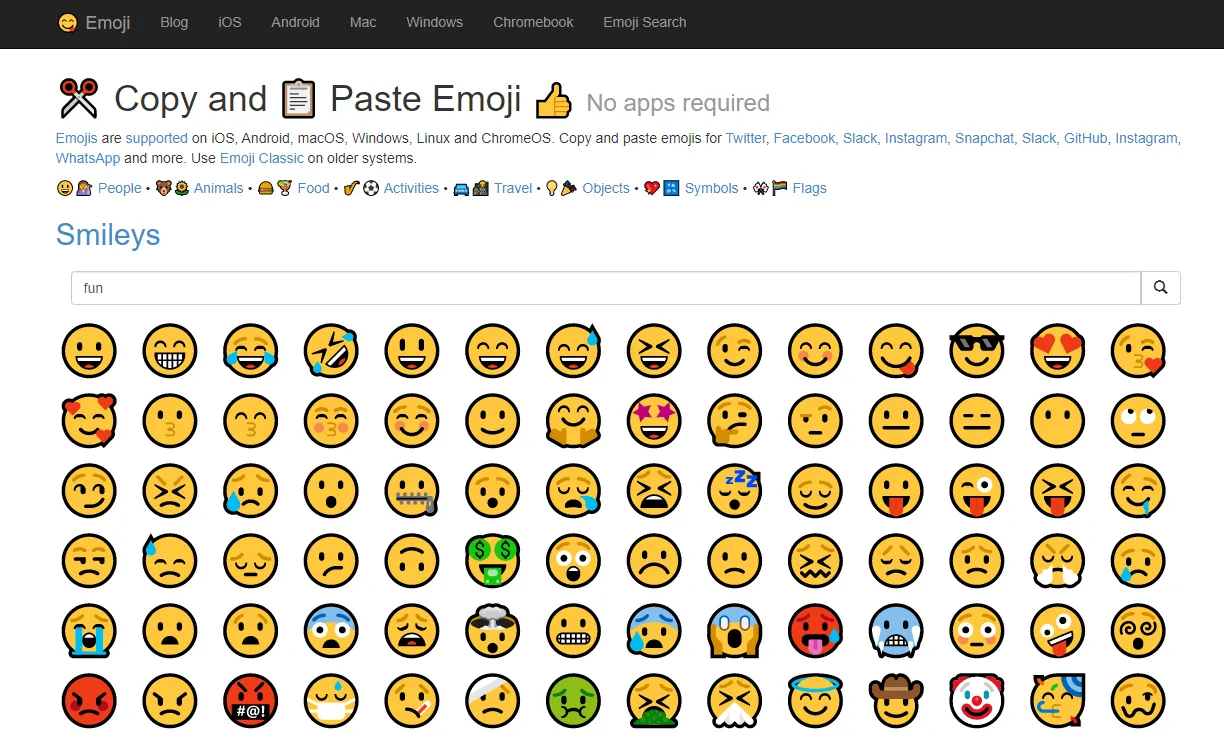
Every emoji on one page. Click to copy and paste it anywhere, which is faster than hunting through a desktop emoji picker.
26. Pastebin
Share
Paste text or code and get a short link to share. Set pastes to expire or make them unlisted. Public pastes can be found by anyone, so never paste passwords or keys.
27. Carbon
Code
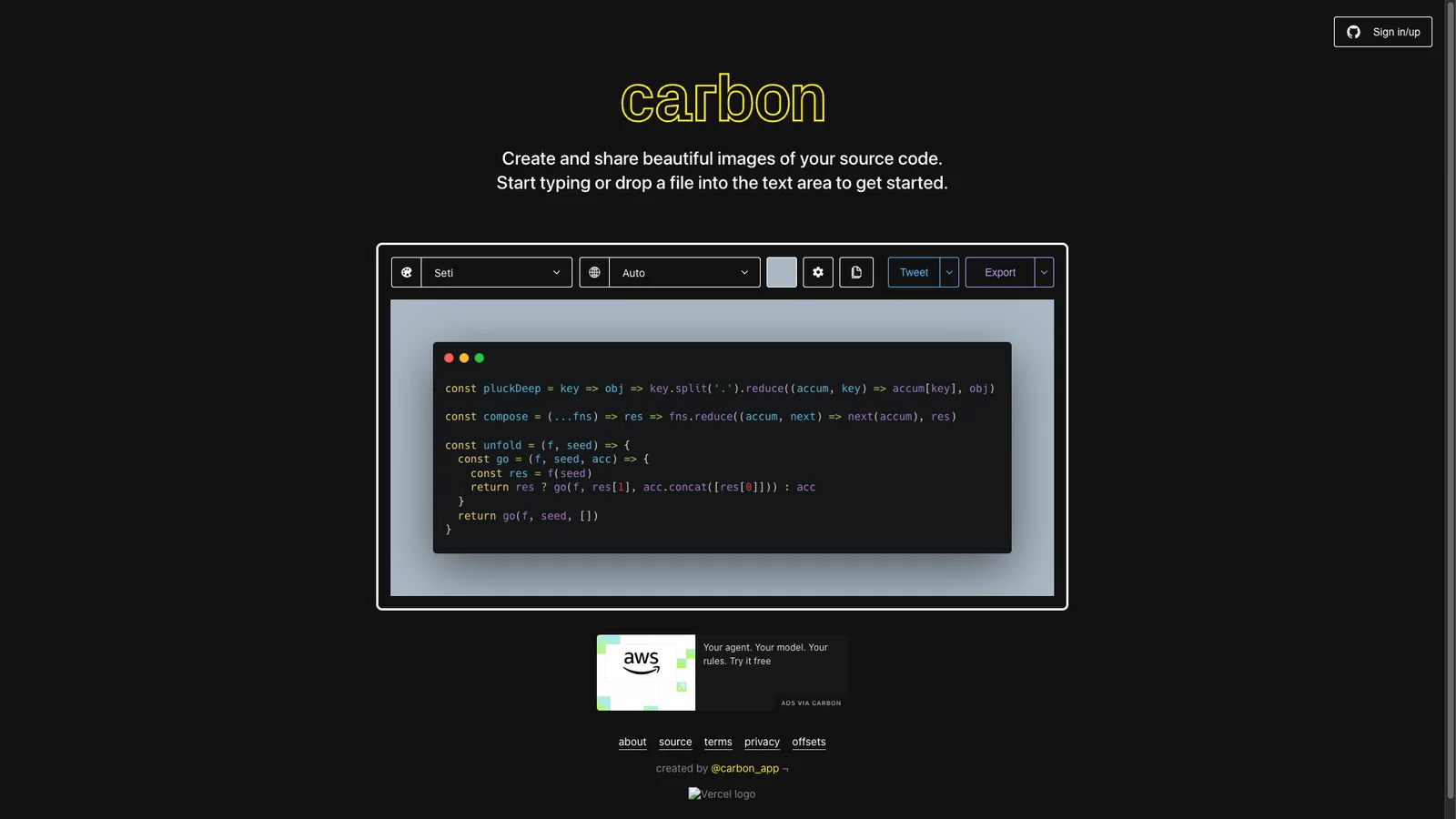
Turns a code snippet into a good-looking image with syntax colors and a window frame. Perfect for slides, tweets, and documentation where a screenshot of your editor would look messy.
28. DeepL
Translate
Translations that read like a person wrote them, especially for European languages. Click any word to see alternatives and switch between formal and informal tone. The free version limits text length and document uploads.
29. Google Translate
Translate
Covers far more languages than DeepL, including most Indian languages. It translates whole websites and documents, and the phone app can translate signs through your camera.
30. LanguageTool
Grammar
A grammar and spelling checker that works in more than 30 languages, including English, German, French, and Spanish. Paste text on the site or add the browser extension to check emails and forms as you type. The free version handles shorter texts and core grammar; Premium adds style suggestions and longer documents.
Search and research
31. DuckDuckGo
Search
A search engine that does not track you or build an ad profile. Its "bangs" are a big time saver: type !w cats to search Wikipedia or !a headphones to search Amazon directly. Pair it with a private browser.
32. Wolfram Alpha
Answers
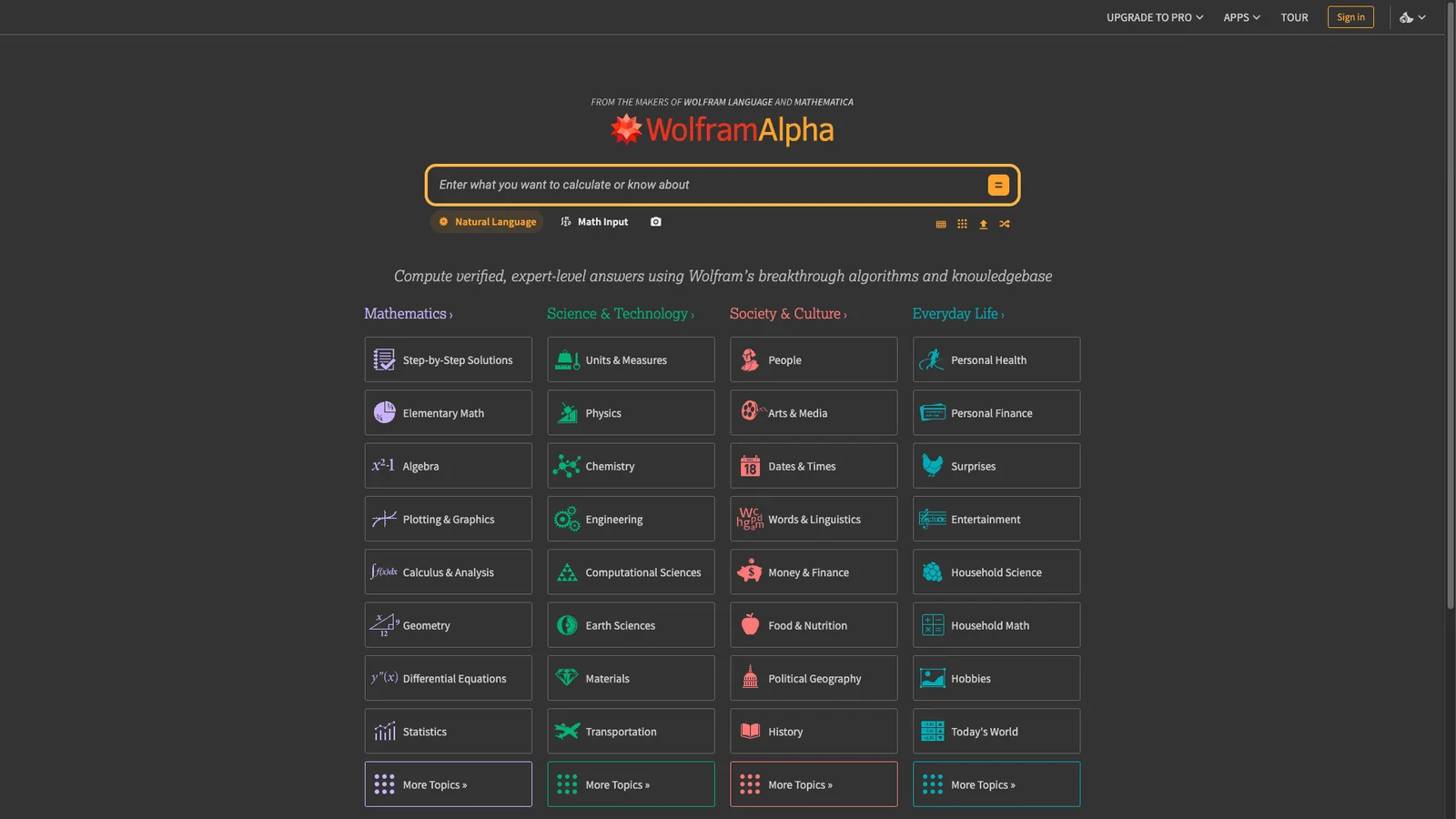
Computes answers instead of listing links. Ask it to solve an equation, convert units, compare two countries, or tell you the nutrition in a meal. Step-by-step math solutions need a paid plan.
33. Wayback Machine
Archive
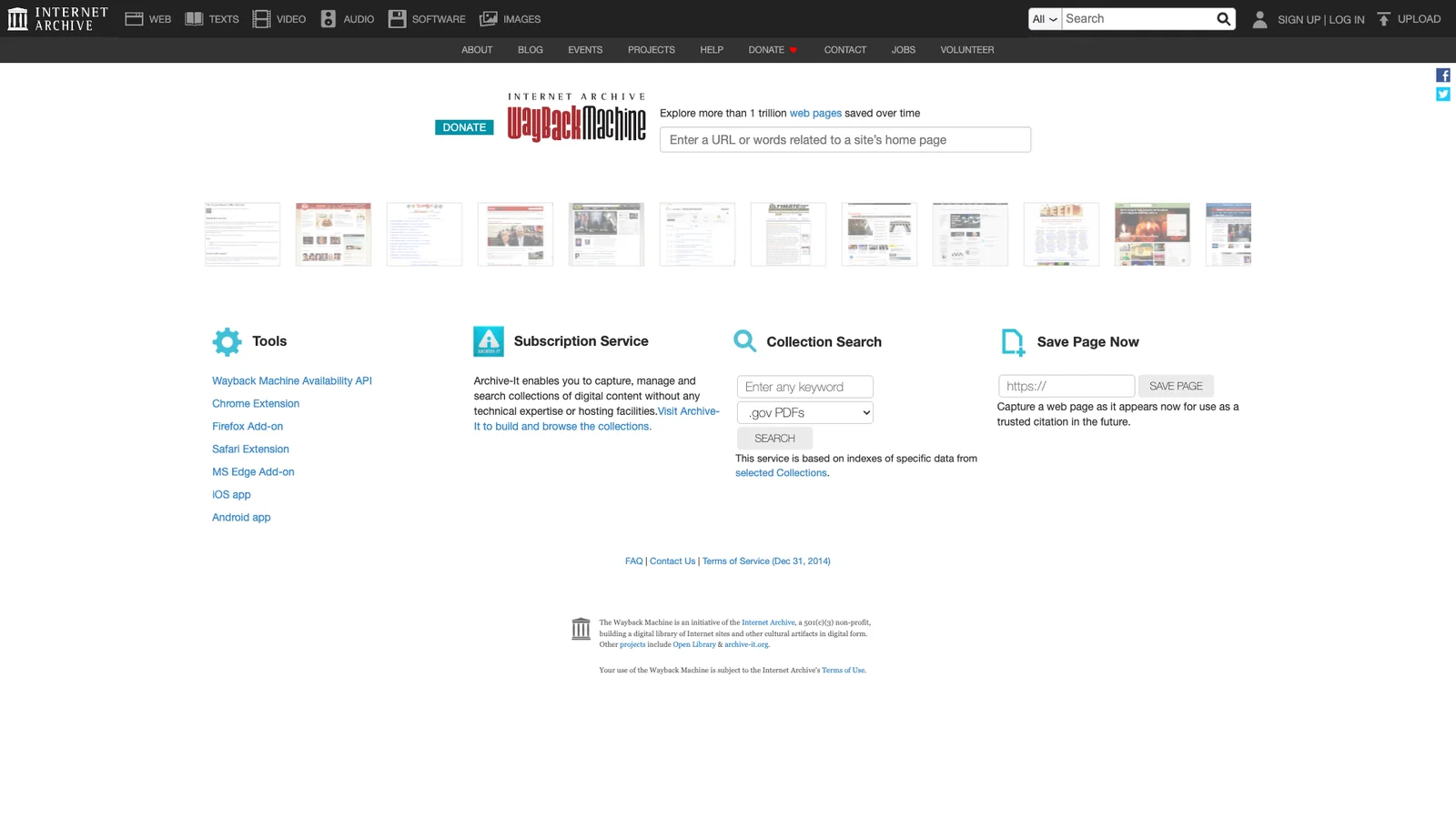
The Internet Archive has saved hundreds of billions of web pages since 1996. Paste any URL to see how it looked on past dates, recover a deleted article, or click "Save Page Now" to archive a page yourself.
34. TinEye
Images
Reverse image search that shows where a picture appeared first. Useful for spotting fake profiles, checking if a viral photo is old, or finding the original creator to credit.
35. Google Images
Images
Click the camera icon to search with a photo through Google Lens. It identifies products, plants, landmarks, and text, and finds visually similar images. TinEye is better for "where did this come from", Google for "what is this".
36. AlternativeTo
Apps
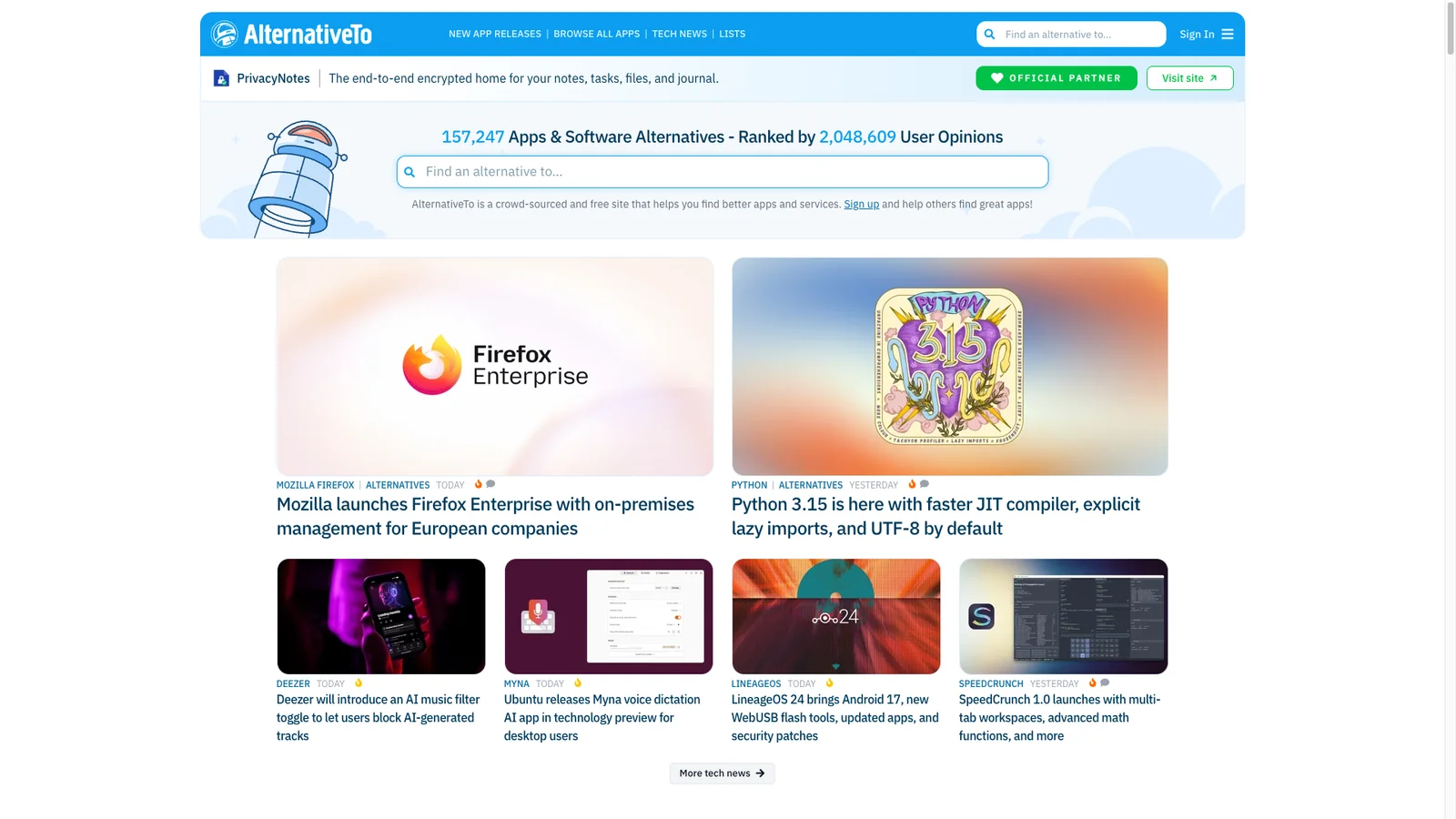
Type the name of any app and get a crowd-ranked list of alternatives, filtered by platform and price. A good first stop before paying for software. We also keep a list of free alternatives to paid apps.
37. BuiltWith
Stack
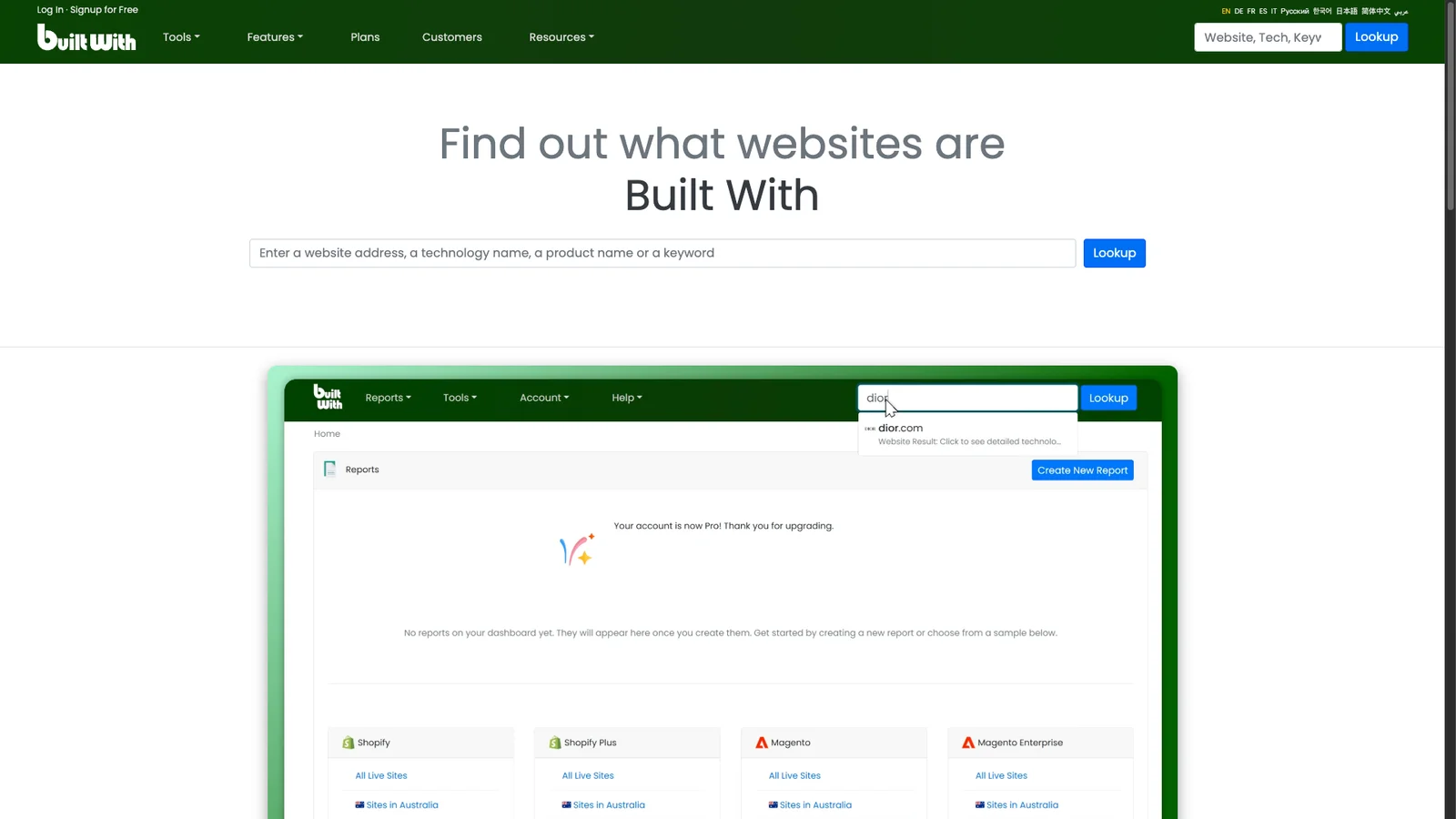
Enter any website and see what it is built with: CMS, hosting, analytics, ad networks, and frameworks. Handy for curiosity, competitor research, or picking tools for your own site.
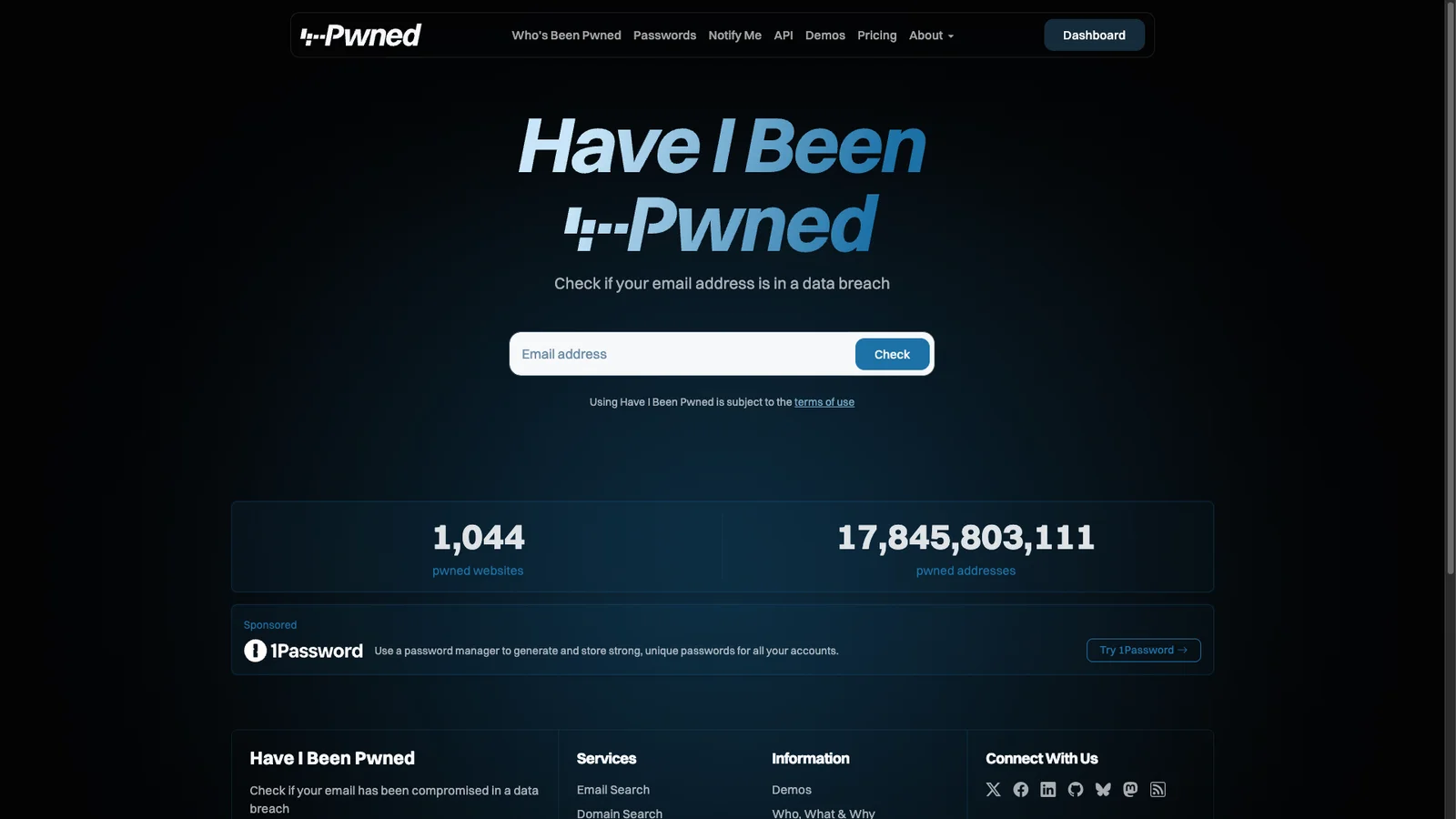
38. Have I Been Pwned
Security
Enter your email to see which data breaches exposed it. If you show up, change that password and anywhere you reused it, and turn on two-factor login. You can also sign up for free alerts about future breaches.
39. VirusTotal
Security
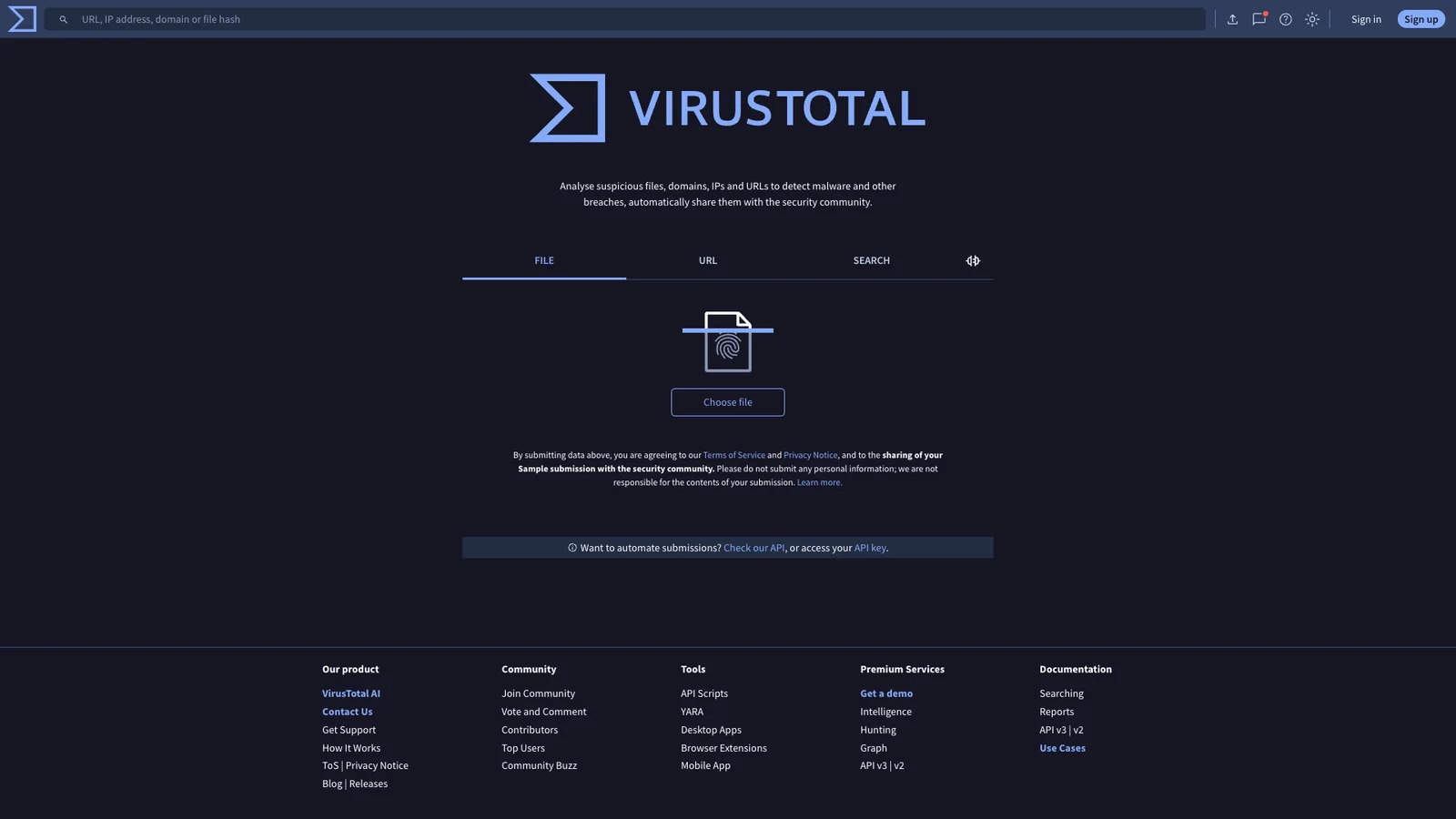
Scans a file or link with more than 70 antivirus engines at once. Check downloads and suspicious links before you open them. Uploaded files are shared with security researchers, so never upload private documents.
40. Down for Everyone or Just Me
Uptime
Type a site address to learn whether it is down for everyone or only for you. If it is only you, the problem is your connection, DNS, or a block, and our guide to accessing blocked websites can help.
41. Can You Run It
Gaming
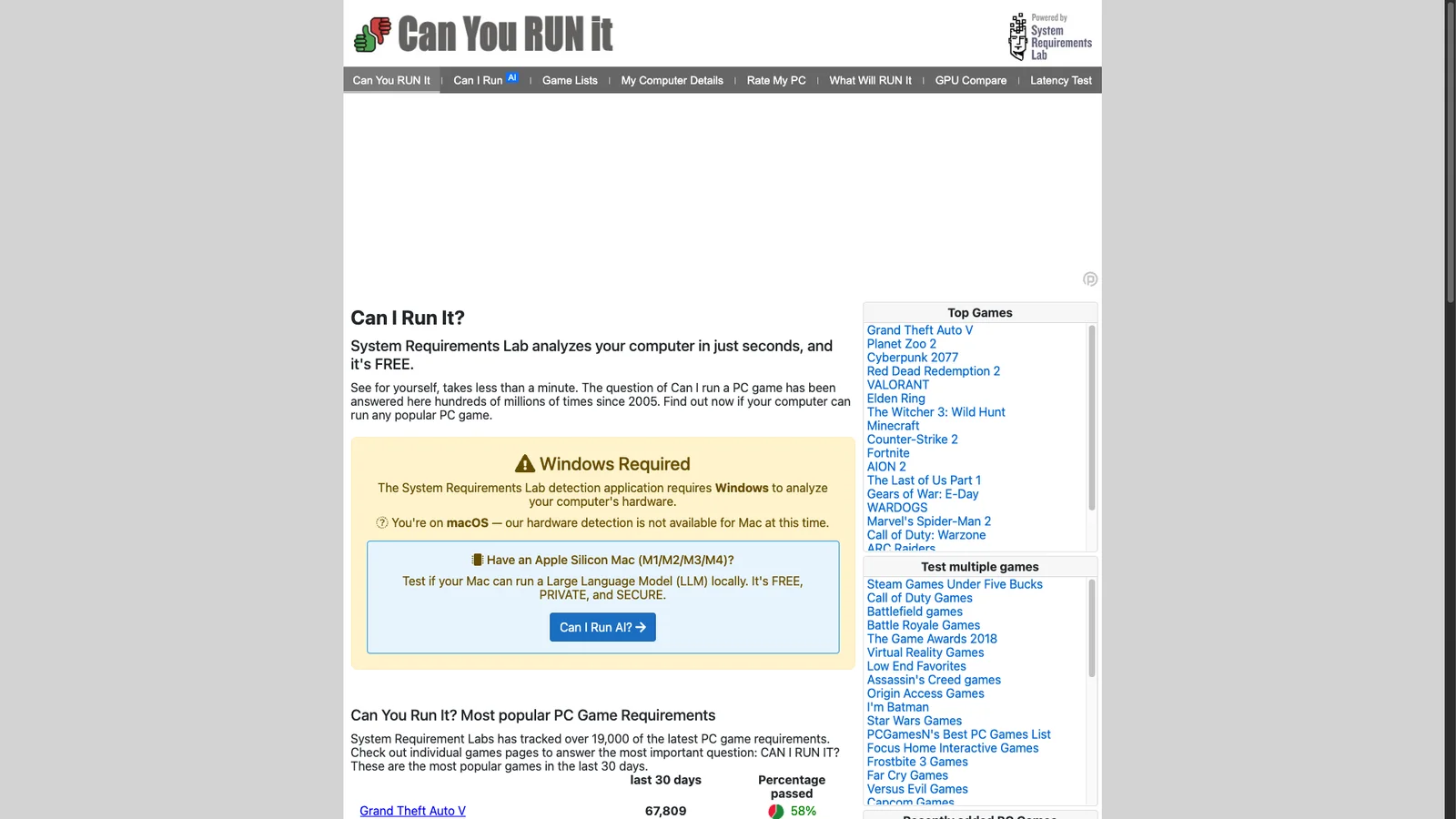
Pick a PC game and it compares the game's requirements against your hardware. It tells you which part (graphics card, RAM, CPU) falls short, which helps before buying a game or an upgrade.
42. Google My Activity
Privacy
See everything Google has logged from your account: searches, YouTube history, location, and voice commands. Delete it by date or set auto-delete after 3, 18, or 36 months.
Productivity
43. Trello
Tasks
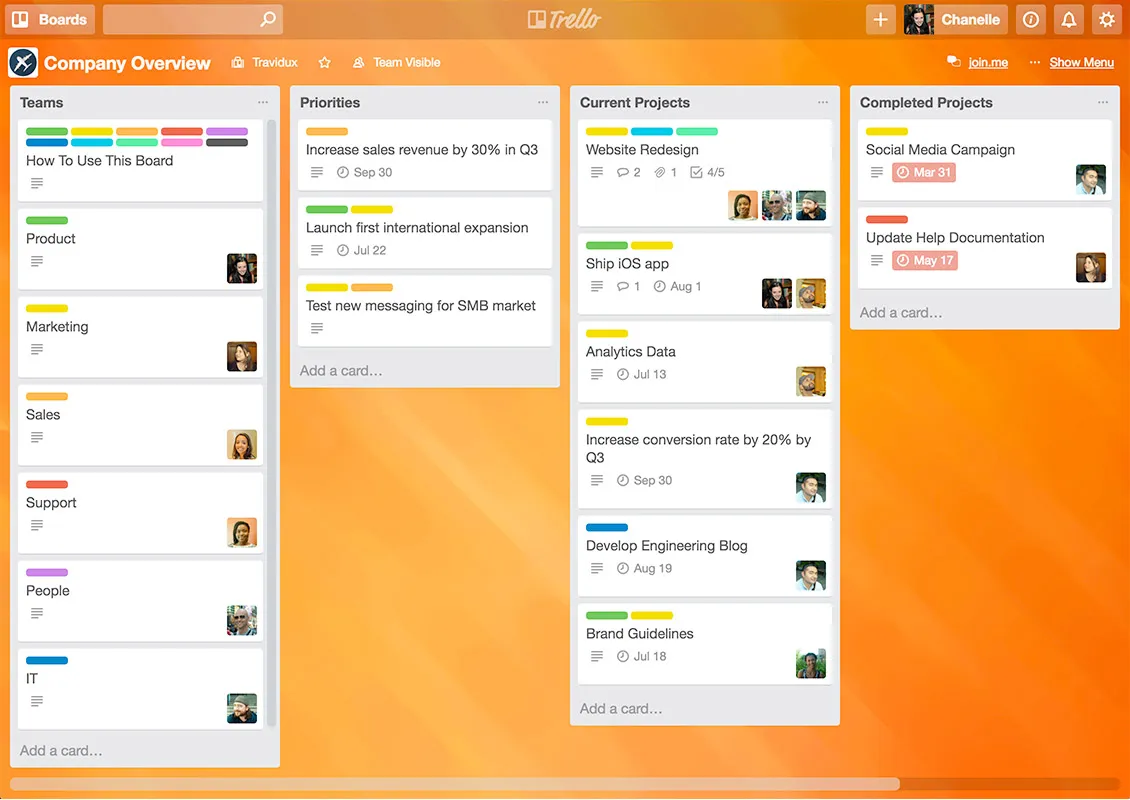
Kanban boards where each task is a card you drag from "To do" to "Done". Simple enough for a shopping list, flexible enough for a small team project. The free plan covers personal use and small teams.
44. Notion
Docs
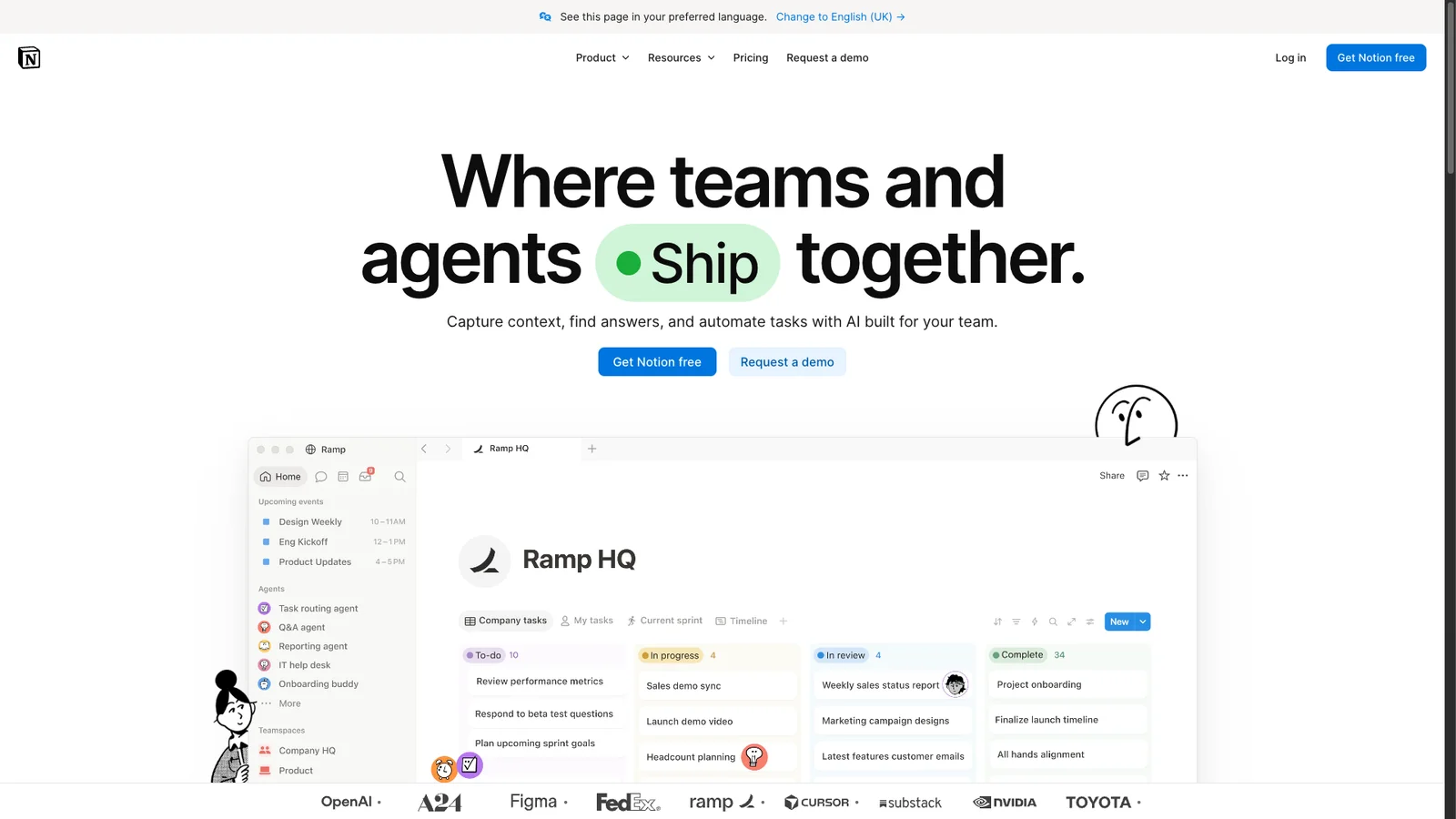
Notes, docs, task lists, and simple databases in one workspace. Start with a template (habit tracker, reading list, trip planner) and adapt it. Free for personal use, with sharing for small groups.
45. Tally
Forms
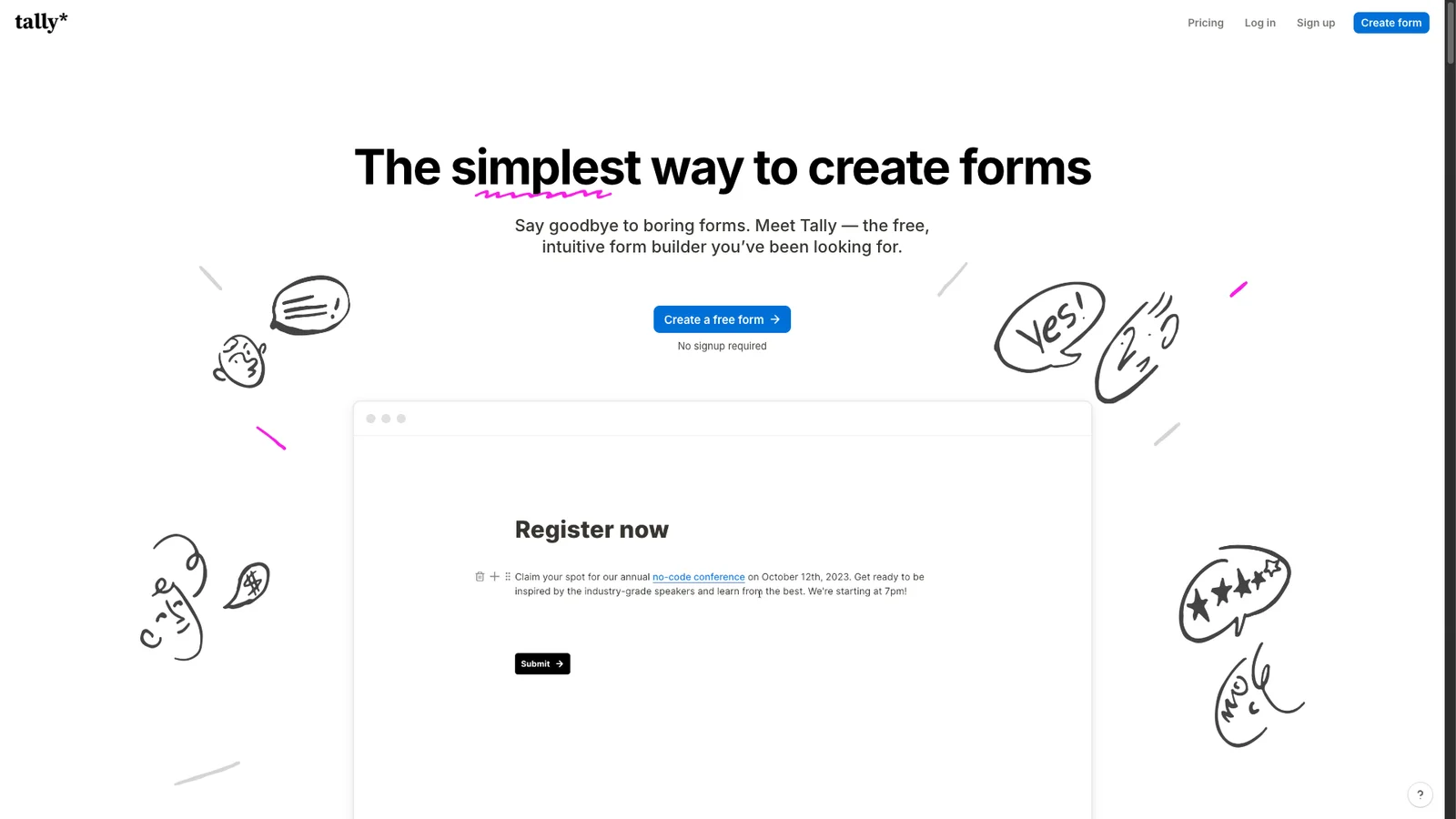
Build a form by typing, like writing a doc: surveys, sign-up sheets, RSVPs, or order forms. The free plan includes unlimited forms and responses (under a fair-use policy), plus file uploads, logic, and payments. A cleaner alternative to Google Forms when looks matter.
46. Cal.com
Scheduling
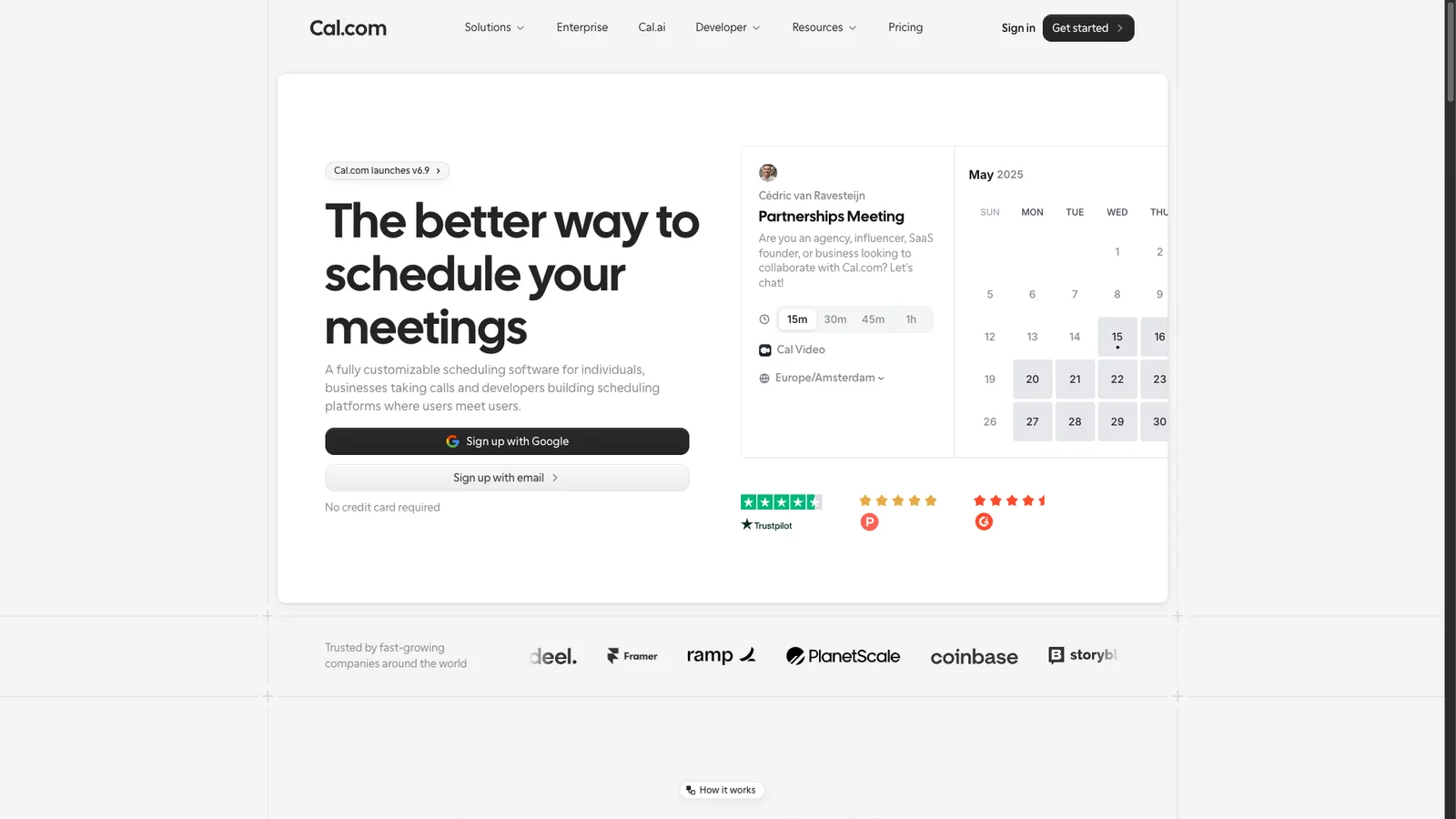
Share one link and people book a time that fits your calendar, with no back-and-forth emails. It connects to Google, Outlook, and Apple calendars and adds the video link for you. Free for one person with unlimited event types. It is open source, so you can also host it yourself.
47. Time and Date
Time zones
The answer to "what time is it there?" and much more. Its Meeting Planner lines up working hours across several cities so you can pick a call time that suits everyone. It also has countdowns, a date calculator, holidays by country, and sunrise and sunset times.
48. IFTTT
Automation
Connects apps with simple rules: "if I post on Instagram, save the photo to Google Drive." It works with smart home gear too. The free plan allows 2 active applets, so pick the two you would miss most.
49. Feedly
RSS
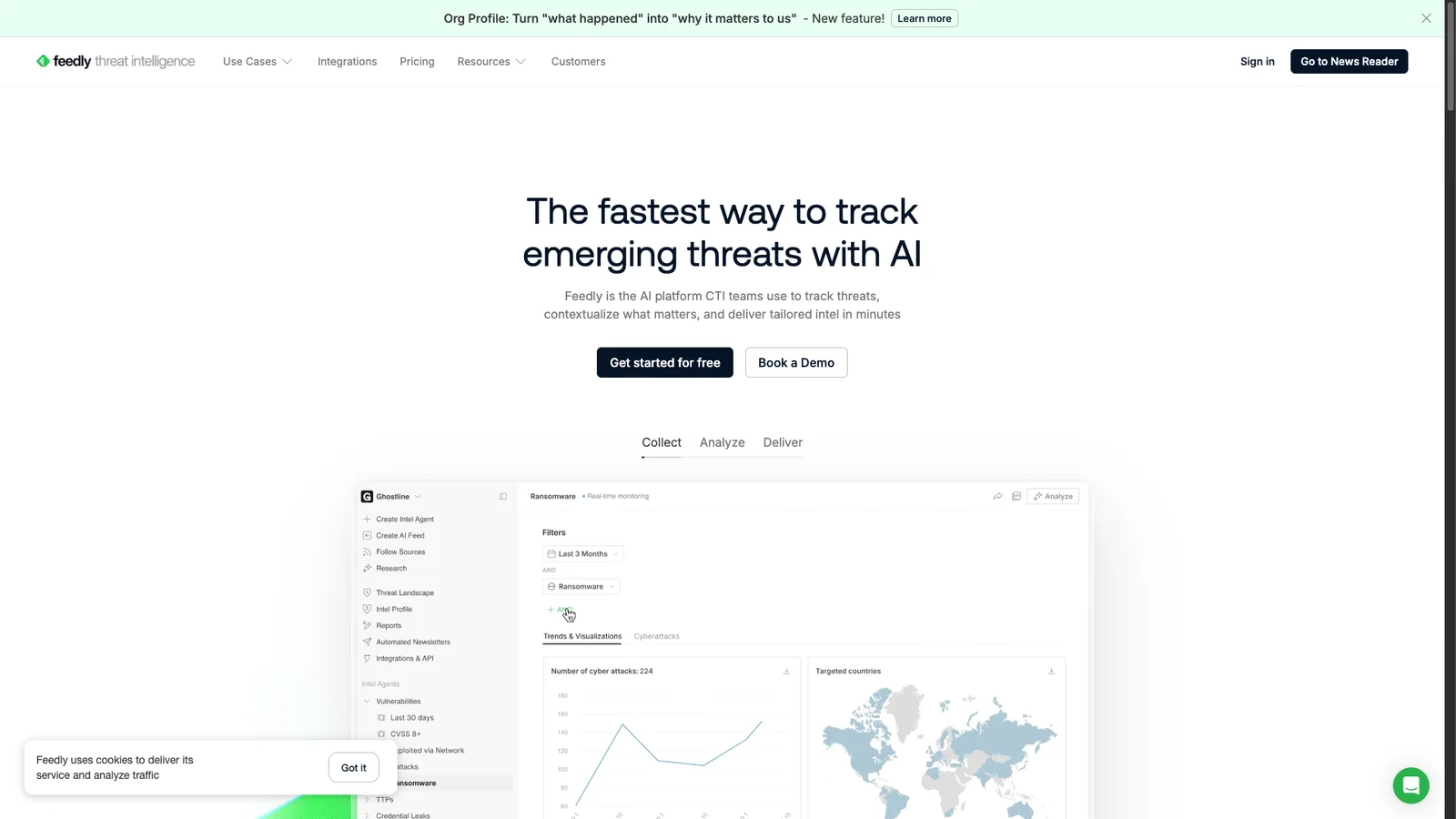
Follow blogs, news sites, and YouTube channels in one feed, without an algorithm deciding what you see. The free plan follows up to 100 sources, which is plenty for most people.
50. Random.org
Random
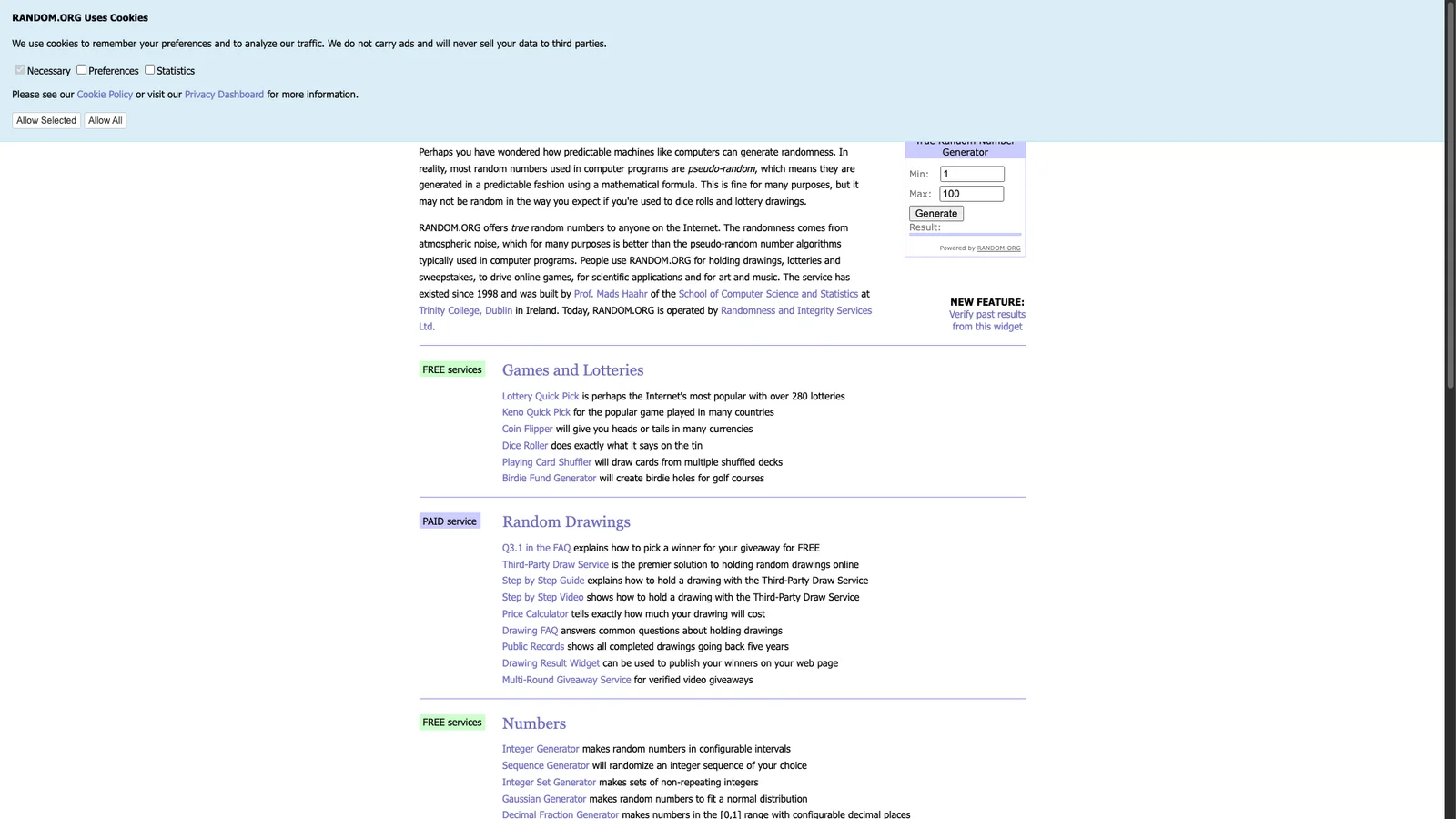
Generates truly random numbers from atmospheric noise, not a computer formula. Use it for giveaway winners, list shuffles, coin flips, or picking who goes first.
51. Ninite
Windows
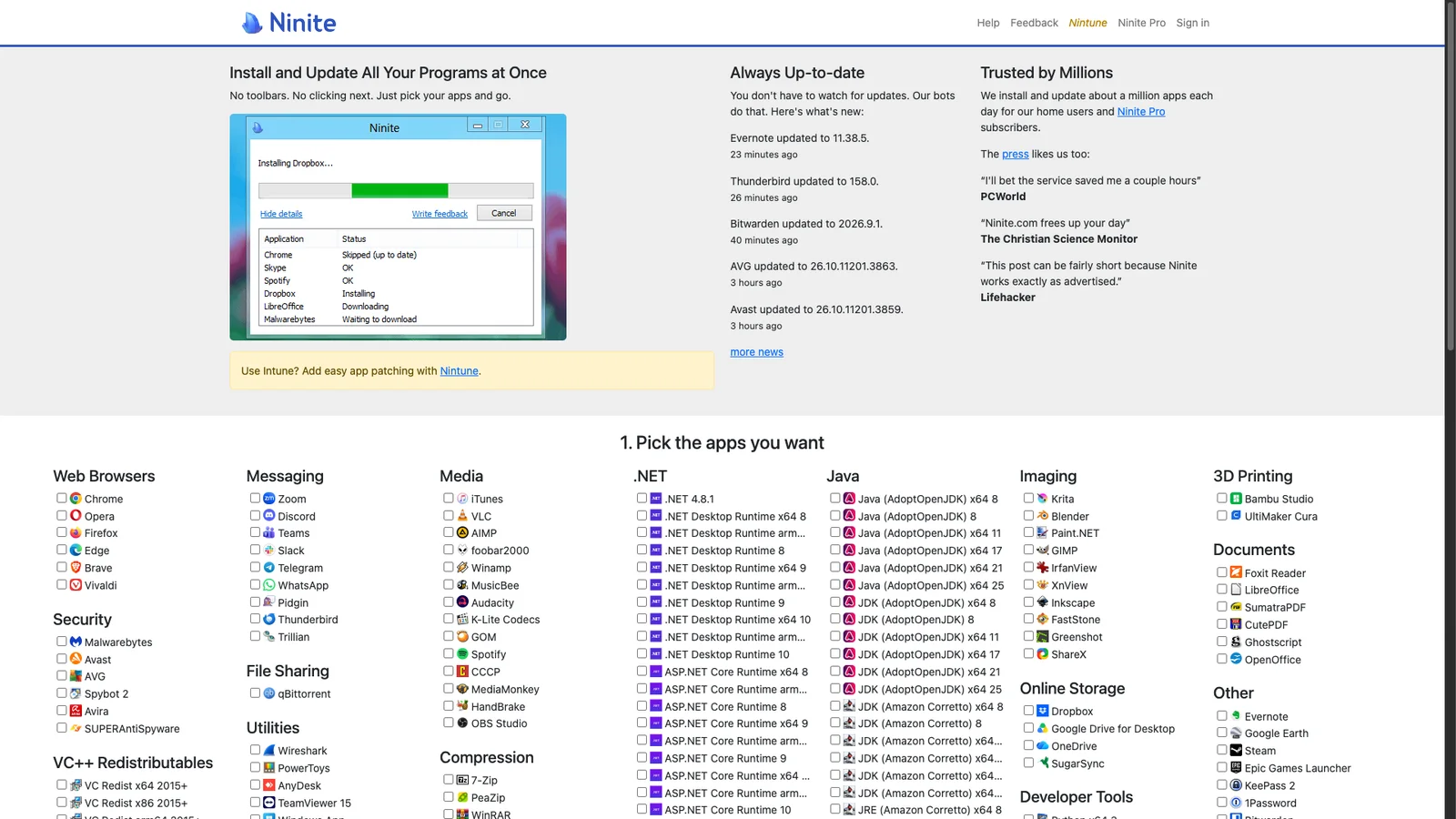
Tick the apps you want (Chrome, VLC, 7-Zip, Zoom, and dozens more), download one installer, and it installs them all with no toolbars or extra offers. Run the same installer later to update everything. A must after setting up a new PC.
52. Microsoft Update Catalog
Windows
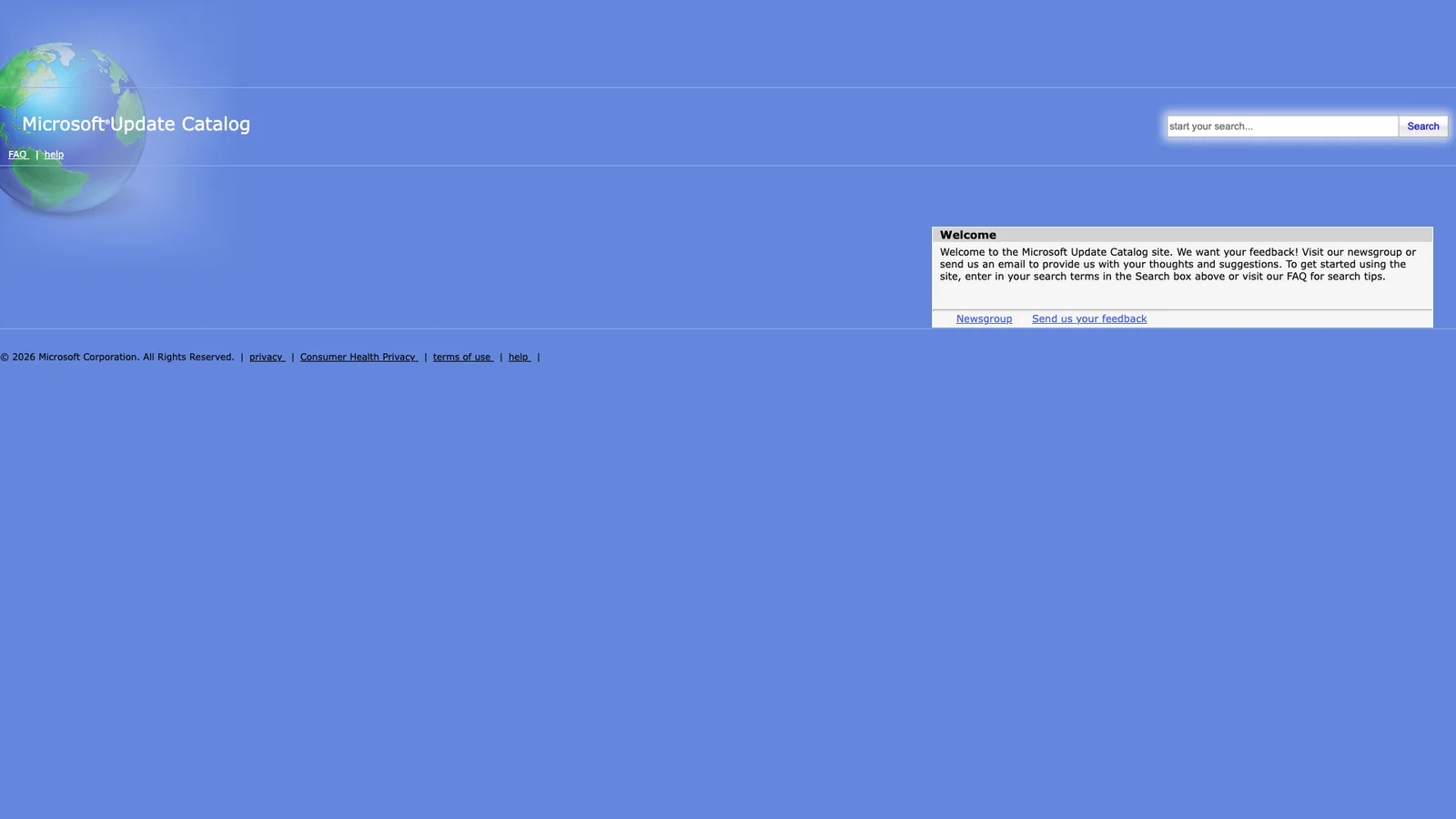
Microsoft's official download site for individual Windows updates and drivers. Search a KB number to grab an update that keeps failing in Windows Update, or to install it on an offline PC.
Privacy and dev tools
53. scr.im
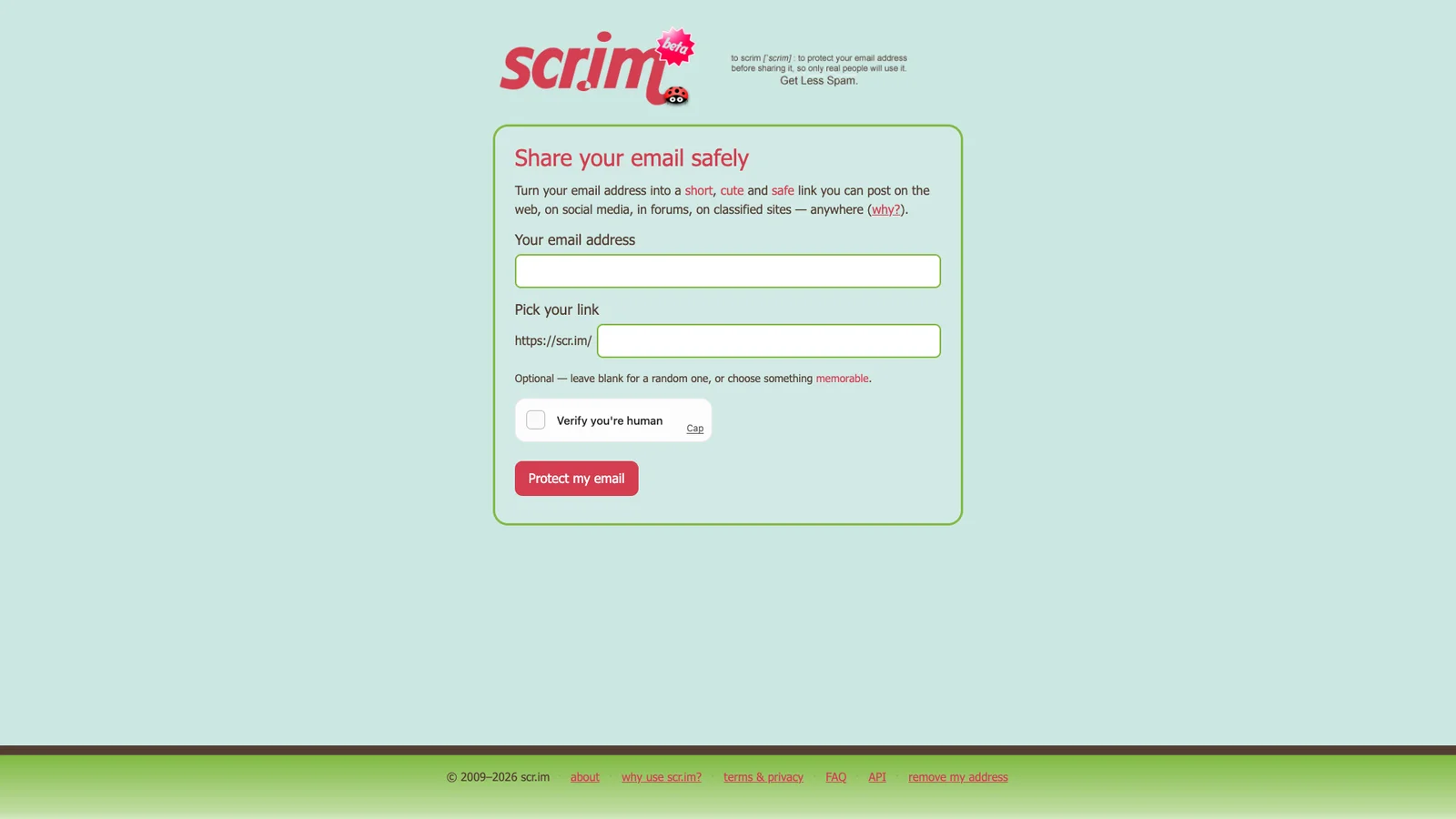
Turns your email address into a short link that asks visitors to solve a simple test before showing it. Post that link publicly instead of your raw address and spam bots cannot scrape it.
54. Dead Man's Switch
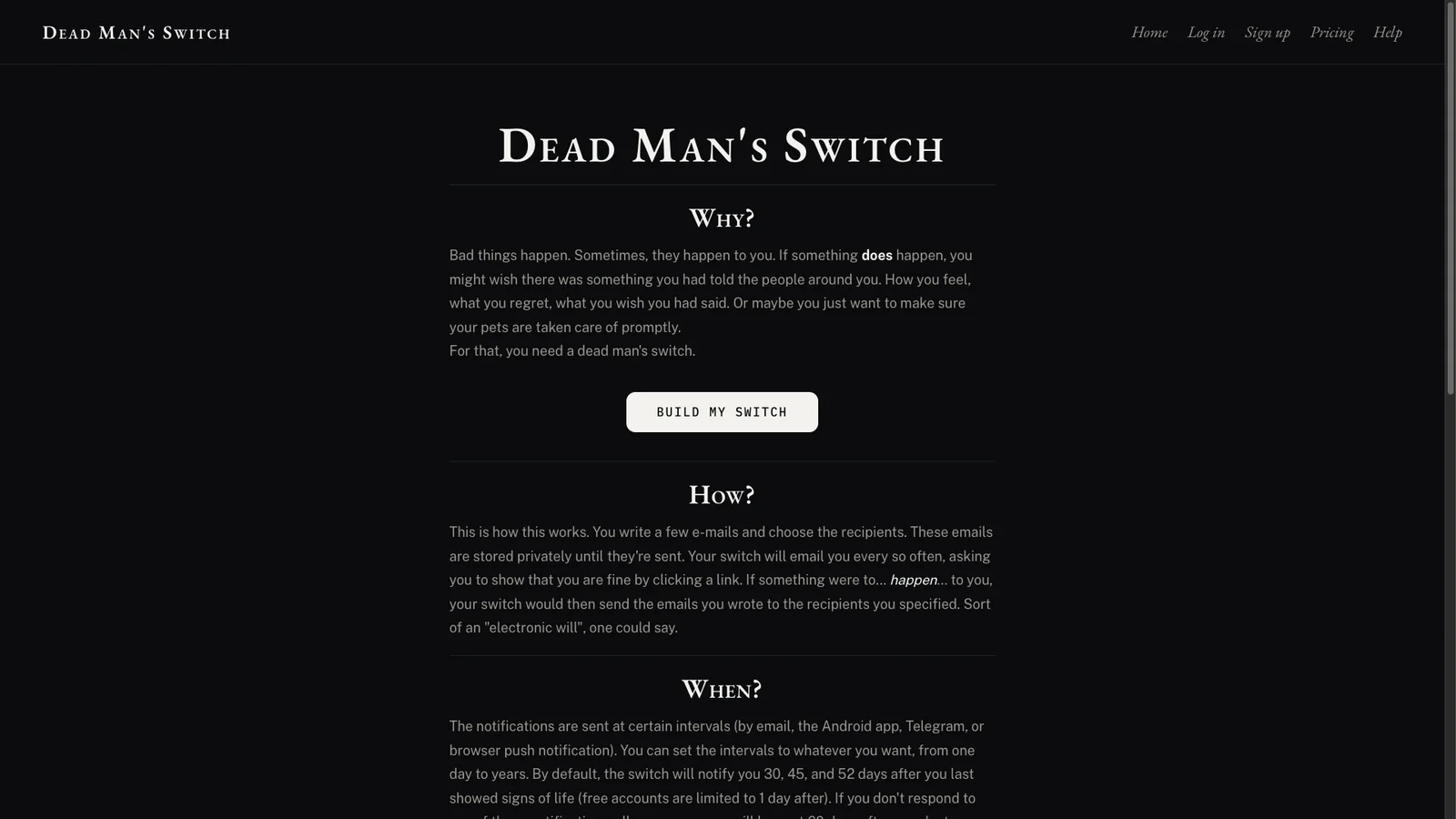
Write emails that are only sent if you stop checking in. People use it to pass on account instructions or final messages to family. Pair it with a password manager's emergency access feature for anything sensitive.
55. Mailinator
Disposable
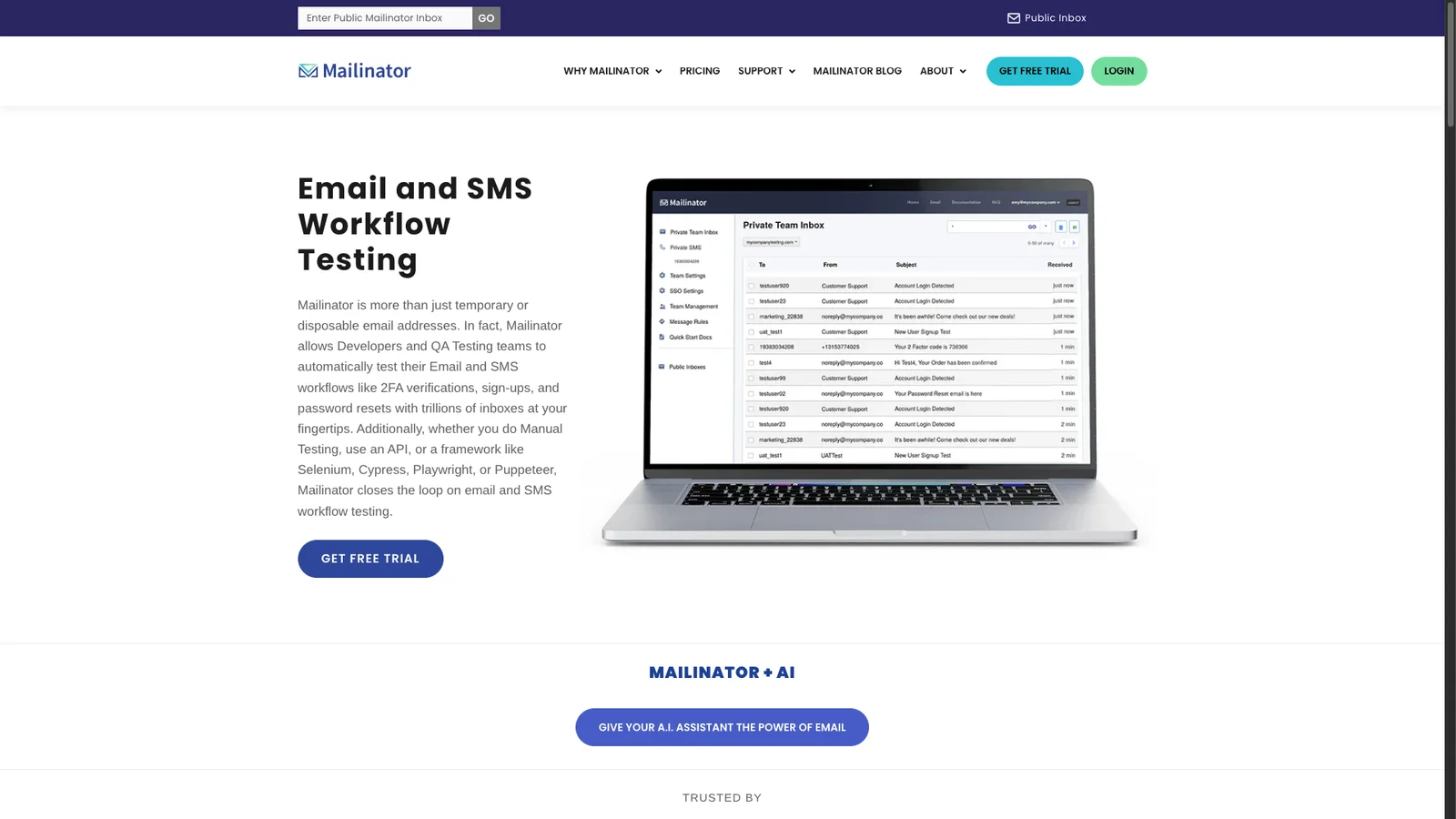
Instant throwaway inboxes for sign-ups you do not trust. Make up any name @mailinator.com and read its mail on the site, no registration. Public inboxes can be read by anyone who guesses the name, so never use it for real accounts.
56. 10 Minute Mail
Disposable
Opens with a ready-to-use email address that expires after 10 minutes, which you can extend if a code is slow to arrive. Use it for one-off downloads and Wi-Fi sign-ups. Like any throwaway inbox, never use it for an account you want to keep.
57. Privnote
Notes
Write a note, get a link, and the note destroys itself after it is read once. Safer than leaving a Wi-Fi password or door code sitting in a chat history.
58. Regex101
Dev
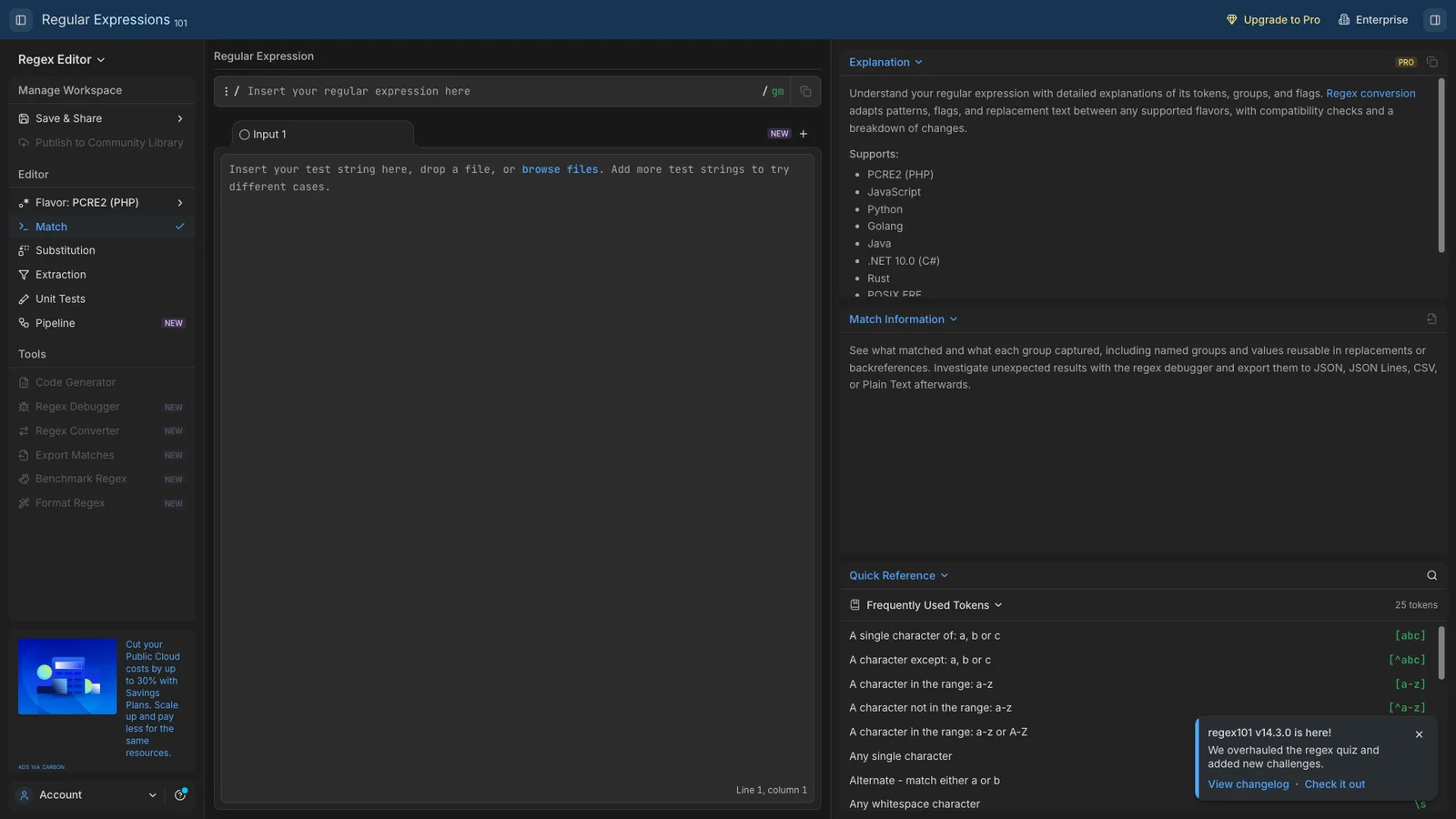
Test regular expressions with live highlighting and a plain-English explanation of each part. Supports JavaScript, Python, PHP, Go, Java, and more. Save and share a regex by link.
59. JSON Formatter
Dev
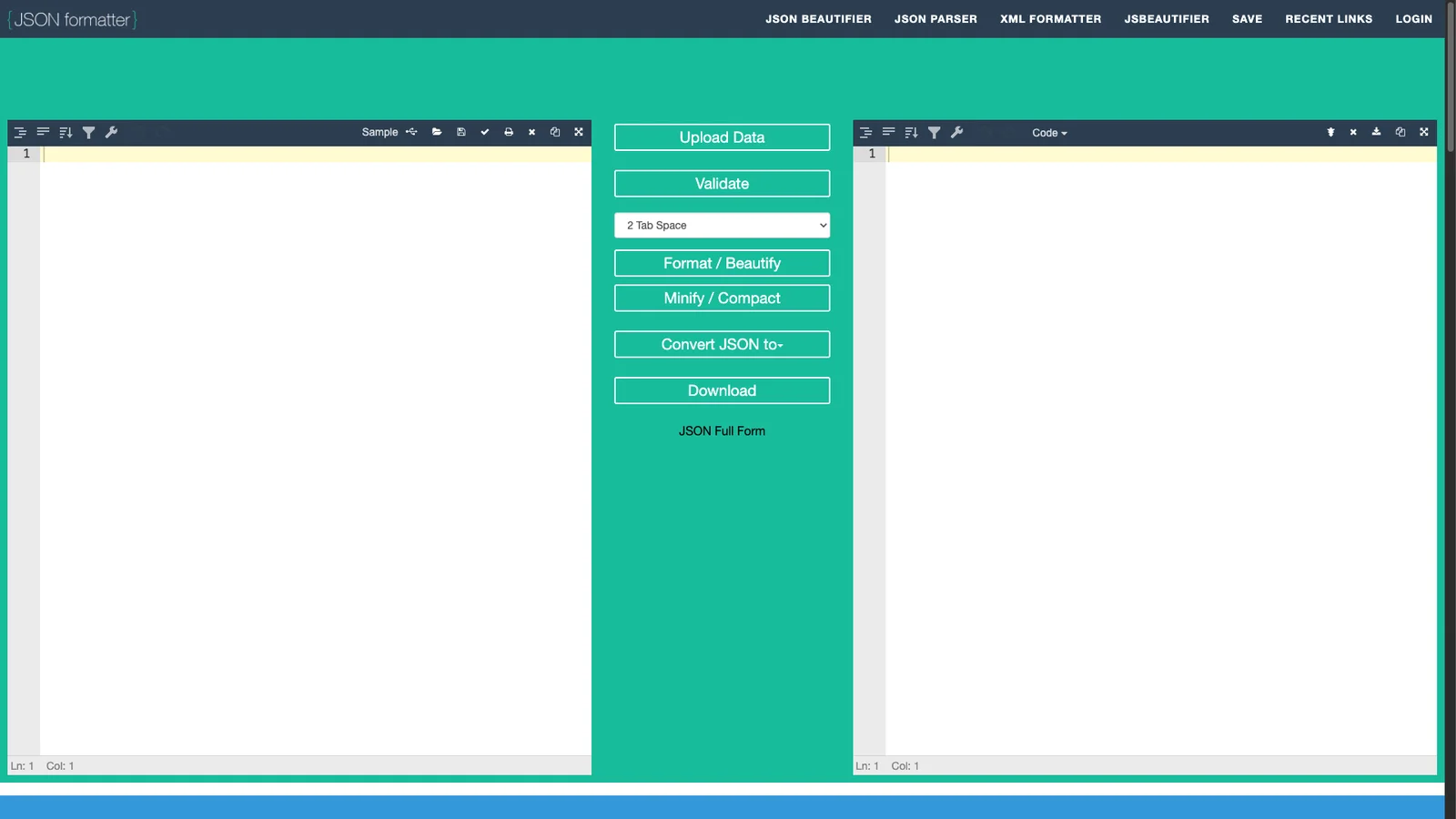
Paste messy JSON to format, validate, and browse it as a tree. It flags the exact line of a syntax error. More free developer tools are in our free for developers guide.
Media and assets
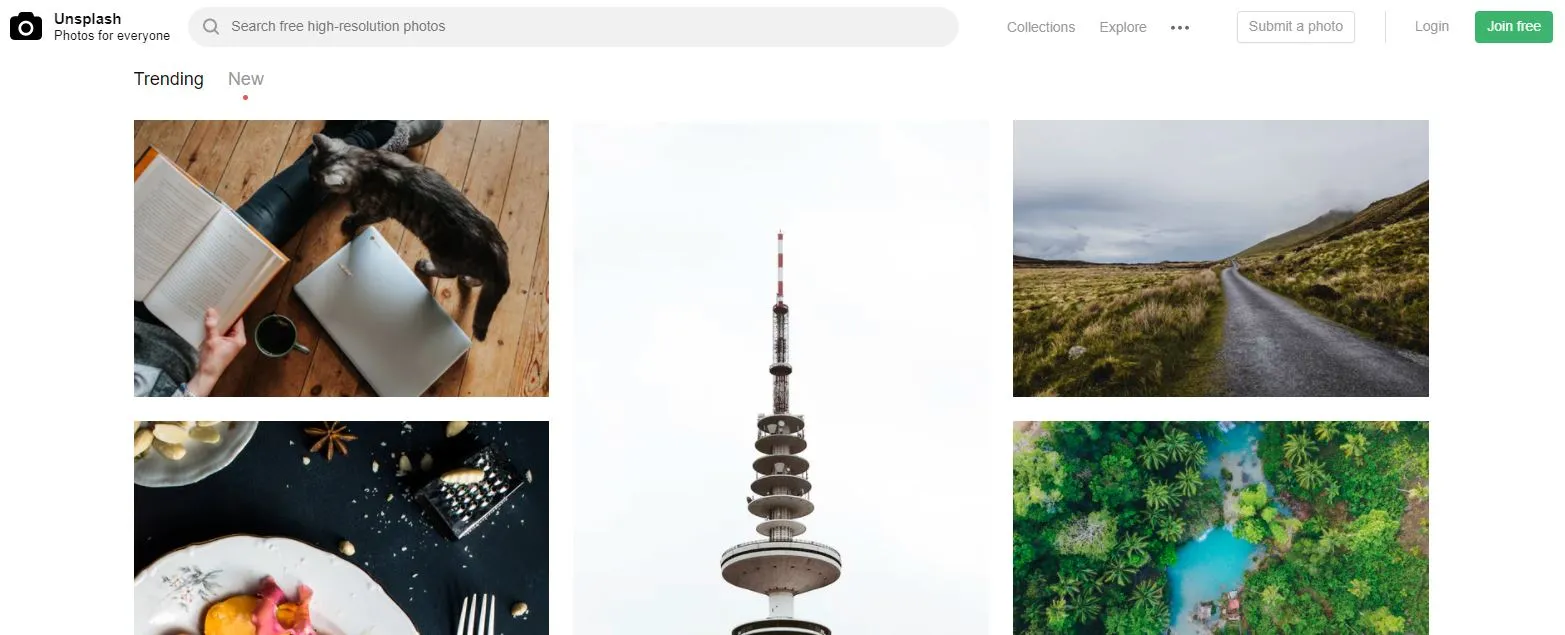
60. Unsplash
Photos
High-quality photos free for personal and commercial use, no attribution required (though it is appreciated). The look is polished and modern, great for blogs and presentations. See more options in our free stock photo sites list.
61. Pexels
Photos
Free photos and, more usefully, free stock video clips. Searching in your own language works, and the license matches Unsplash.
62. Pixabay
Media
Photos, illustrations, vectors, video, music, and sound effects in one library. The music and sound effects section is the standout for YouTube videos and presentations.
63. GIPHY
GIFs
The largest GIF library. Search by mood or moment, copy a link, and drop it into a chat. You can also make your own GIF from a video clip.
64. Flaticon
Icons
Millions of icons in PNG and SVG, organized in consistent packs so a set matches. Free icons need attribution; check each one's license before using it commercially.
65. Coolors
Palette
Press the spacebar to generate color palettes, lock the colors you like, and keep pressing until the rest fit. It also pulls a palette from a photo and checks text contrast for readability.
66. PlayPhrase.me
Fun
Type a phrase and it plays back-to-back movie and TV clips of characters saying it. Surprisingly useful for hearing how native speakers pronounce an expression.

67. WindowSwap
Fun
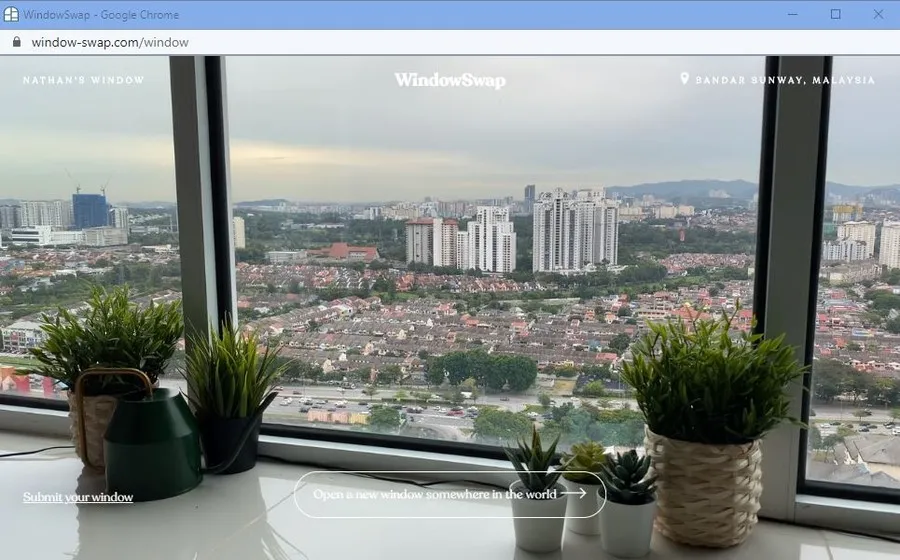
Look out of a stranger's window somewhere in the world, with real sounds, for a few minutes of calm. Click again for a new view.
68. Guitar Tuner
Audio
Allow microphone access, play a string, and it shows whether you are sharp or flat. Works for standard guitar tuning without installing an app.
69. The Air Horner
Fun
An air horn button, and nothing else. Built by Google engineers as a demo of offline web apps, it still works with no connection once loaded.

Network and site checks
70. Fast.com
Speed
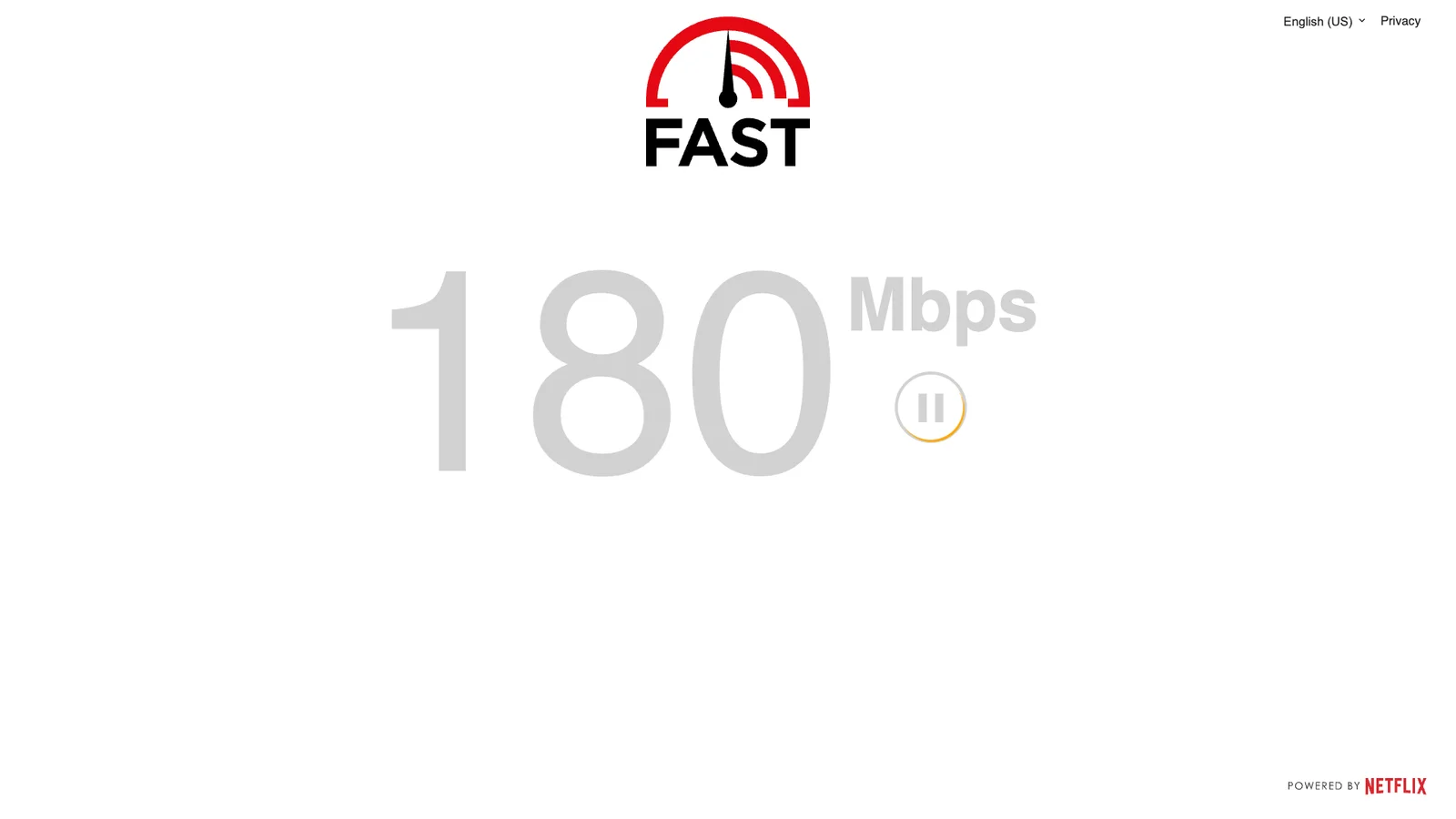
Netflix's speed test starts the moment the page loads, with no ads or buttons. Click "Show more info" for upload speed and latency. If your connection feels slow, test here before calling your provider.
71. Downdetector
Outages
Shows whether an app or service (WhatsApp, Instagram, your bank, your internet provider) is having problems right now, based on user reports, with a live chart and outage map. Check it before restarting your router for the third time.
72. PageSpeed Insights
Speed
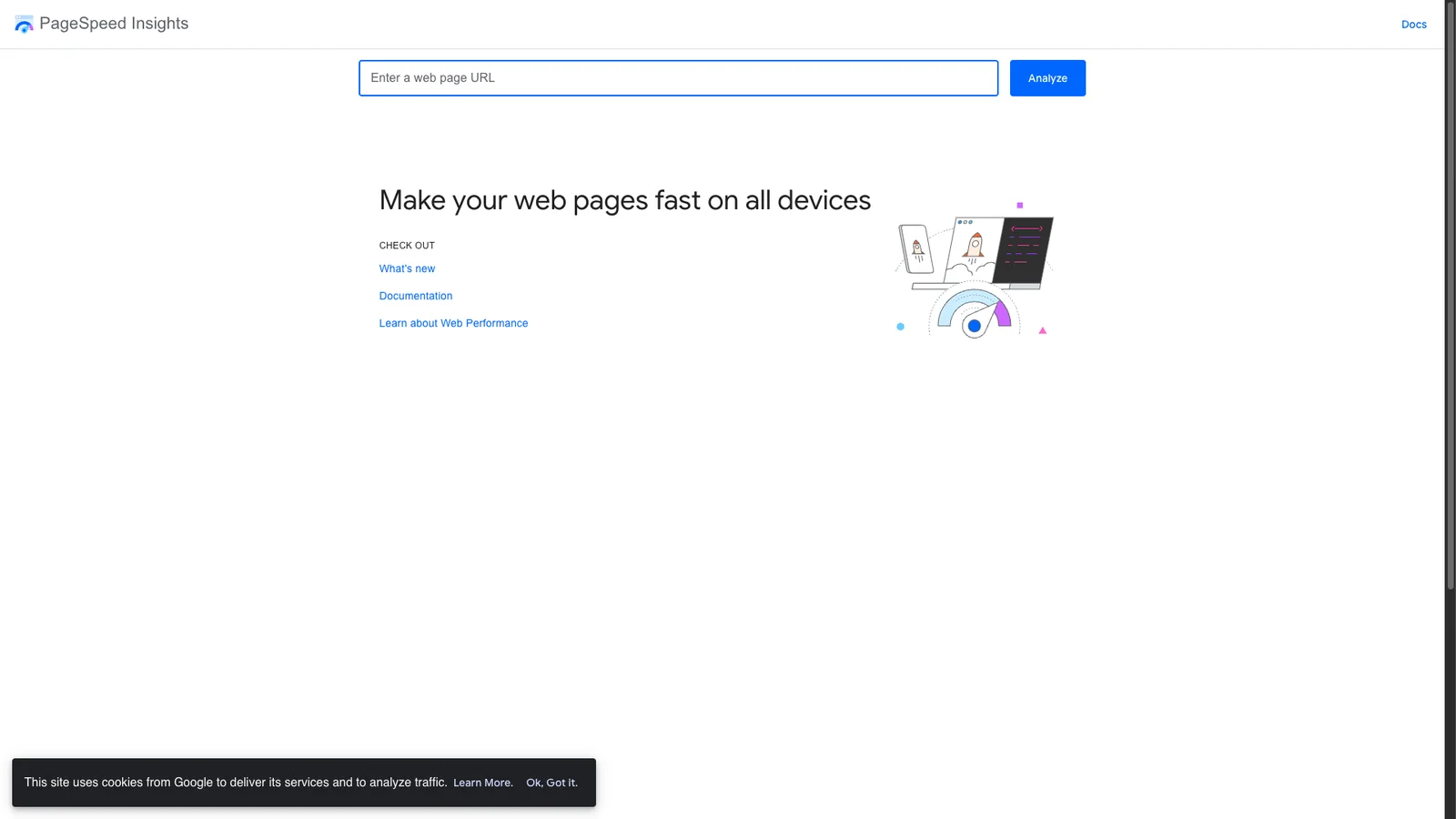
Google's free audit for any web page. It shows real-world loading data from Chrome users plus a lab test with specific fixes. Essential if you run a site and care about search rankings.
73. GTmetrix
Speed
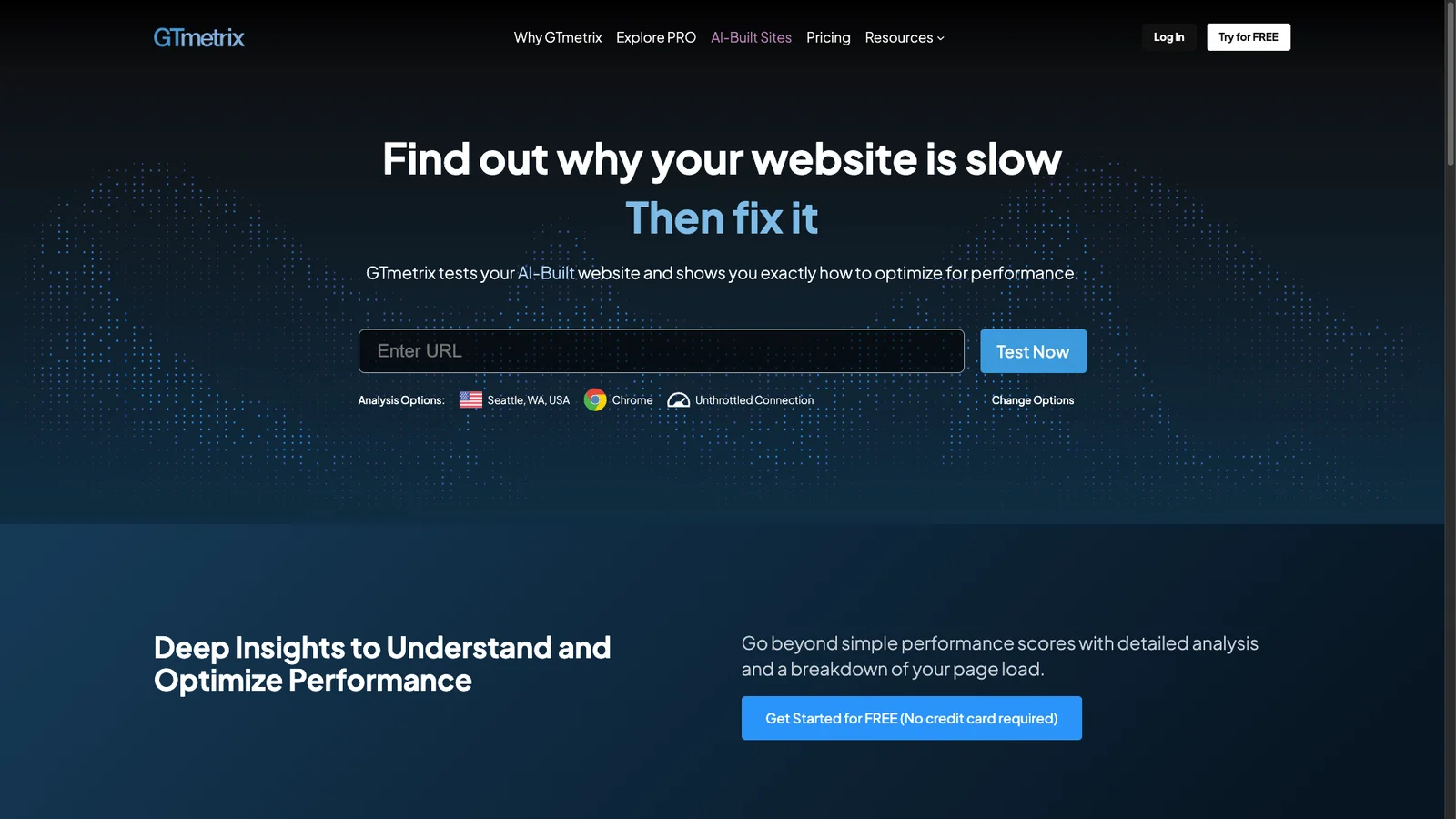
A second opinion on page speed with a detailed waterfall chart that shows every file a page loads and how long each took. Great for finding the one oversized image or slow script.
74. DNS Checker
DNS
Checks a domain's DNS records from servers around the world, so you can see whether a change has spread. It also has WHOIS lookup, IP location, and "what is my IP" tools in one place.
75. Internet Live Stats
Stats
Live counters estimating how many emails, Google searches, tweets, and YouTube views happen every second. The numbers are model estimates rather than measurements, but they make a strong opening slide.
FAQs
What are the most useful websites to bookmark?
Are these websites free?
Which website replaces Photoshop in the browser?
What is the best free way to send large files?
What happened to Firefox Send?
Is it safe to upload files to these sites?
Do I need to install anything?

Sumit
ContributorHi, I'm Sumit, Being an introvert I have always been obsessed with technology-computers and reading dozens of posts to learn, find answers out of my curiosity. I love to write as I explore more.