You spot a logo, poster, or screenshot and want the exact typeface. Font identifiers compare letter shapes in your image against large font databases and return the closest matches, often with purchase or free-download links.
To build your own typeface instead, see turn handwriting into a font. For broader design utilities, browse most useful websites.
Steps that work on every tool
- Isolate the text. Crop so one font fills the frame. Mixed typefaces confuse matchers.
- Increase contrast. Straighten skewed photos. Boost brightness or sharpness if letters look muddy.
- Upload or capture. Use the tool's upload box, camera, or a screenshot.
- Confirm characters. Some tools ask you to verify each detected letter. Fix misreads before matching.
- Pick the closest match. Compare weight, serifs, and spacing in context. Activate or buy only after you test the font in your layout.
Best font finders from images
1. WhatTheFont
Web
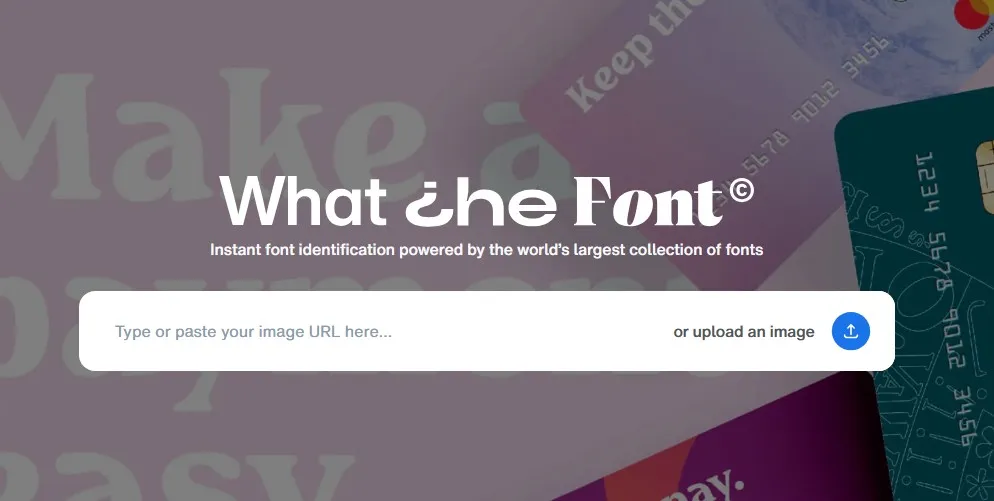
MyFonts' free identifier. Upload a photo, confirm detected characters, and get ranked suggestions from the MyFonts catalog with purchase links. Strong on commercial display and body fonts.
Try WhatTheFont
2. Font Squirrel Matcherator
Free fonts
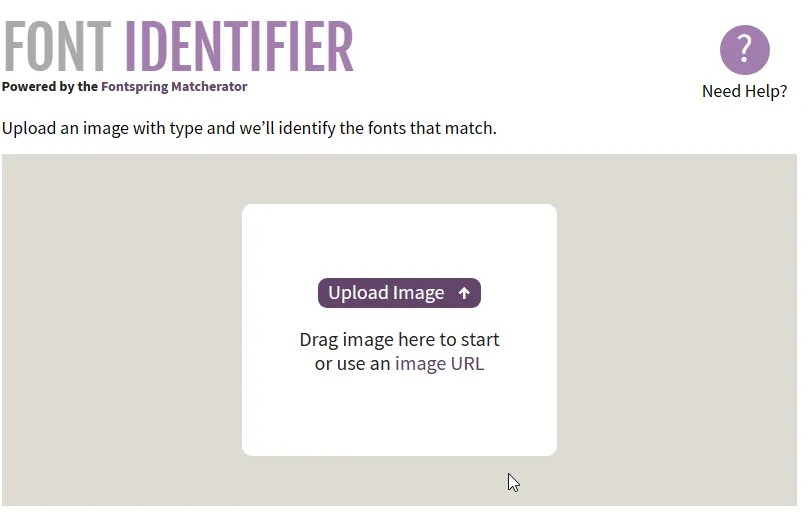
Matcherator focuses on free, commercial-use fonts from Font Squirrel. Simple upload flow and clear download buttons when a match exists.
Try Matcherator
3. WhatFontIs
Large database
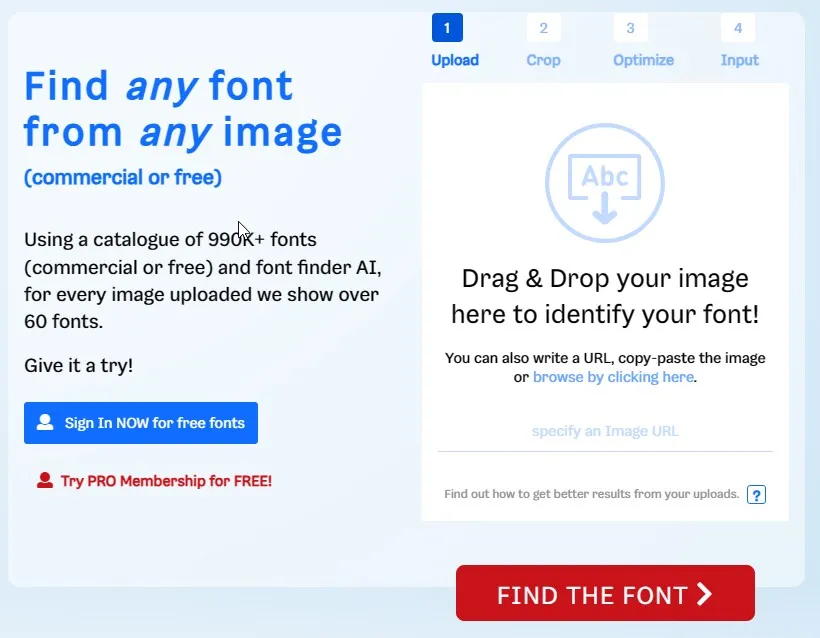
Indexes free and paid fonts from many foundries. Returns multiple close matches and links to buy or download. Useful when WhatTheFont misses.
Try WhatFontIs
4. Adobe Capture
Mobile
Adobe's free mobile app (iOS and Android) includes Identify Typography. Point the camera or import a photo to get similar fonts from Adobe Fonts. Best if you already use Creative Cloud and want one-tap activation.

5. Photoshop Match Font
Desktop
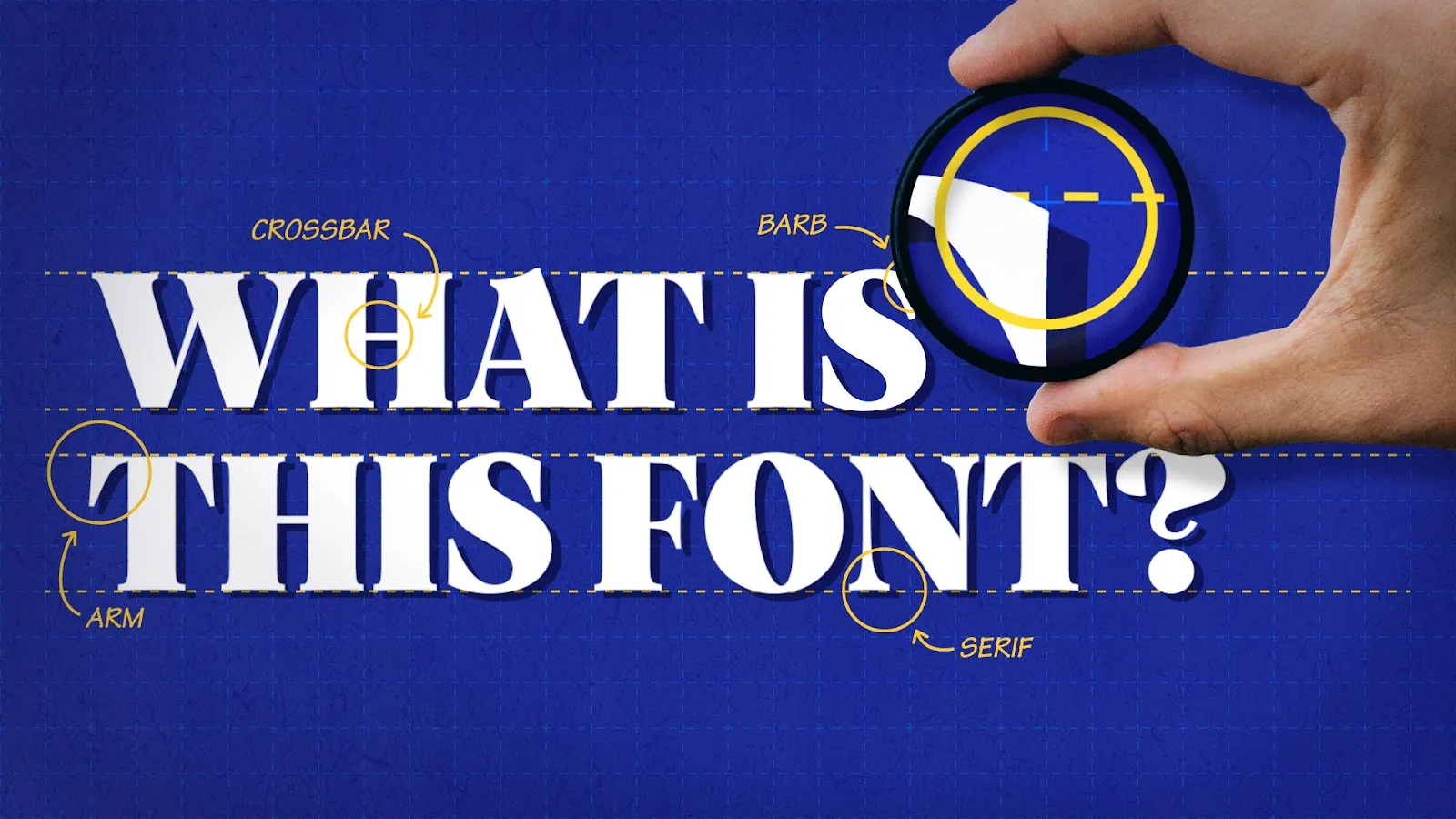
In Photoshop, select the text with the Rectangular Marquee tool, then choose Type > Match Font. Photoshop lists similar installed fonts and optional Adobe Fonts matches. Illustrator and InDesign work best when the text layer is still editable.
6. Identifont
Q&A matcher
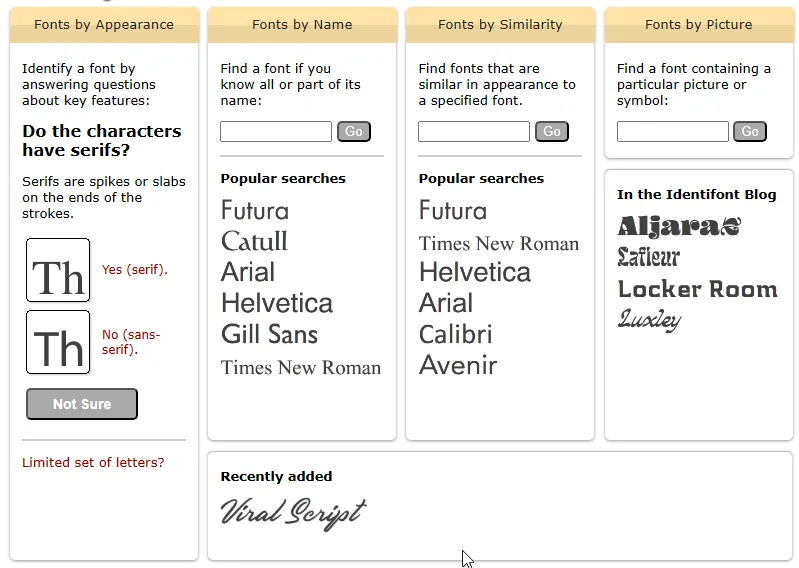
No upload required. Answer questions about serifs, letter shape, and contrast and Identifont narrows the list. Handy when you cannot crop a clean sample but remember how the font looks.
Try Identifont
7. Find My Font
Desktop app
Windows and macOS app that scans images and compares against online catalogs plus fonts already on your machine. Paid license with a trial; useful when you match against a local library often.
Try Find My Font
Mobile font ID apps
Dedicated camera apps can be faster than mobile browsers:
- WhatTheFont (iOS and Android): same engine as the MyFonts site.
- WhatFontIs mobile apps: mirror the web database with camera capture.
- Fonti (iOS): AI-based identification from photos when you want a newer dedicated app.
Removed: Font Candy is still on the App Store, but it is a text-on-photo editor, not a font identifier. Do not use it for identification.
When automatic ID fails
- Custom or modified logos: brands often tweak letterforms. Match the closest commercial font, then adjust tracking and weight manually.
- Low resolution: upscaling rarely helps. Find a higher-res source or trace key letters by hand in Identifont.
- Script and handwriting: matchers struggle on connected strokes. Try WhatFontIs or a human forum such as r/identifythisfont on Reddit.
What is the best free font identifier?
Can I find a font from a screenshot?
Does Photoshop identify fonts from images?
Why does my font match look wrong?
How do I find a font without uploading an image?
Are font finders legal to use?

I write as a writer, as someone very familiar with the Internet, as someone who is completely at ease with current technology and the way it is transforming the social fabric of the globe, the business world in particular.